Transaction Ingestion on Mesh - Payment Screening
Last updated: May 18, 2026
Transactions for Payment Screening can be submitted in two ways:
Via a synchronous API end point
Via batch (UI & API end point)
Each transaction has to have a related customer record in Mesh.
Our system will check for an existing record and create any required customers automatically in Mesh where needed.
For a full technical understanding of our transaction attributes and capabilities please review our Transaction API documentation.
Single transaction ingestion
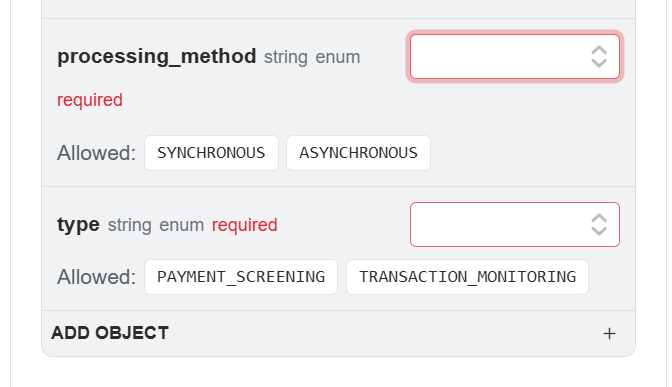
Through synchronised transaction ingestion, you can submit payments in real-time via a synchronous API endpoint, ensuring you perform immediate transaction screening. This ingestion path serves as your critical frontline defence, enabling you to verify transaction details—including i.e. the sender, receiver, and intermediary banks—against global sanctions and custom-managed lists with sub-second latency. By embedding this synchronous flow directly into your transaction authorisation chain, you can block or flag high-risk payments instantly, allowing you to prevent financial crime before a transaction is processed.
Batch transaction upload
With batch transaction upload, you can submit large volumes of payments to be evaluated by Payment Screening in Mesh via either the user interface or an API endpoint.
This ingestion method is ideal for non-urgent payments, as it allows you to consolidate a wide variety of transactions and related fields before submitting them to our system.
When preparing your files, you have the flexibility to either link transactions to your existing customer records or perform inline customer creation and updates directly from the batch.
While the process acts as an asynchronous entry point to manage high throughput, it ensures your data is securely stored and readily accessible for remediation, helping you maintain robust compliance without the sub-second latency constraints of real-time screening.
Any data you send is stored securely in Mesh and returned via API and in the web app.
Managing customers
Transactions need to be attached to a customer record. For the fastest evaluation of transactions, users should attach the transaction to a pre-existing customer. However, we also offer the ability to update or create a customer in Mesh at the time of transaction processing.
Full details of your options are on our API docs.