Downloading a data export
Last updated: August 21, 2026
After you have created a data export you can download it. (See also: What are data exports?)
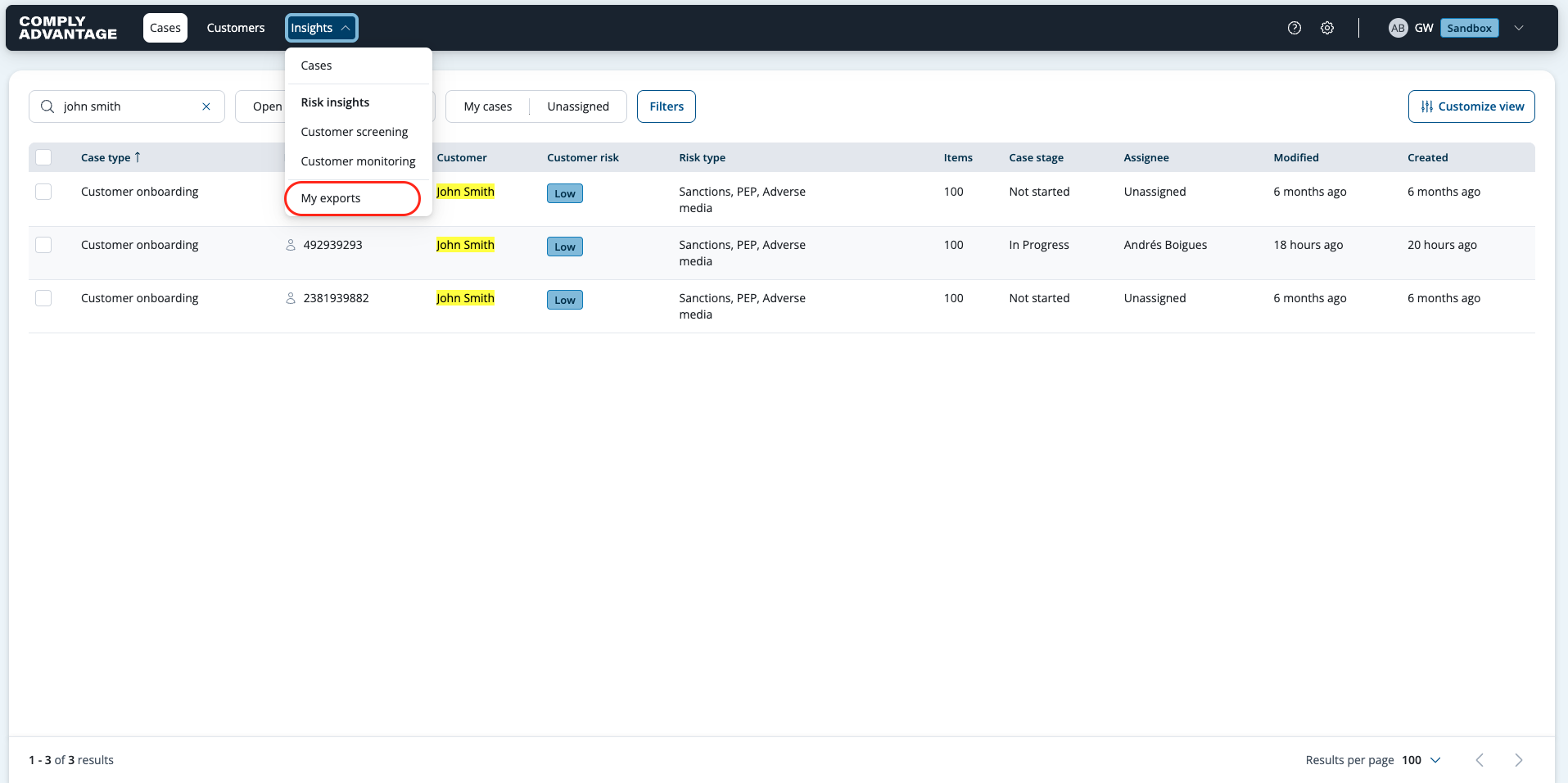
Select the Insights tab.
Select My exports to view all exports.
Find the export you want to download.
Click the Download button on the right.

The file downloads as .CSV format and will be saved locally.