Archive/Unarchive screening configurations
Last updated: August 20, 2026
You can archive a screening configuration if you don’t want it to be selectable by analysts as part of the customer creation workflow.
Archive a screening configuration
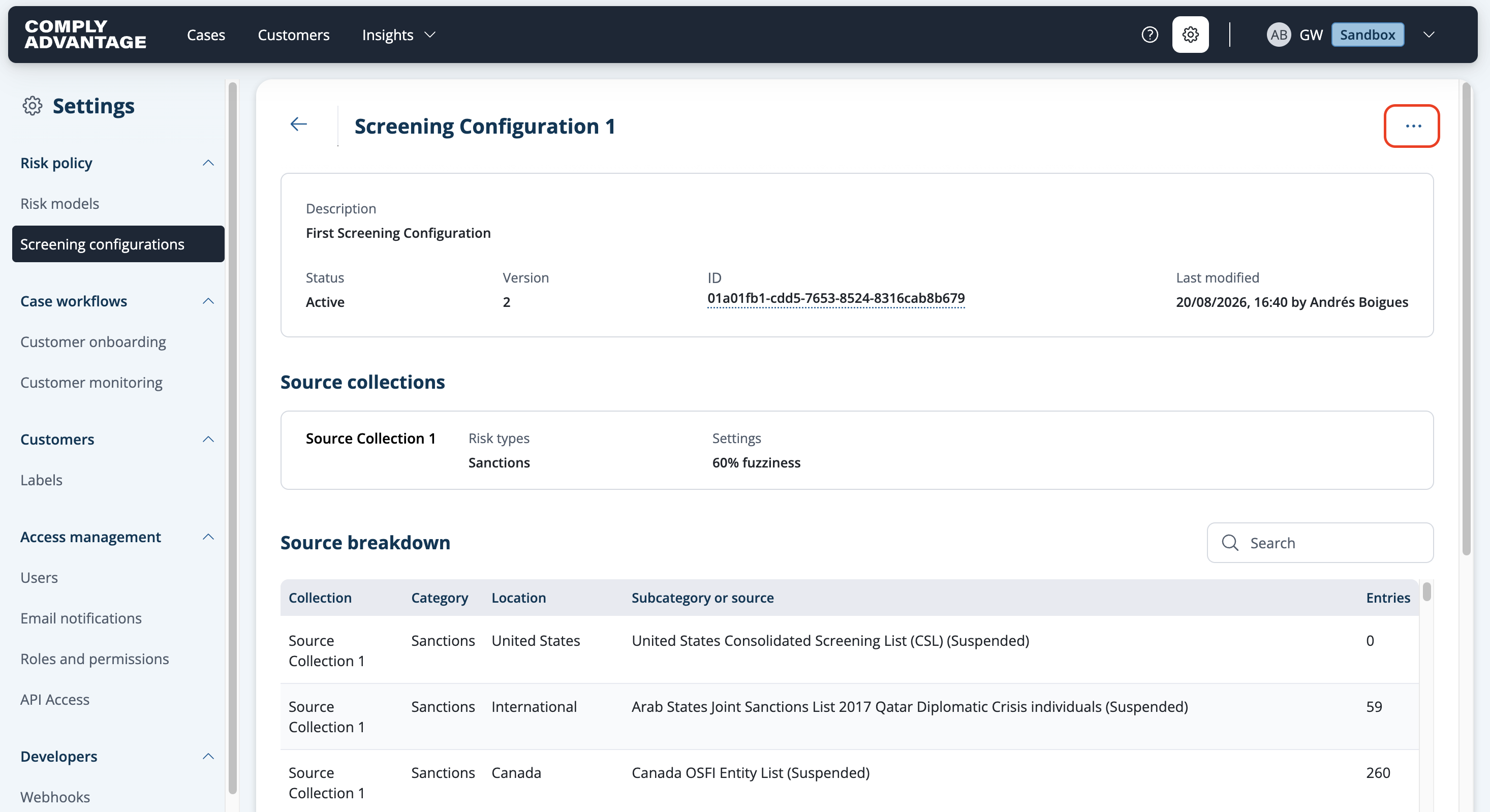
Select the screening configuration you want to archive.
Click the three dots in the upper right corner.
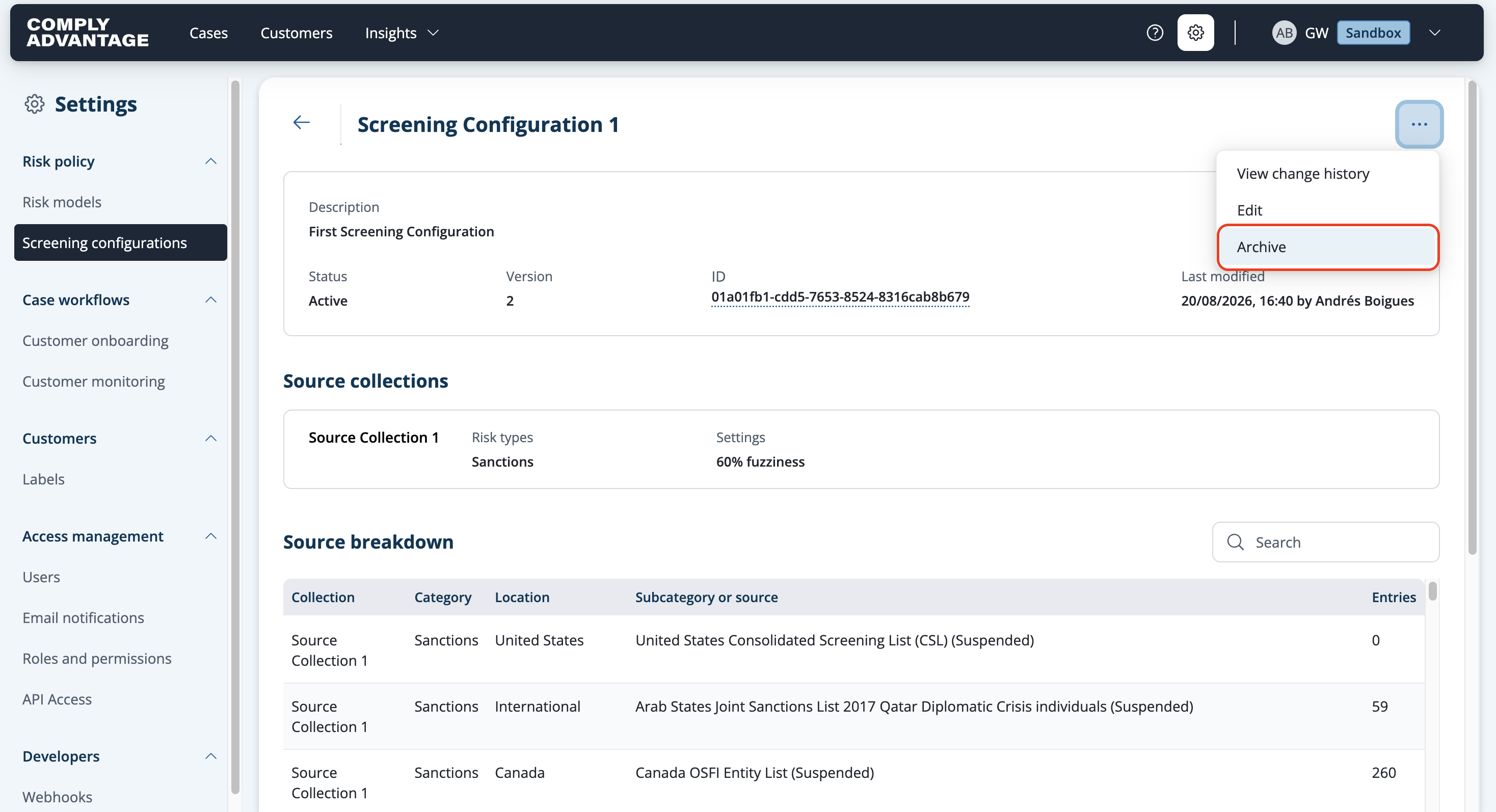
Select Archive from the dropdown.
A pop-up will be displayed asking you to confirm.

Click Archive.
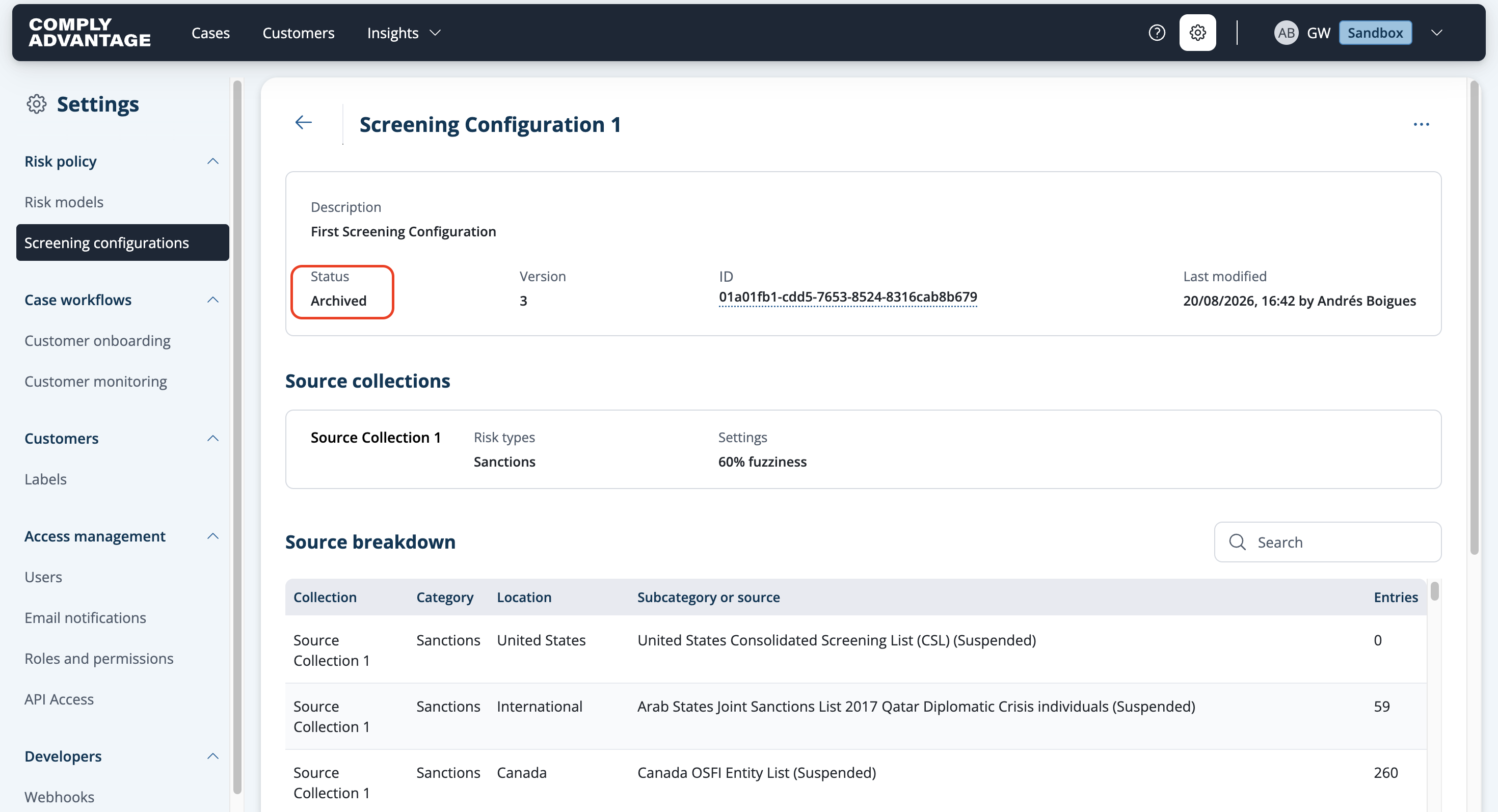
The status is updated to Archived.
Unarchive a screening configuration
Select the screening configuration you want to unarchive.
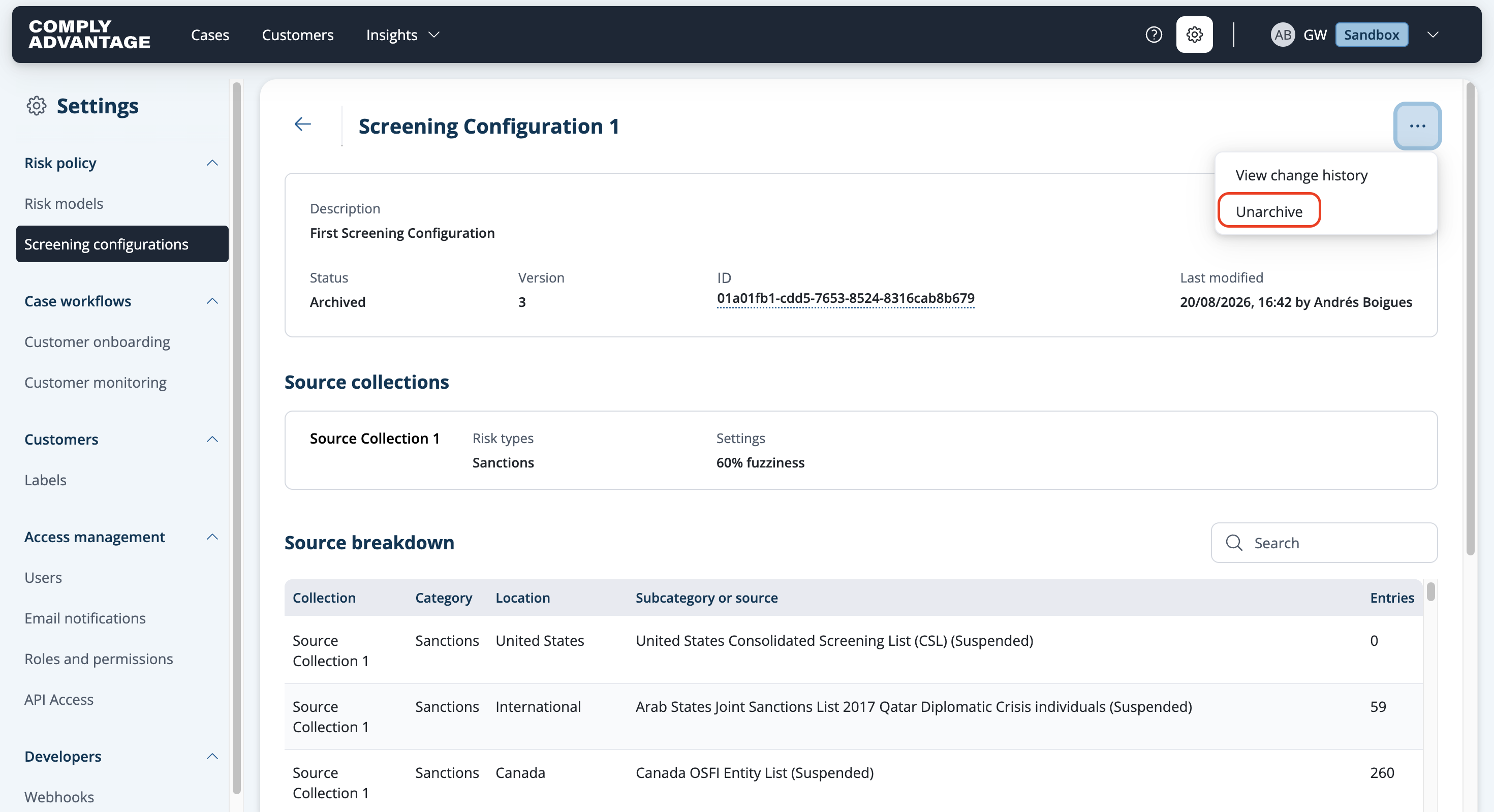
Click the three dots in the upper right corner.
Select Unarchive from the dropdown.
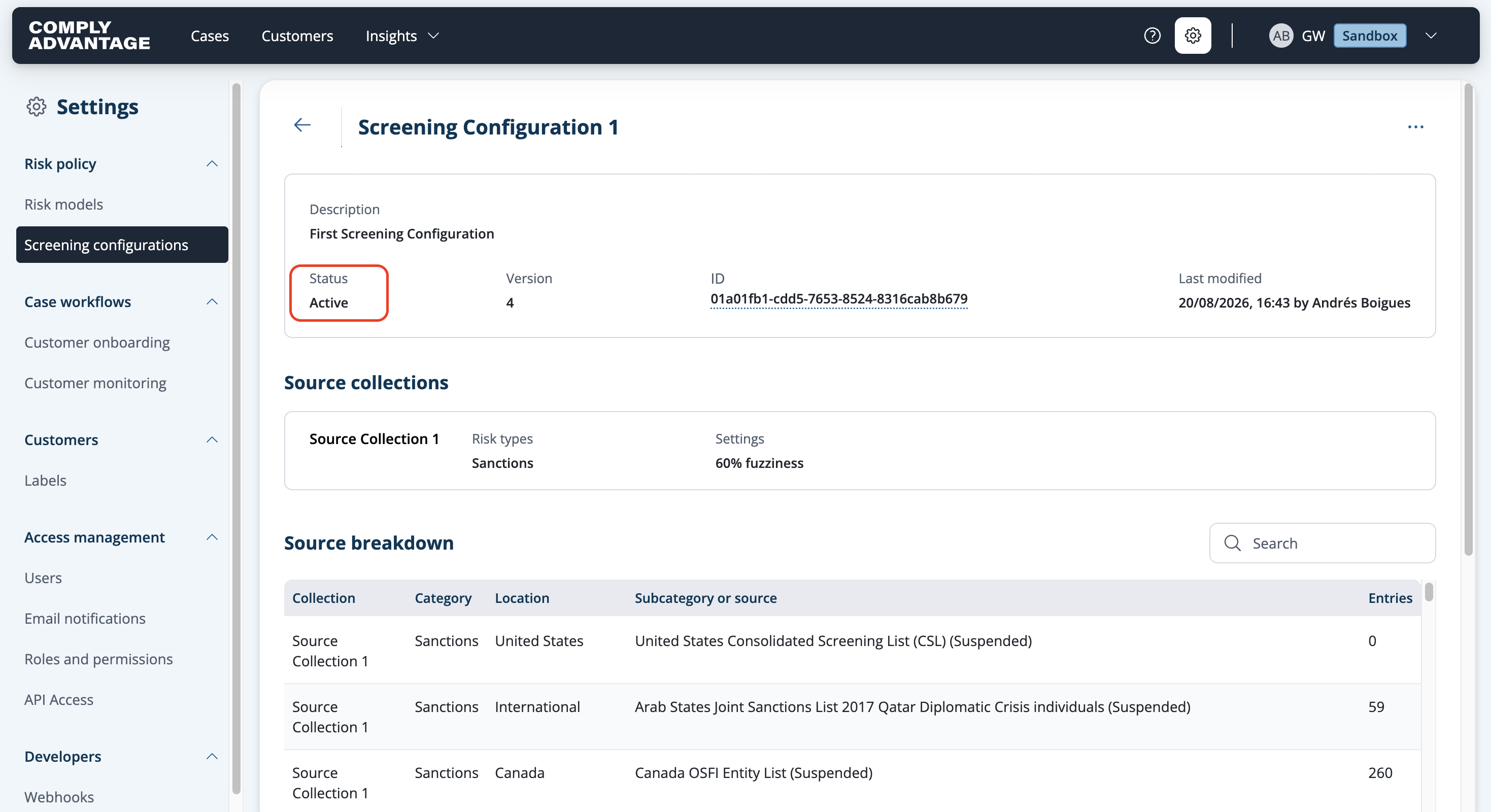
The status is updated to Active.
View archived screening configurations
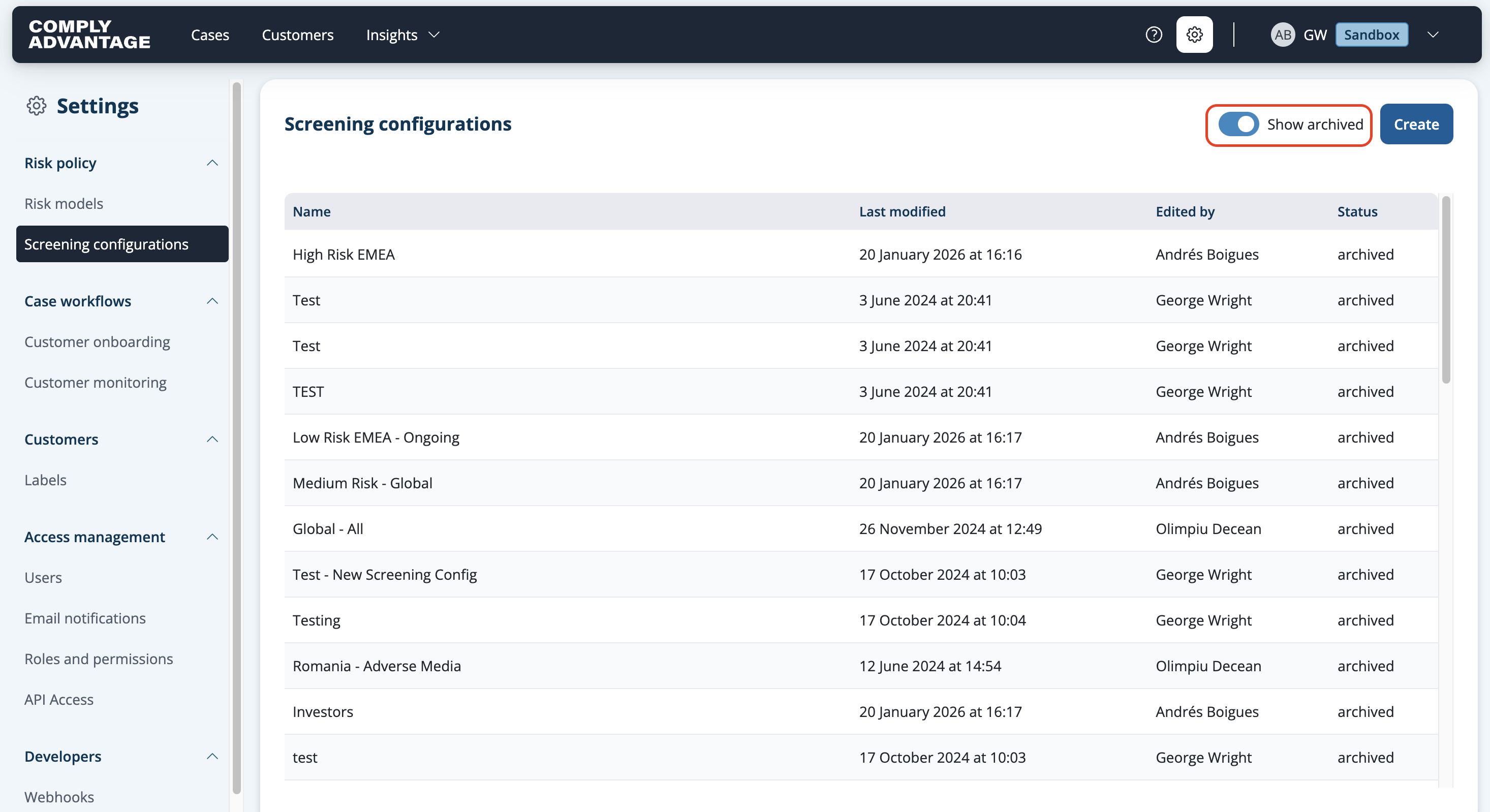
Toggle on Show archived on the screening configuration list to show archived configurations.