Edit a screening configuration
Last updated: August 20, 2026
There are two ways to change screening configurations:
Update name and description of a screening configuration.
Edit the source collections within it.
Update name and description of a screening configuration
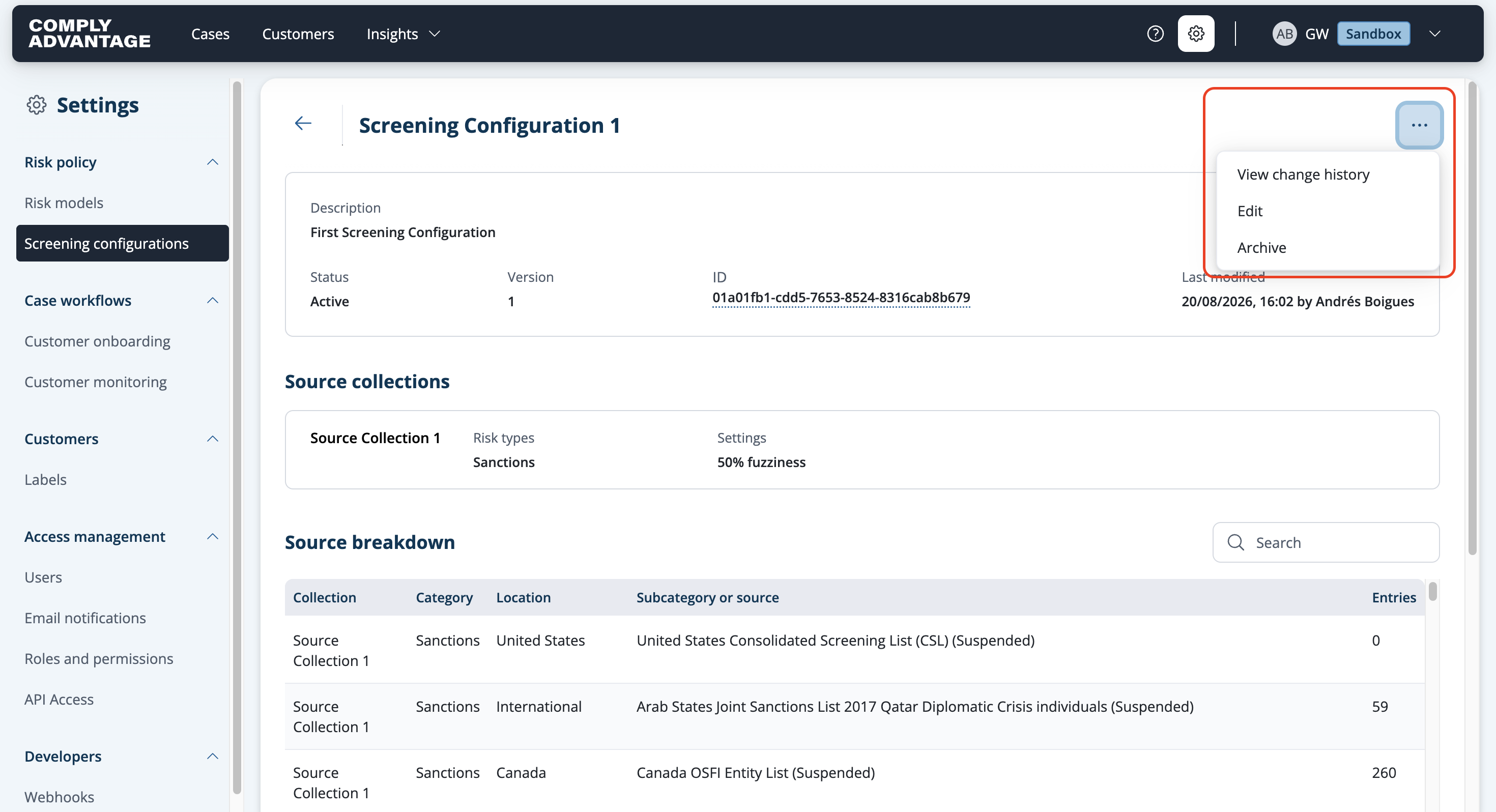
Select the screening configuration you want to edit from Settings > Screening configurations.

Click the three dots in the upper right corner.

Select Edit from the dropdown.
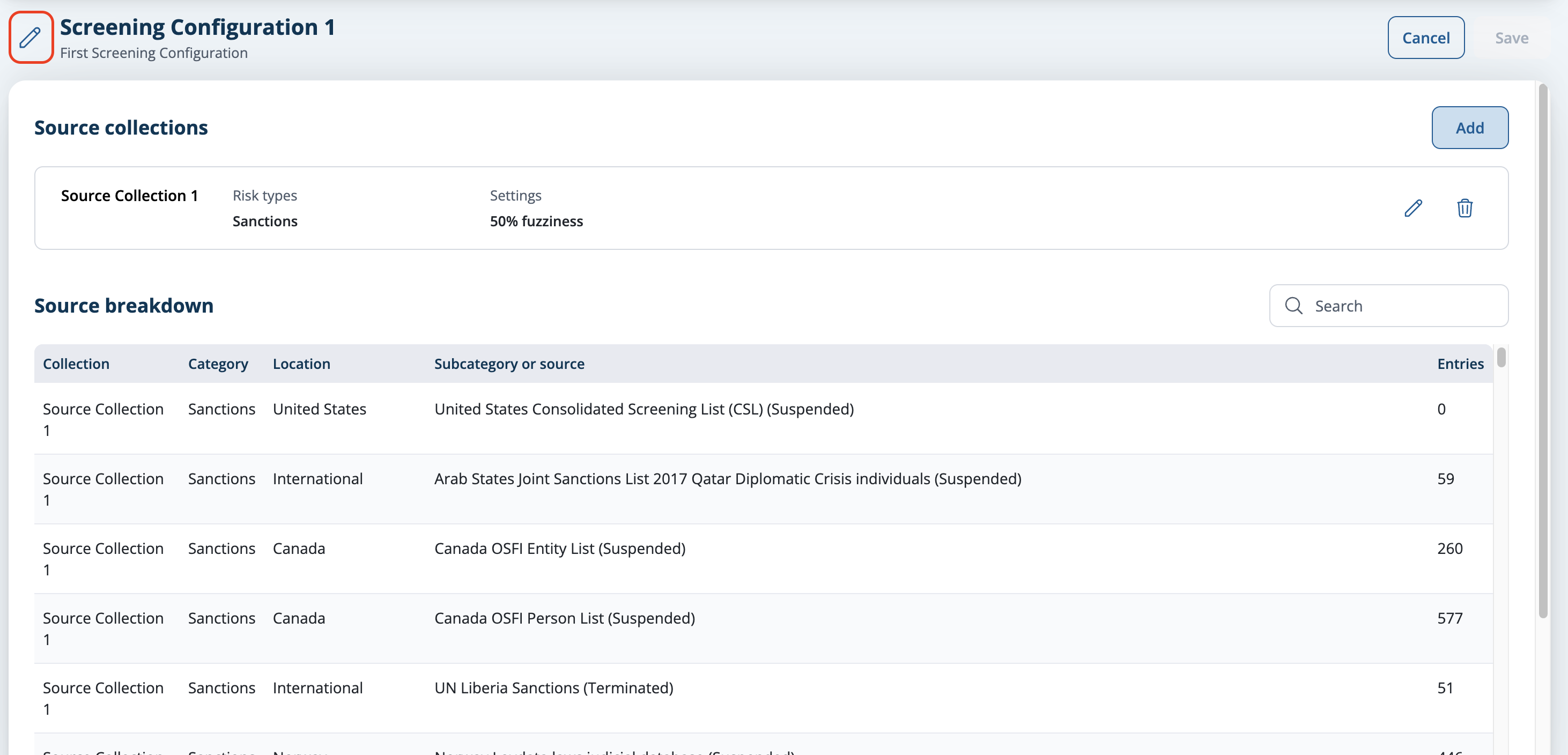
Select the pencil icon at the top to edit the name and description of the configuration.
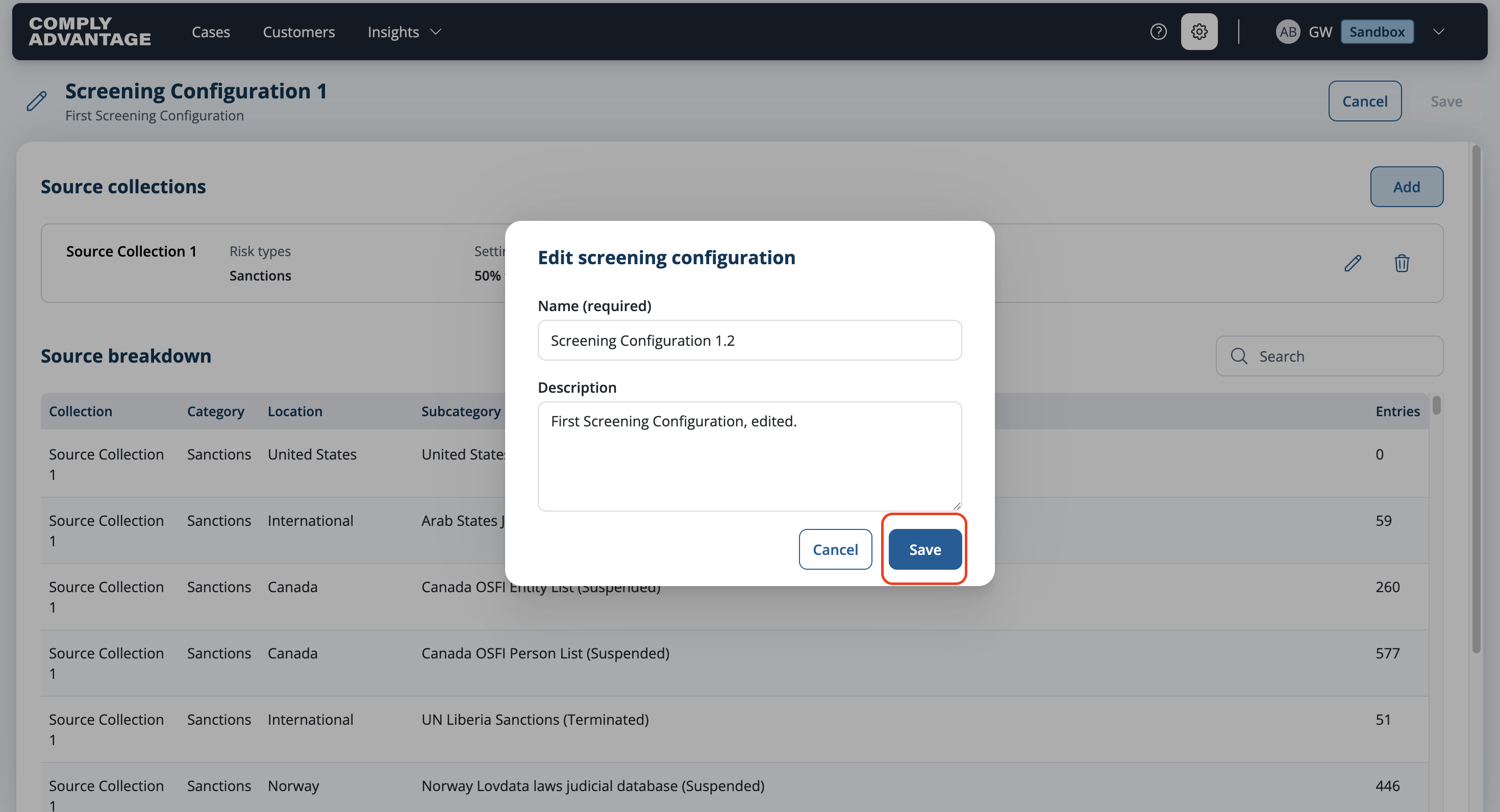
Make the required changes in the pop-up.

Click Save.
The screen will reflect the update name and description.

Edit a source collection
Select the screening configuration you want to edit from Settings > Screening configurations.

Click the three dots in the upper right corner.
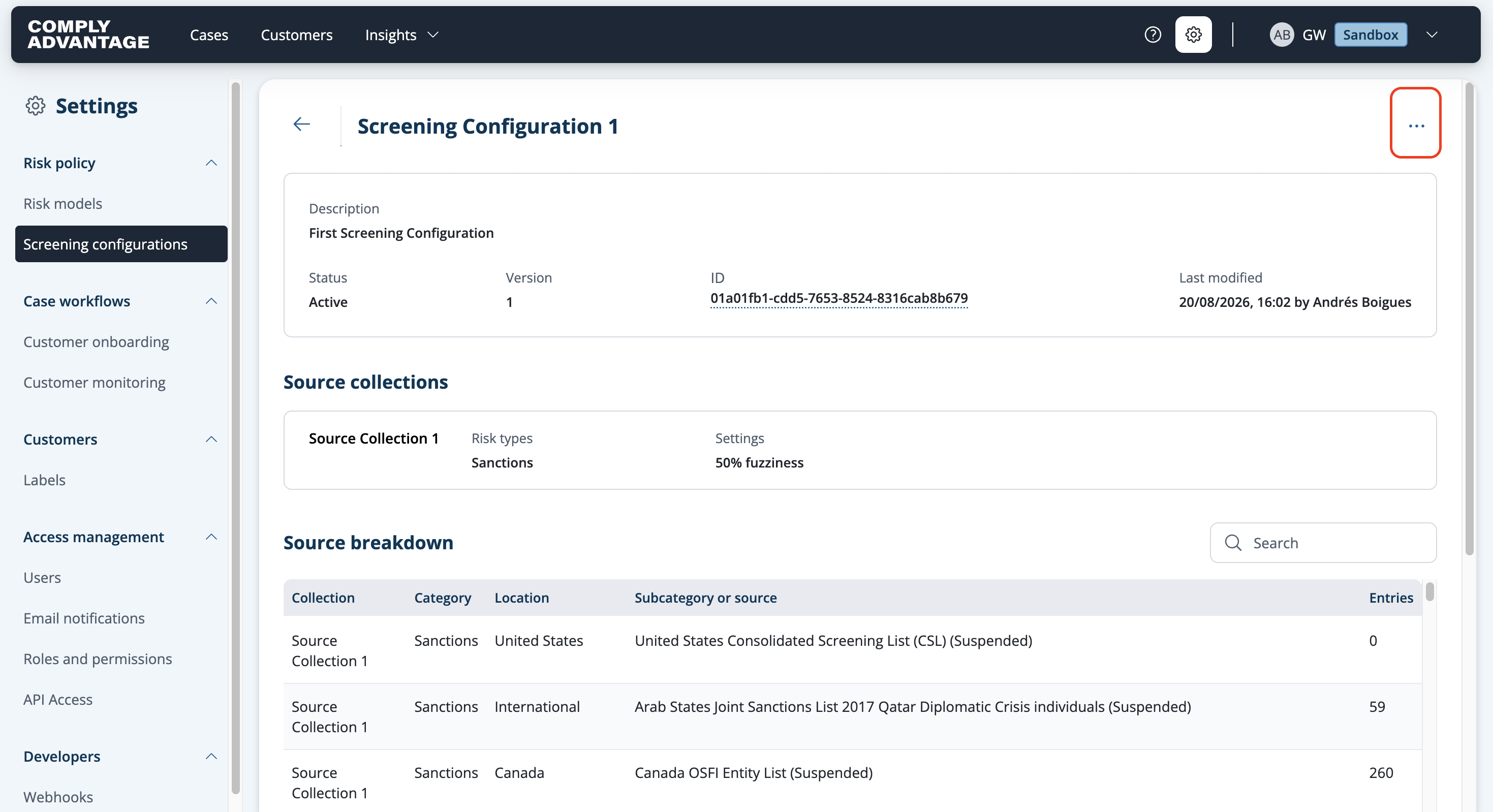
Select Edit from the dropdown.
Click the pencil button in the box for the source collection you want to edit.
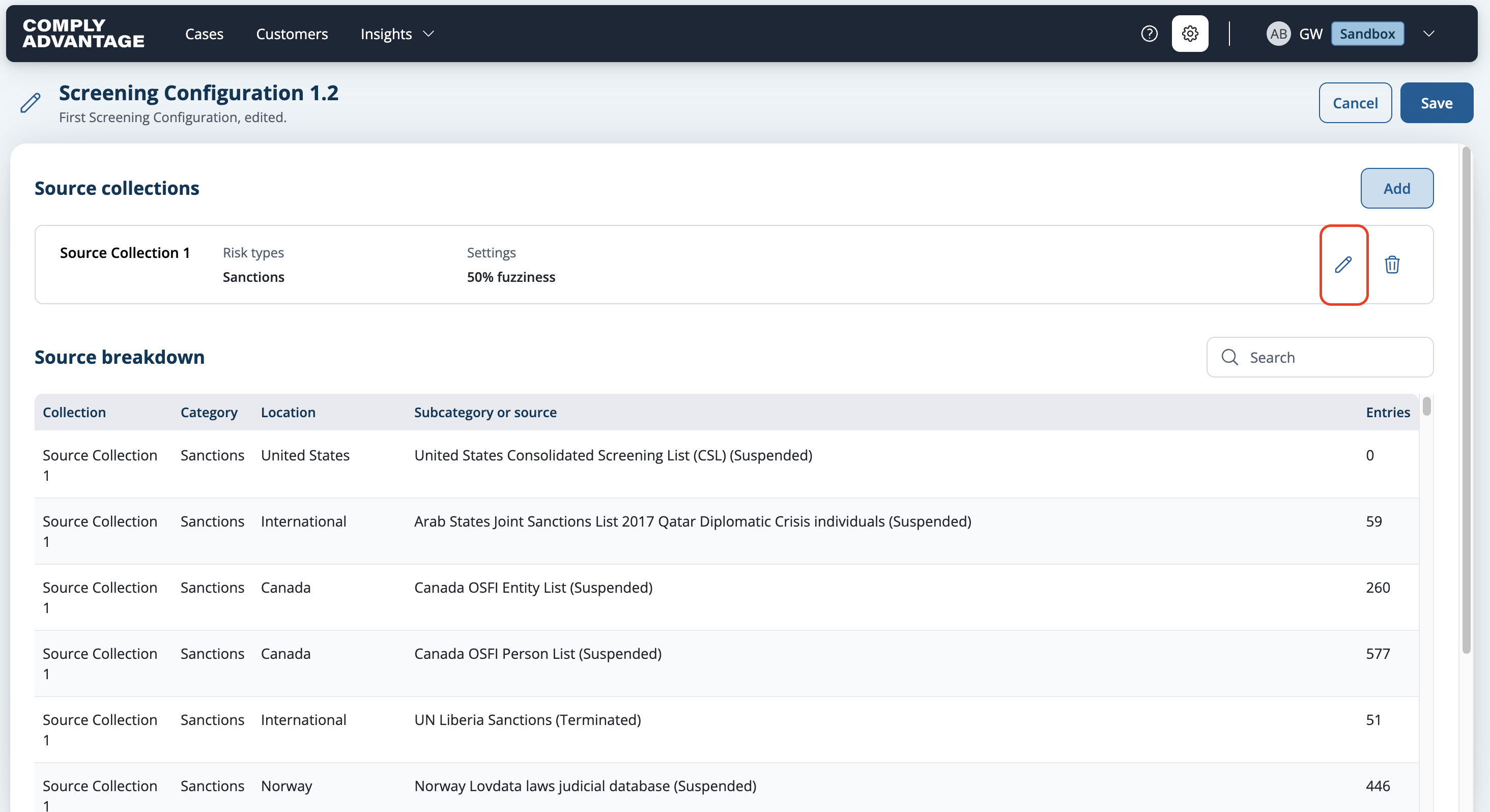
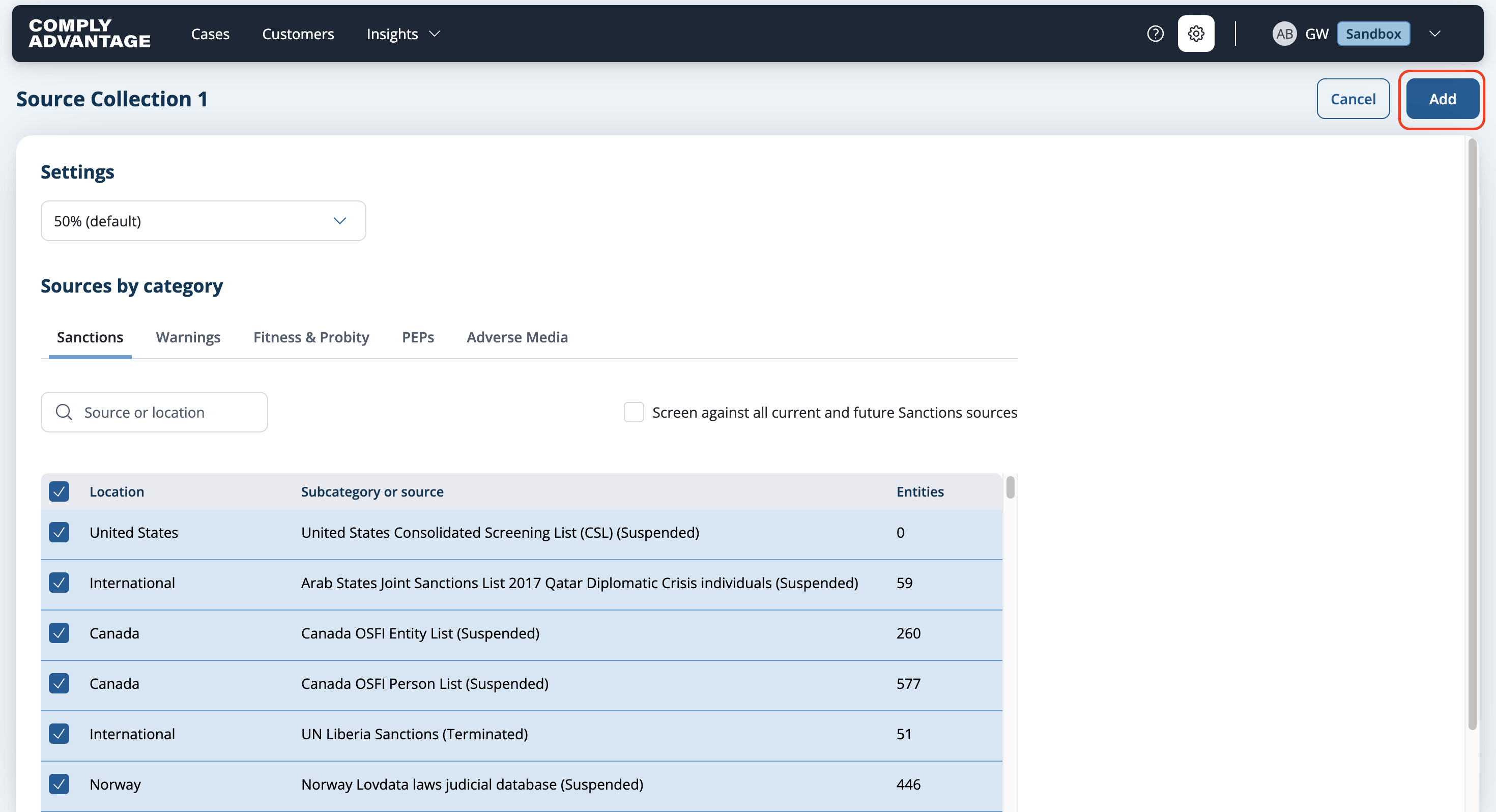
You can make changes in the following ways:
Fuzziness
Add more sources
Remove sources
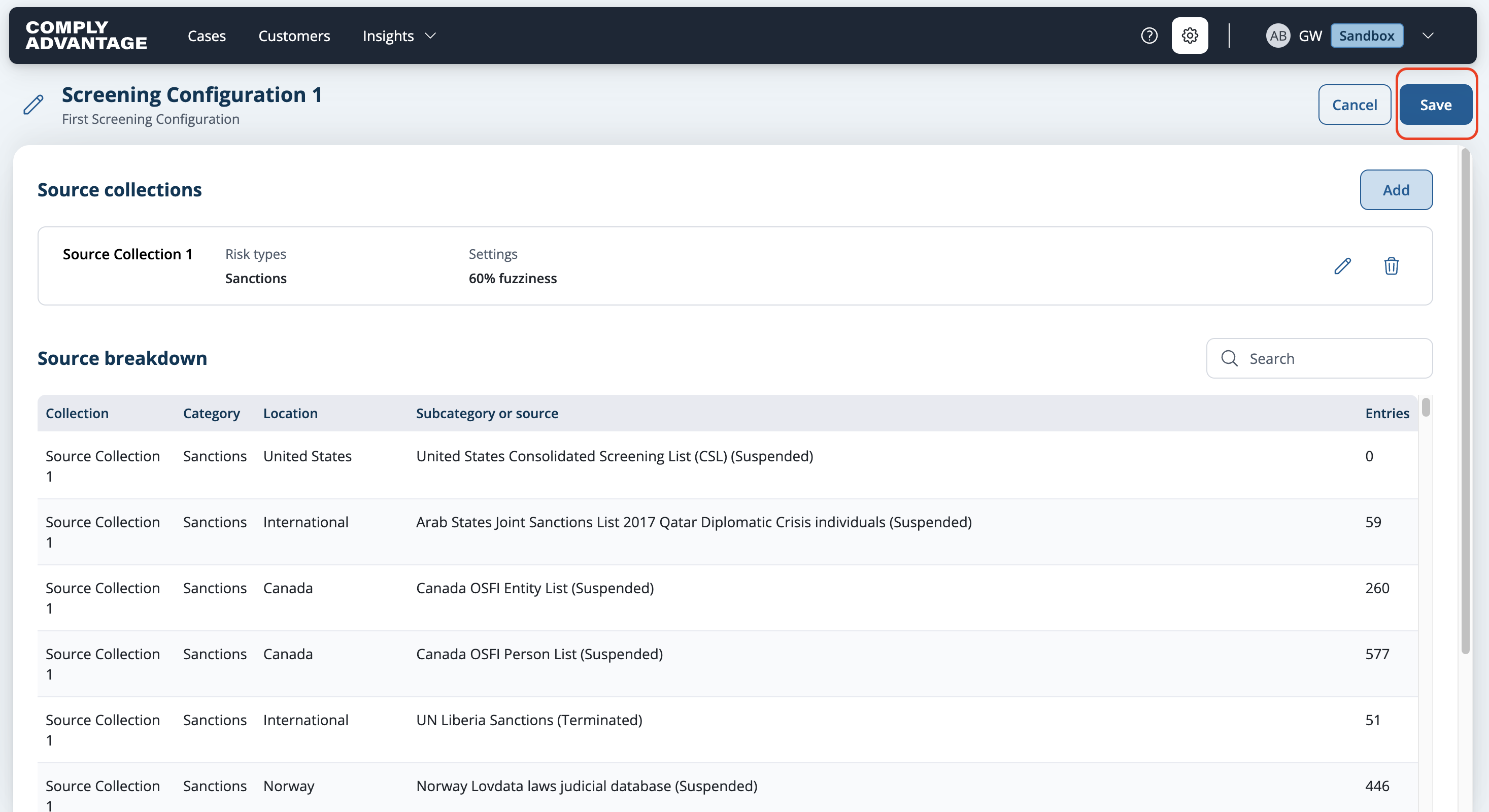
5. Select Add in the upper right corner to add the changes to the configuration.
6. Once you have made all your changes to the source collections within a configuration select Save from Screening configuration page to apply the changes.