Viewing charts in fullscreen mode
Last updated: April 7, 2026
To make it easier to see charts, you can view them in fullscreen mode.
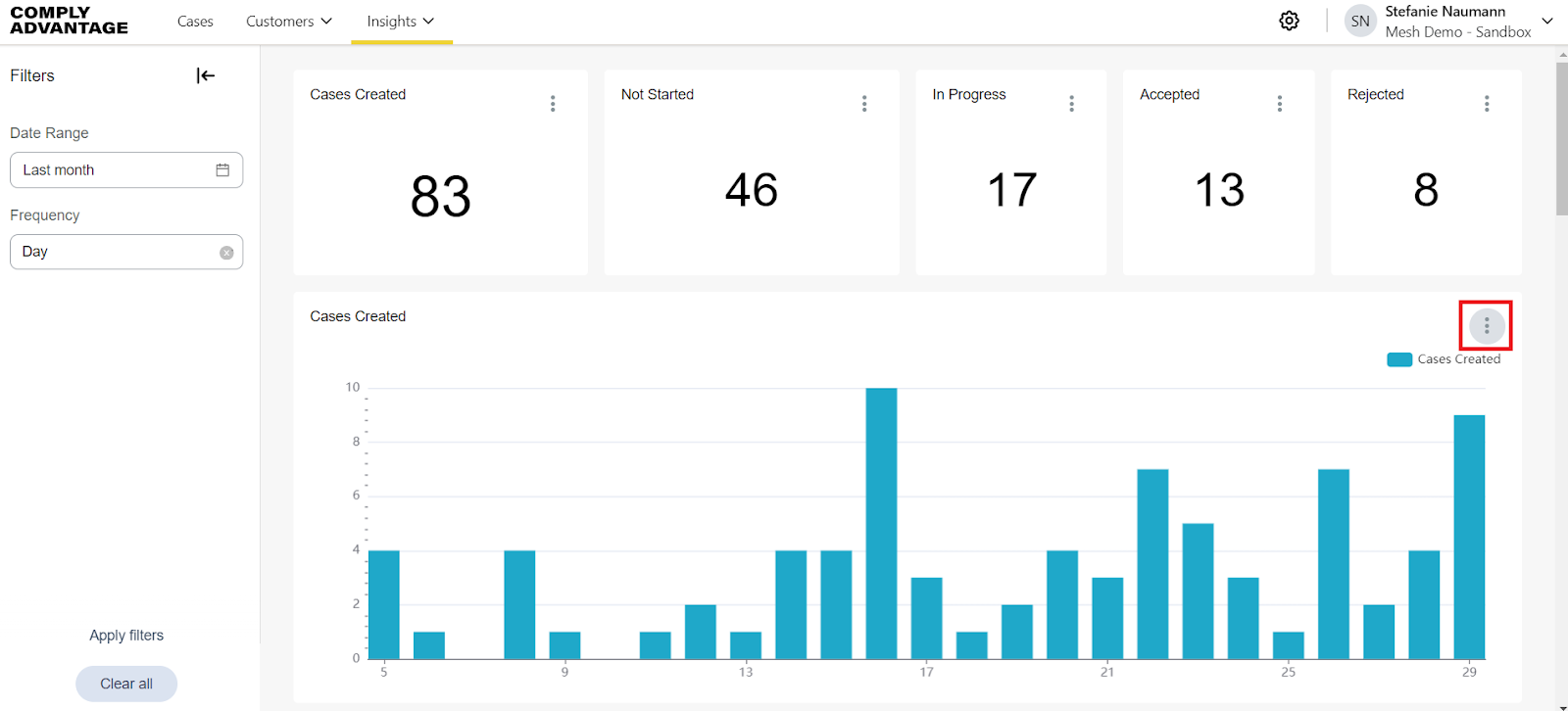
Click the three dots in the top-right corner of the chart you want to enlarge.
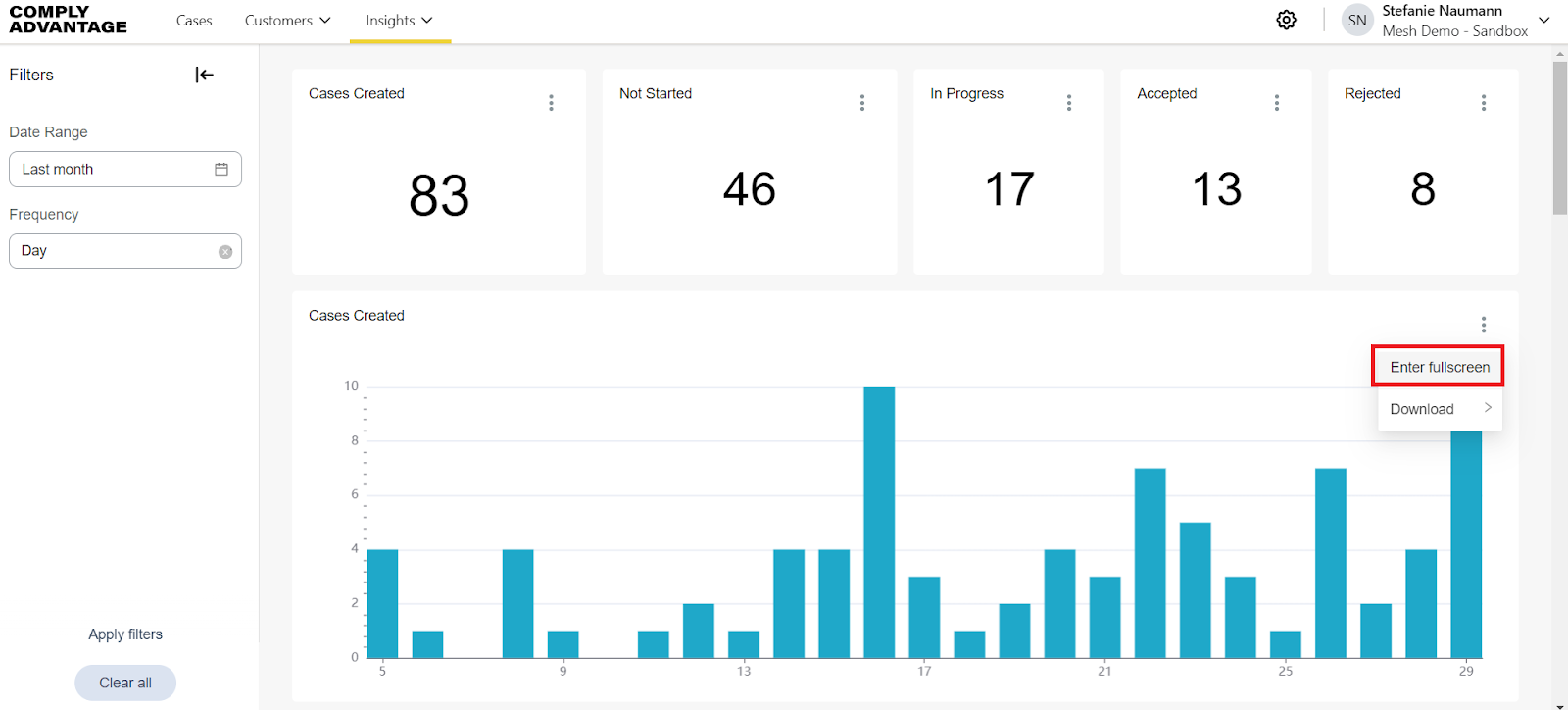
Select Enter fullscreen.
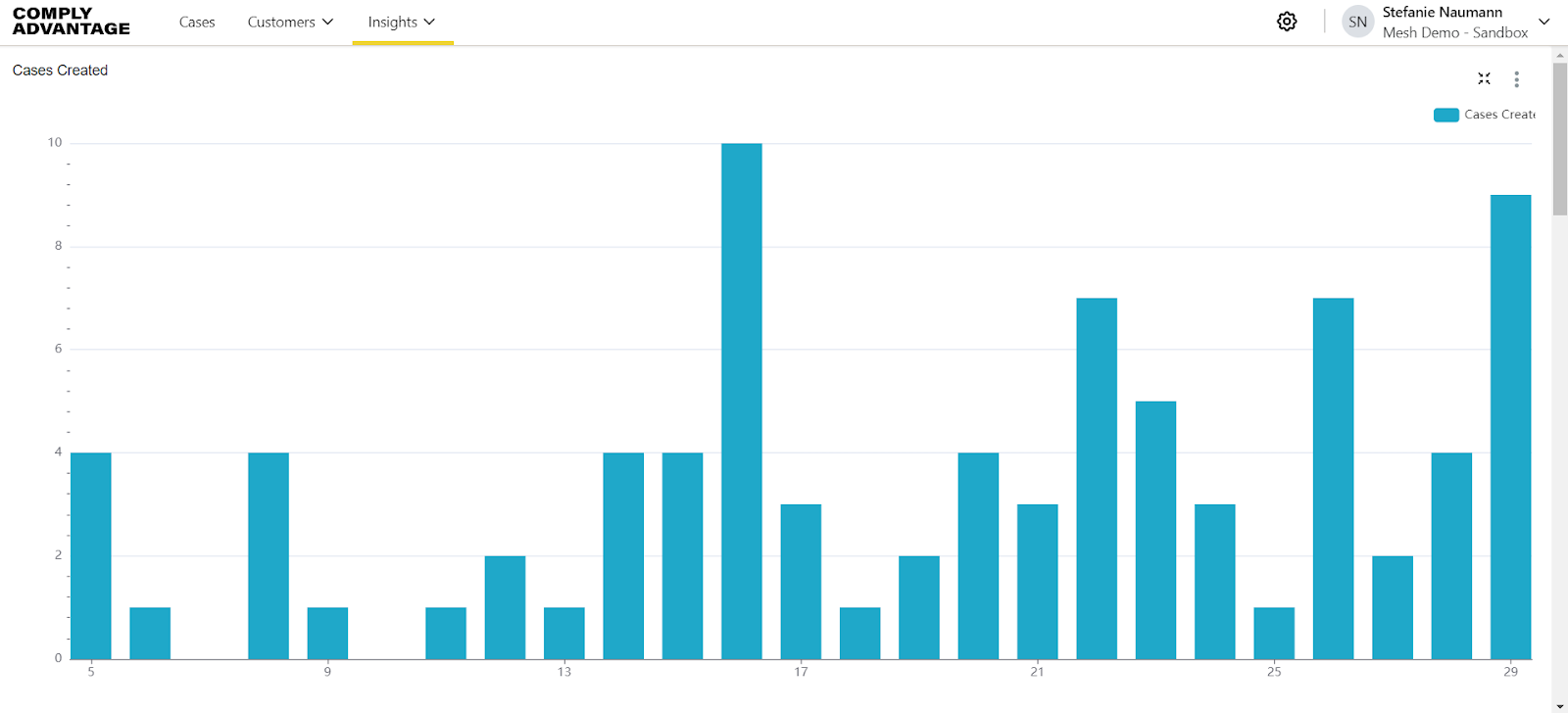
The chart enlarges to fill the screen.
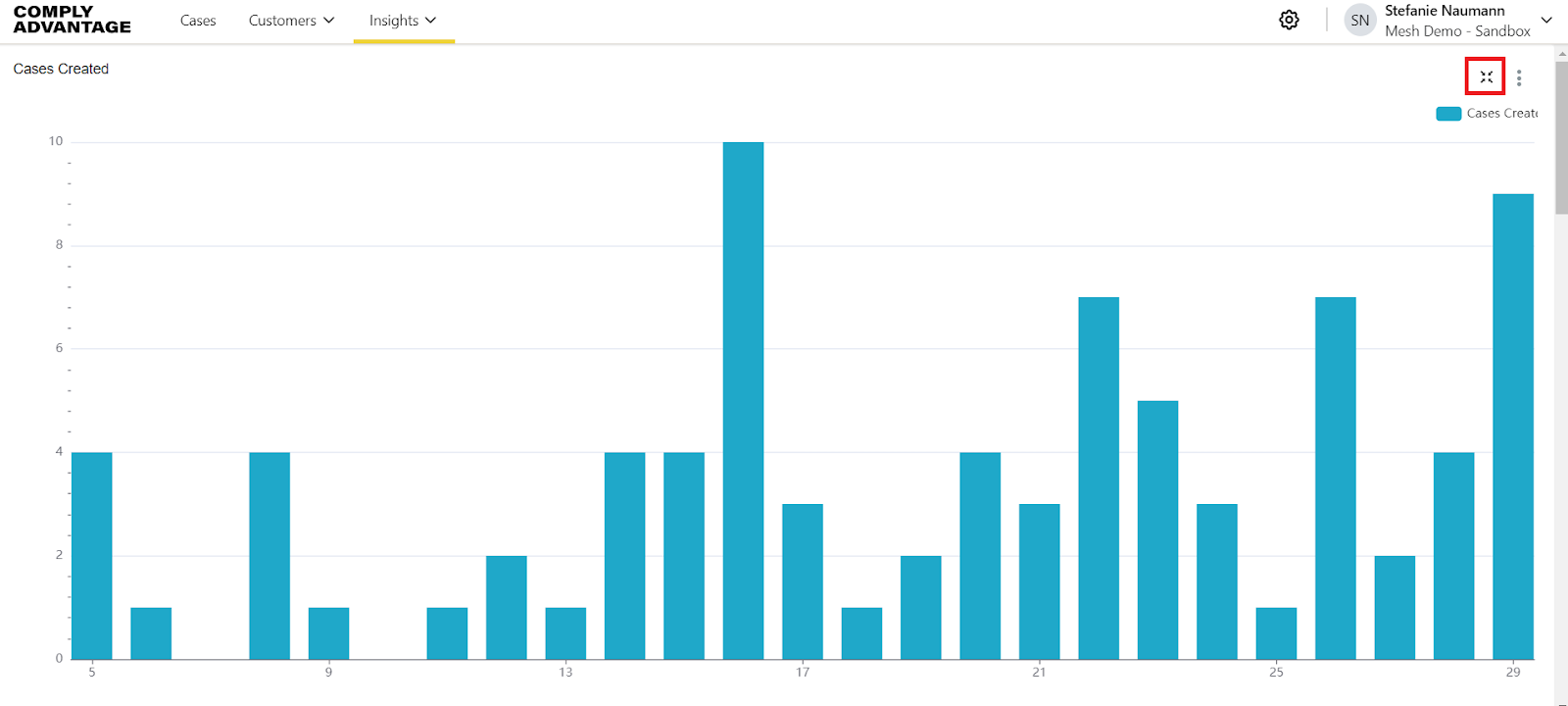
Click the resize icon in the top-right corner to exit fullscreen mode.