Video: How to edit a Screening Configuration
Last updated: October 13, 2026
In this guide, you will learn how to edit a screening configuration in Mesh.
When logging in to your account, please ensure you select the correct region, which will be one of the following:
Australia: https://au.mesh.complyadvantage.com/
You can find the link to your region in the onboarding email you received (look for the "Welcome to ComplyAdvantage" email).
If you can’t find the email, don't worry! You can always contact our support team at [email protected].
1. Select the screening configuration
First, click on the screening configuration you wish to edit.

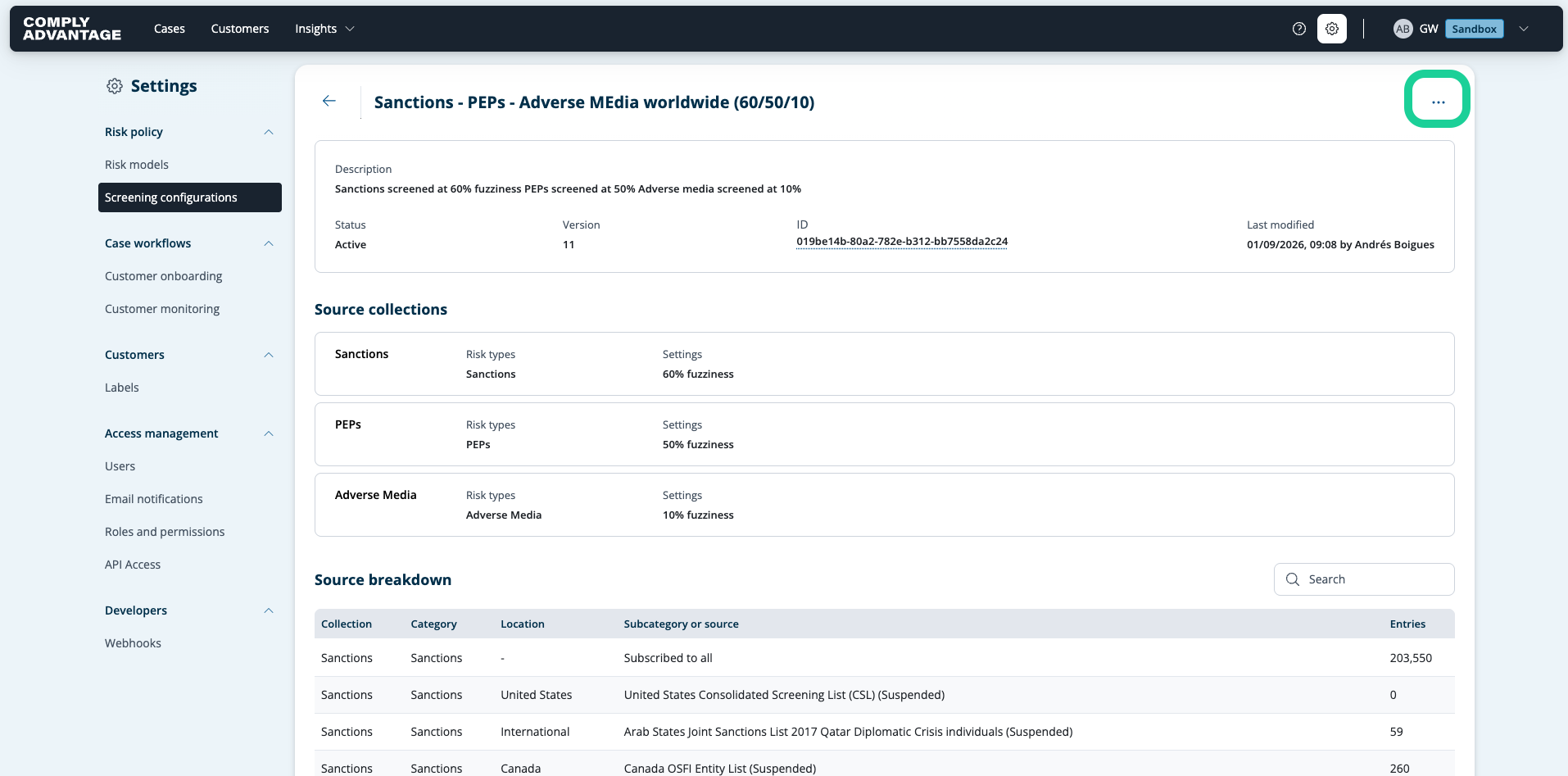
2. Click here
Click on the three vertical dots here.
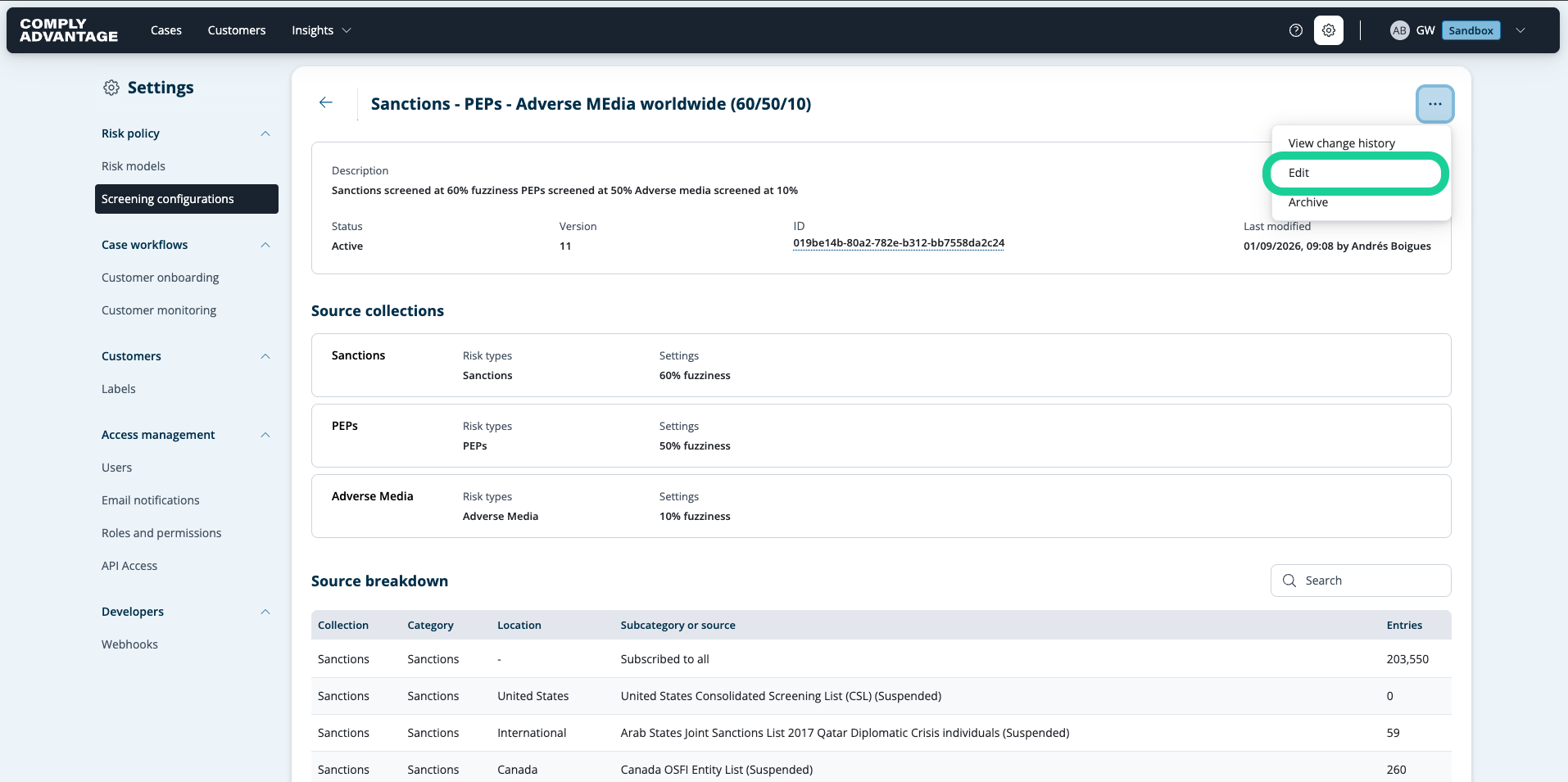
3. Click "Edit"
Select the "Edit" option.
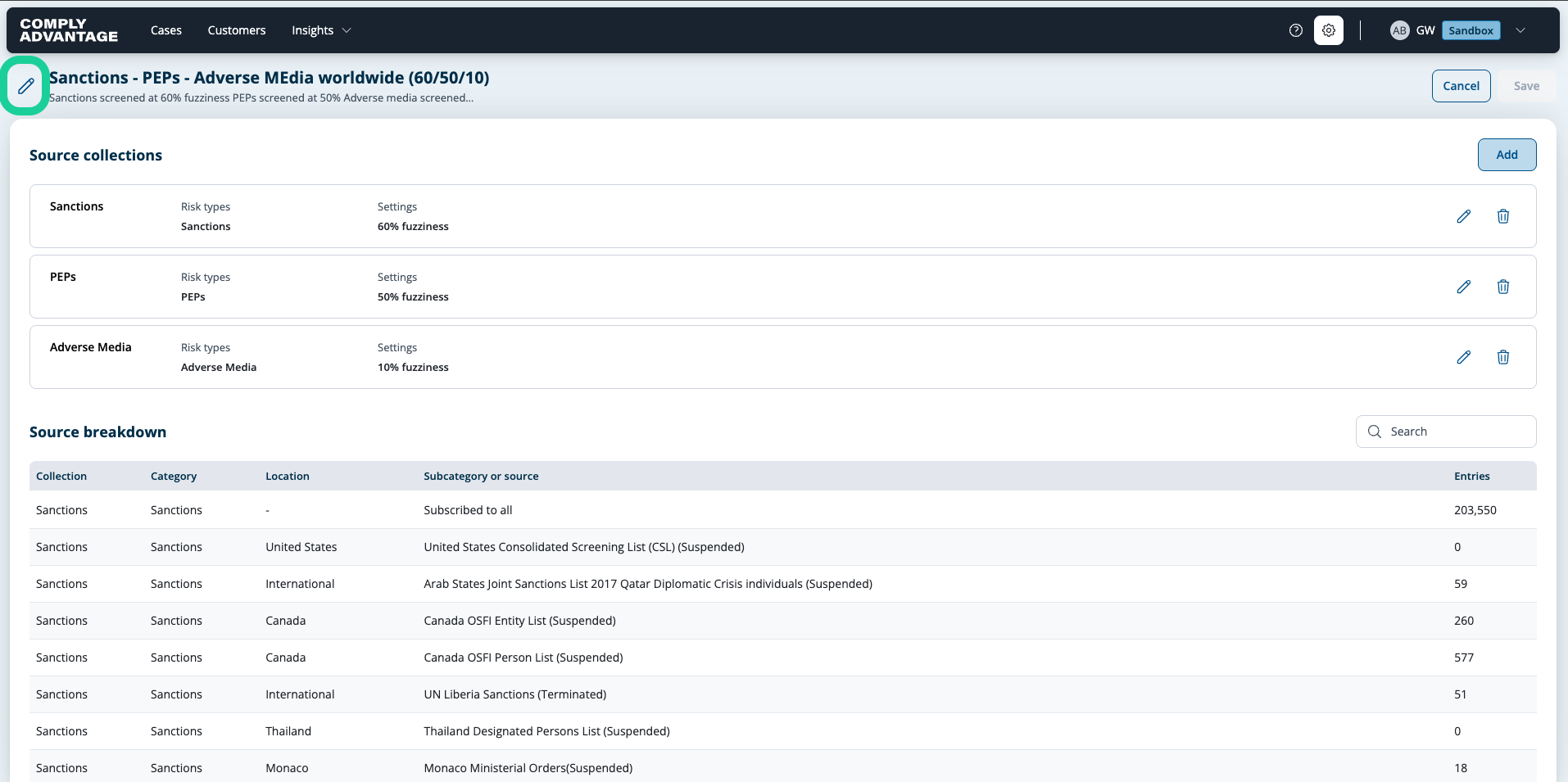
4. Click here
To edit the title or description of your Screening Configuration, click the pencil icon.
5. Edit the title of your Screening Configuration
Edit the title as desired.
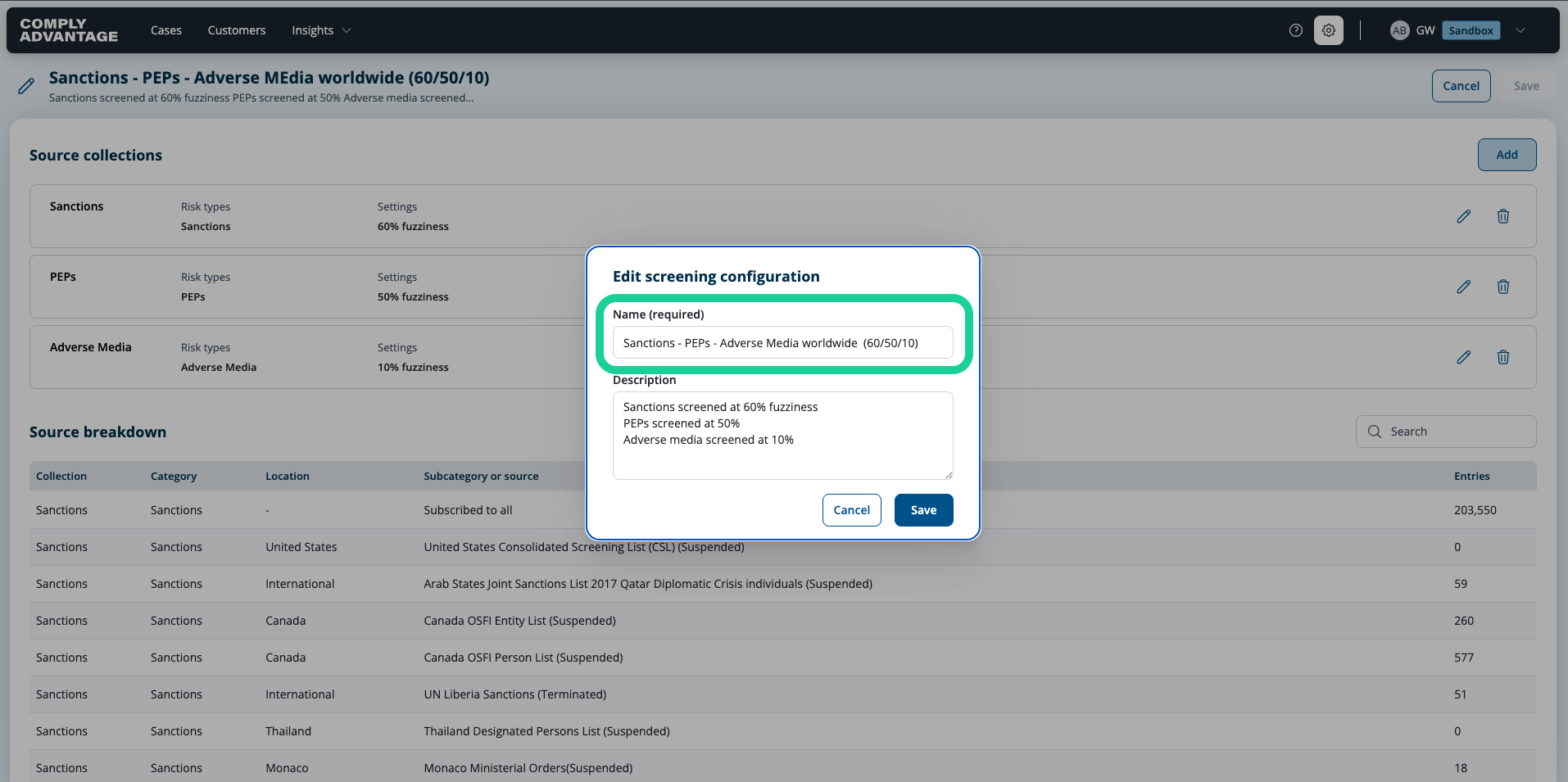
6. Edit the description of your Screening Configuration
If you also wish to edit the description, you can do so here.
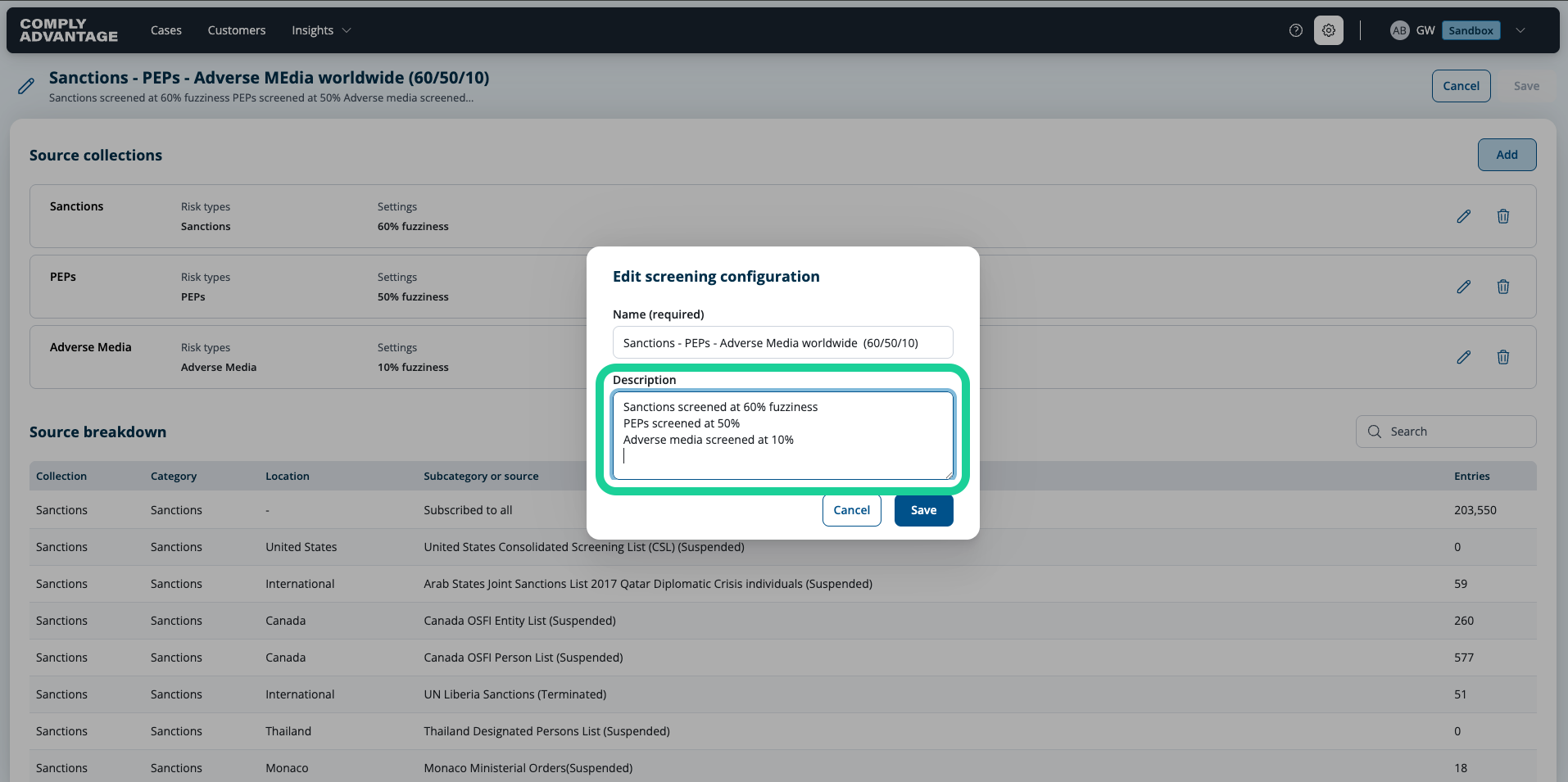
7. Click "Save"
To save your edits, click "Save."

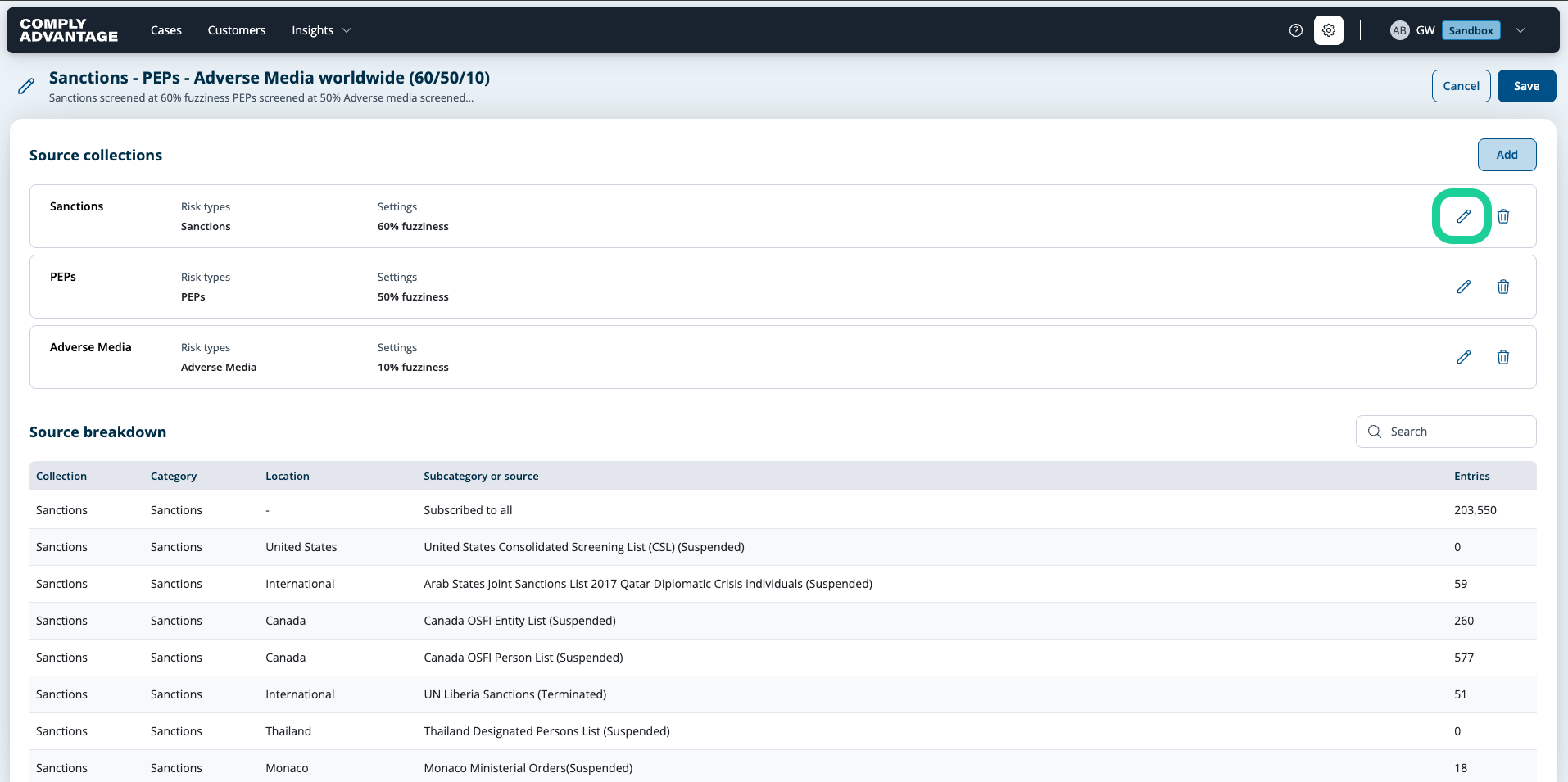
8. Click the Pencil icon to Edit a Source Collection.
To edit a Source Collection, select the Pencil icon next to the corresponding collection.
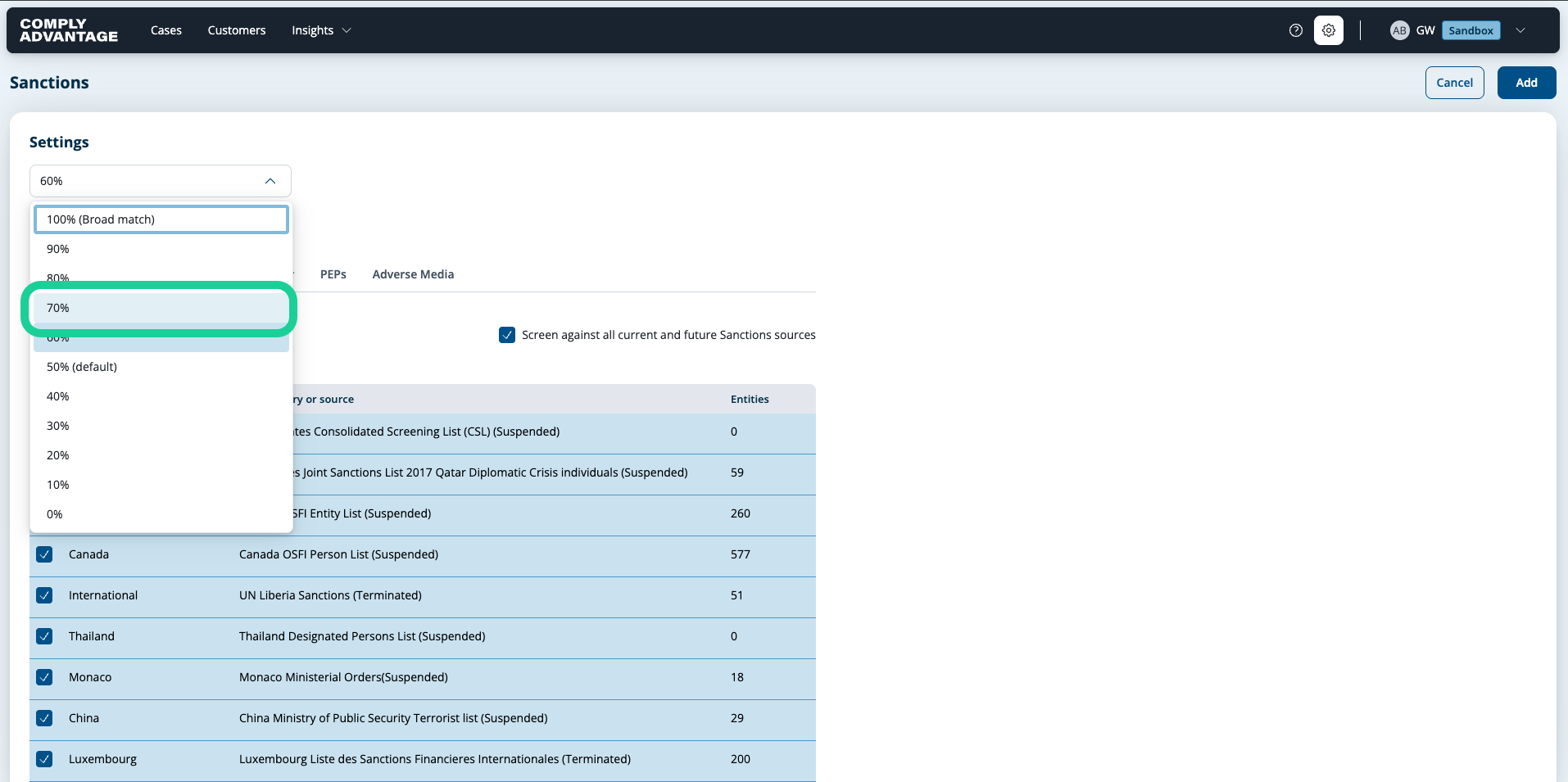
9. Adjust fuzziness
You can adjust fuzziness by clicking on the dropdown and selecting an updated level.
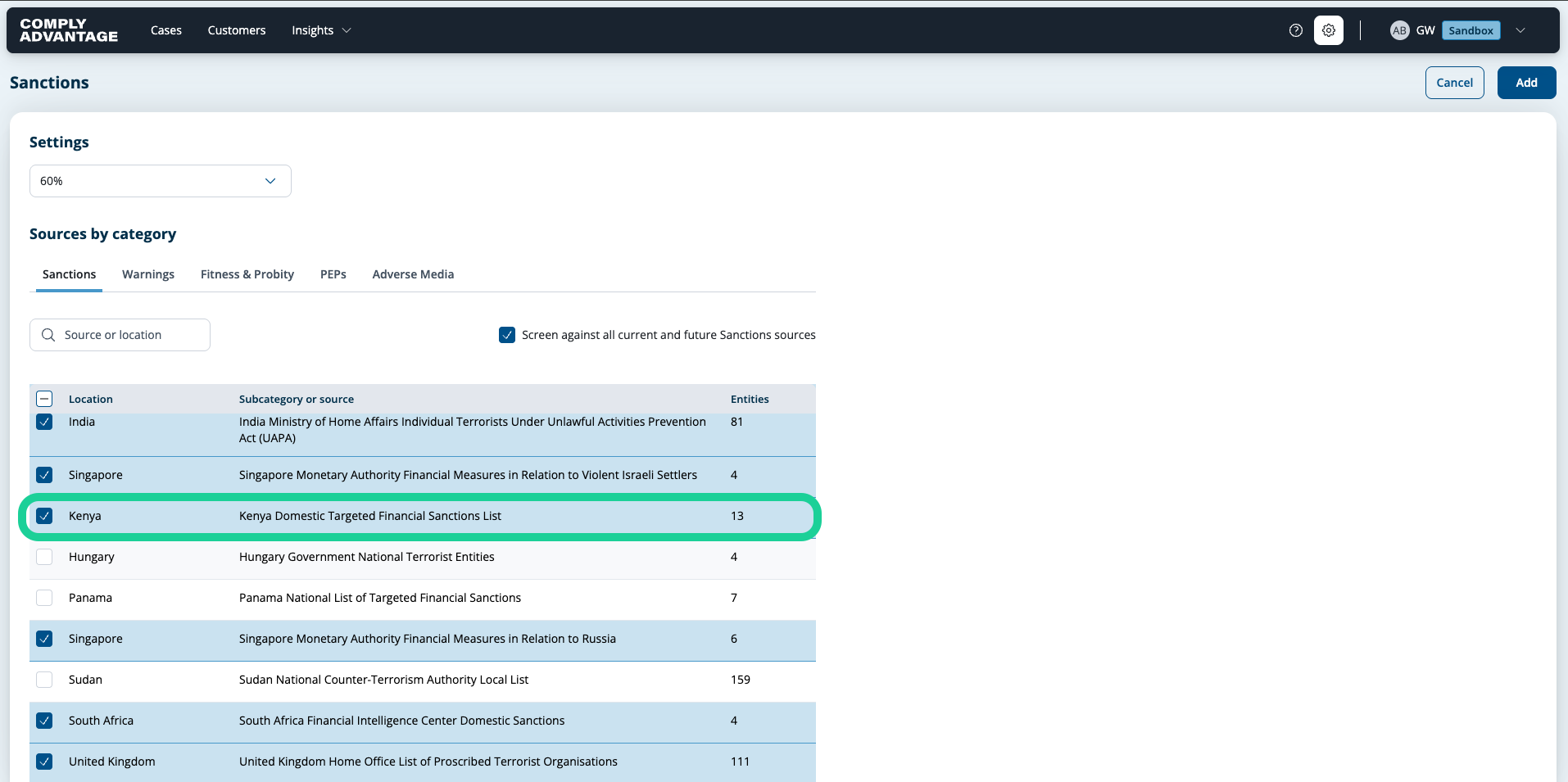
10. Add new list
To add a new list, you have to find it in the sources section.
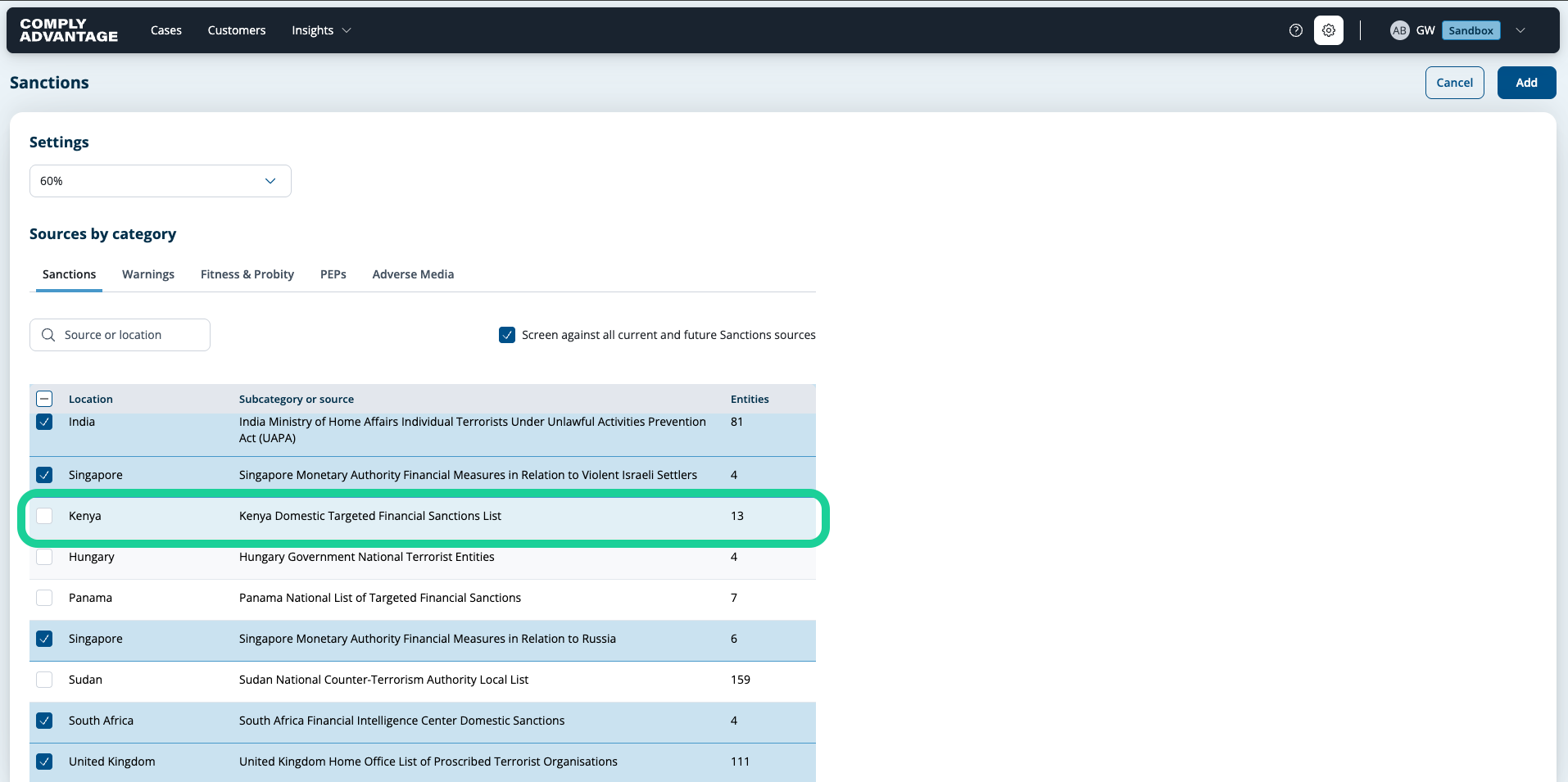
11. Select the new list
Select the list you'd like to add.
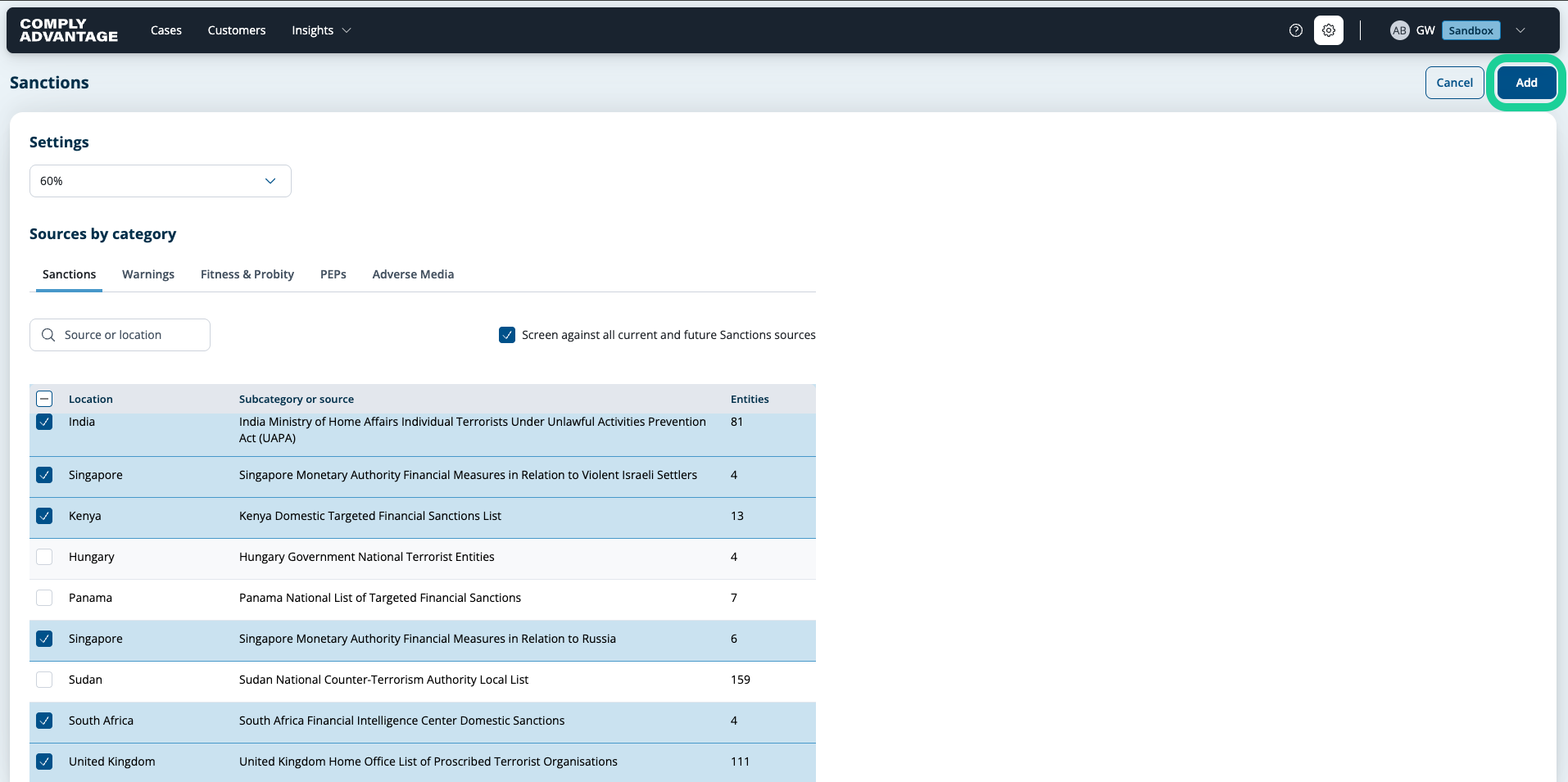
12. Click "Add"
By adjusting fuzziness and adding a new list, all monitored entities being screened against this screening configuration will be rescreened against these updated changes. Once you've selected all lists you'd like added (or removed), click "Add" to save changes.
13. Click "Save"
Click "Save" to finalize all changes.

We hope this guide helped you learn how to seamlessly edit a Screening Configuration in Mesh.