Resetting your password
Last updated: October 13, 2026
If you have forgotten your password, you can reset it using the 'Forgot password?' link in the login process. Follow these steps:
Go to the login page for your region, listed under Login pages by region below.
Enter your organization name.
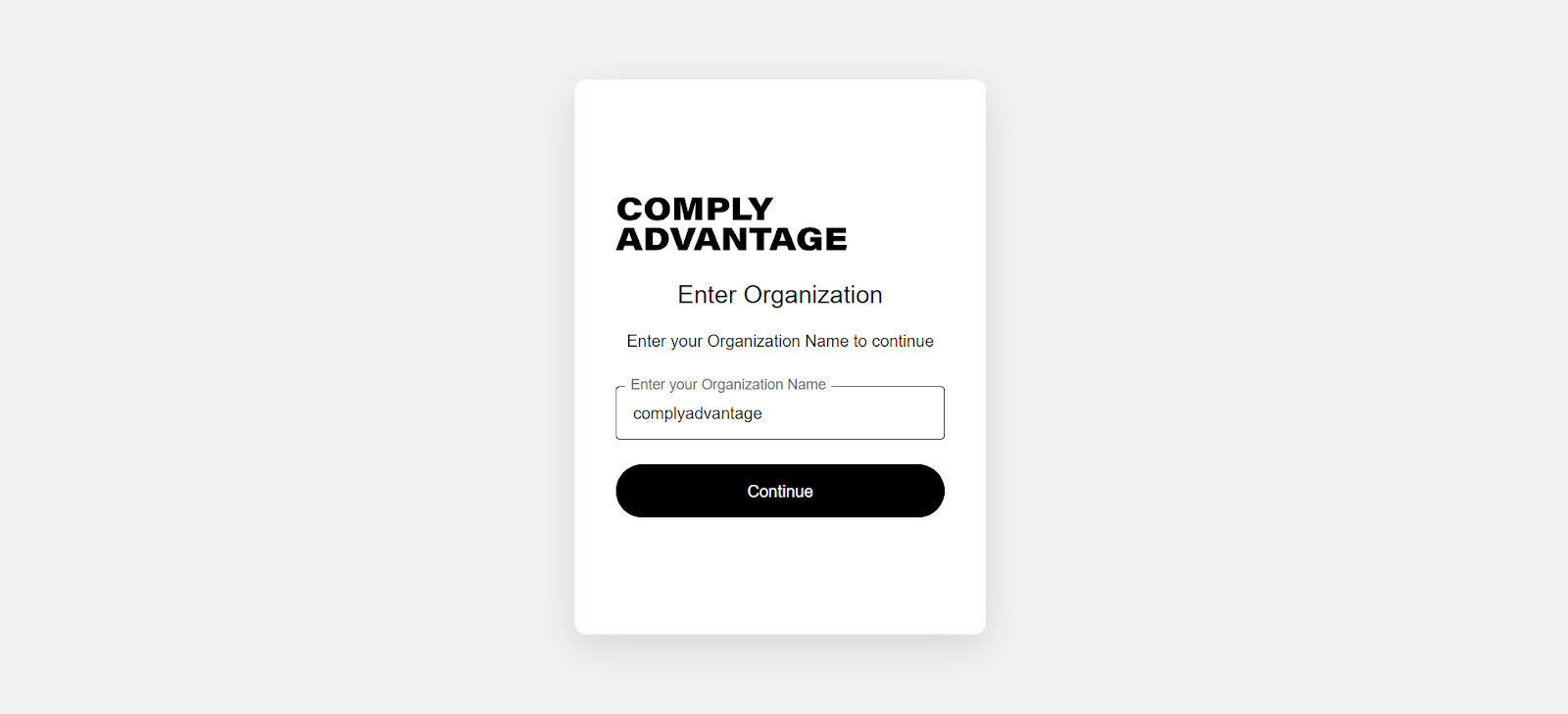
Click Continue.
Enter your email address.
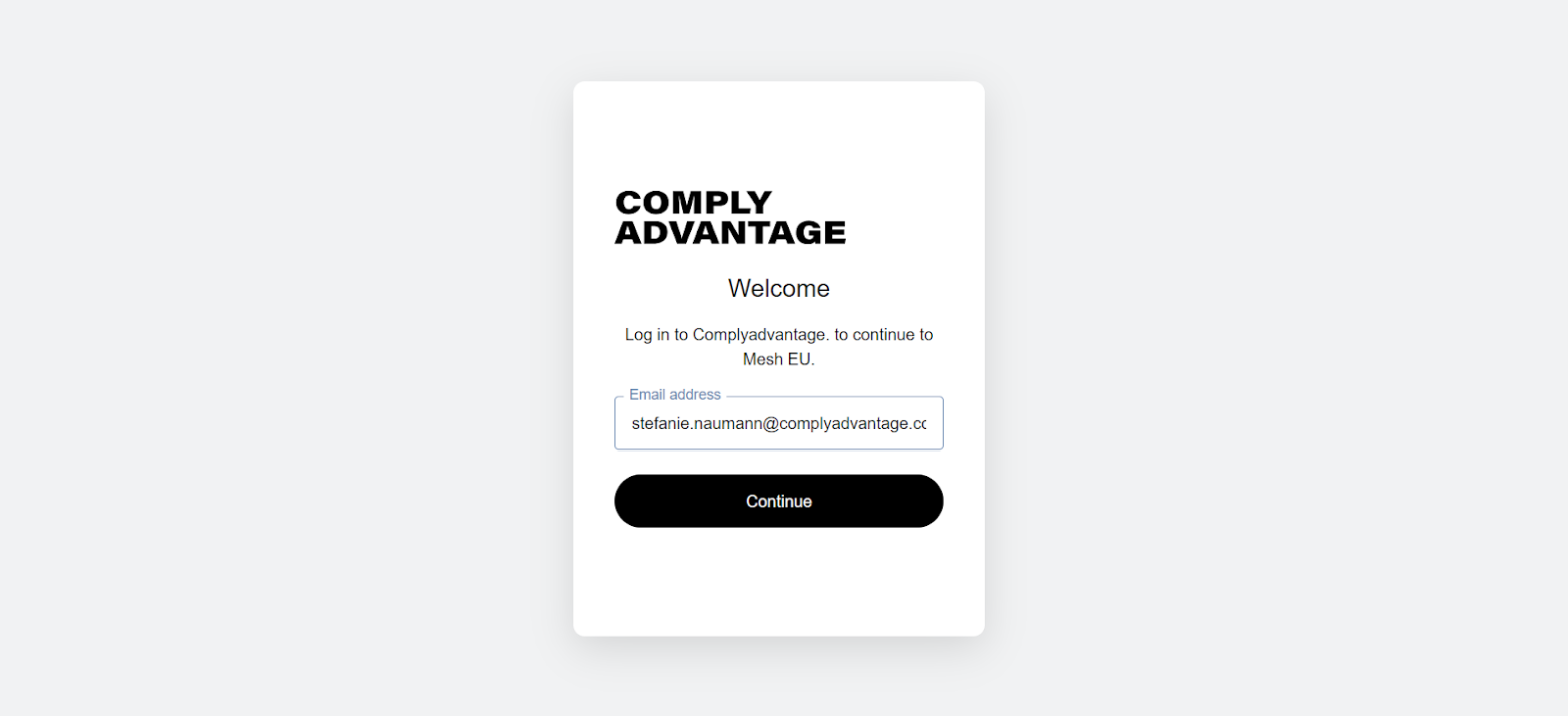
Click Continue.
Click the Forgot password? link.
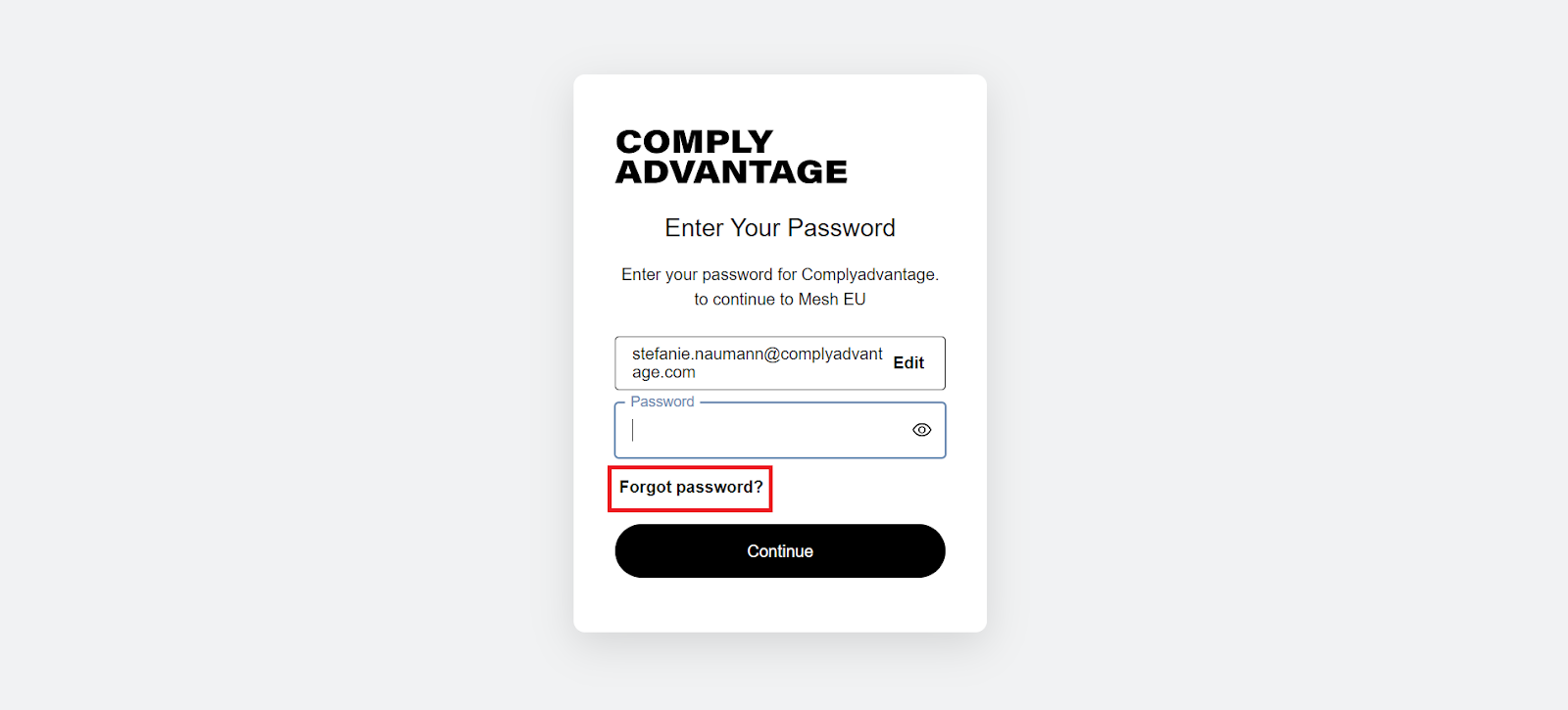
Enter your email address in the 'Forgot your password?' screen.
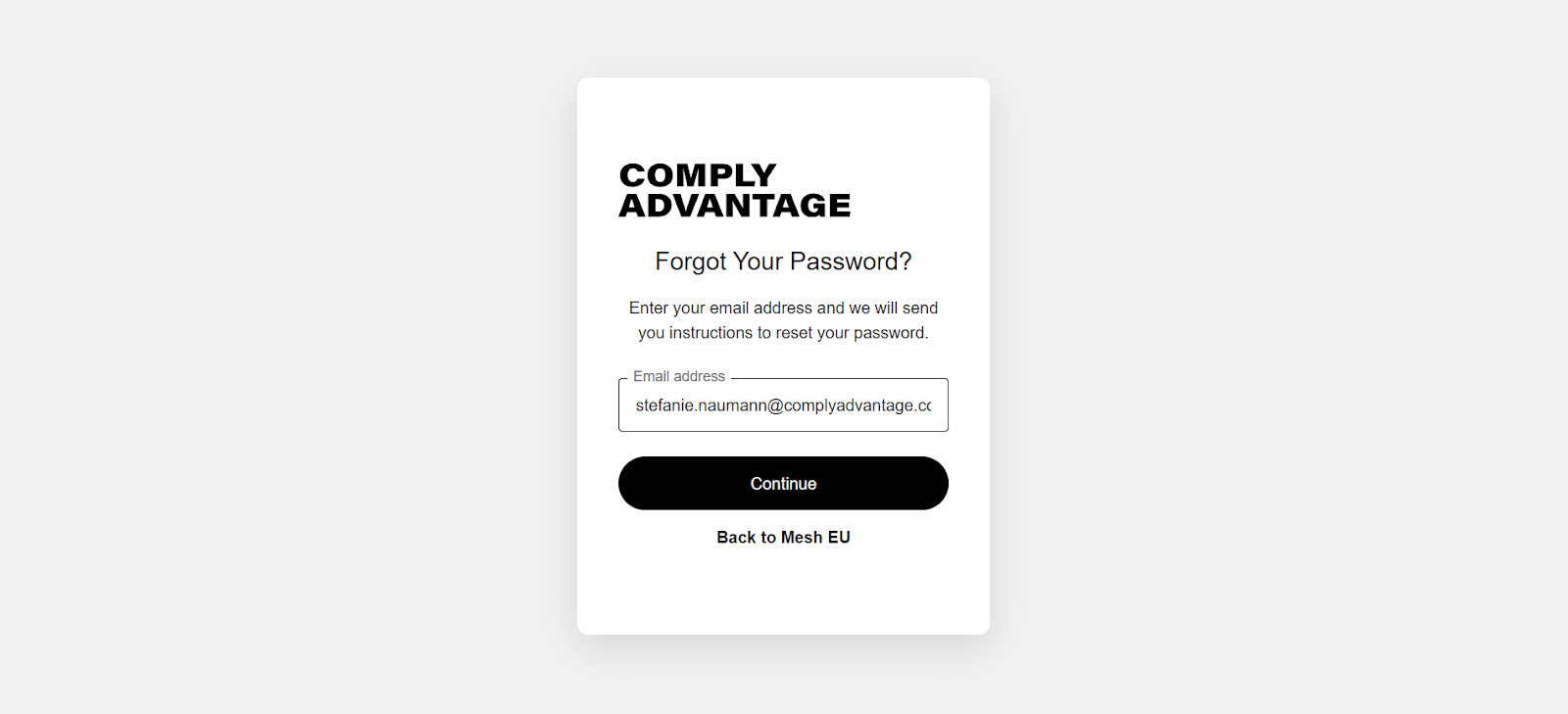
Click Continue.
You see a notification asking you to check your email. If the email does not arrive, click the Resend email button to send another.
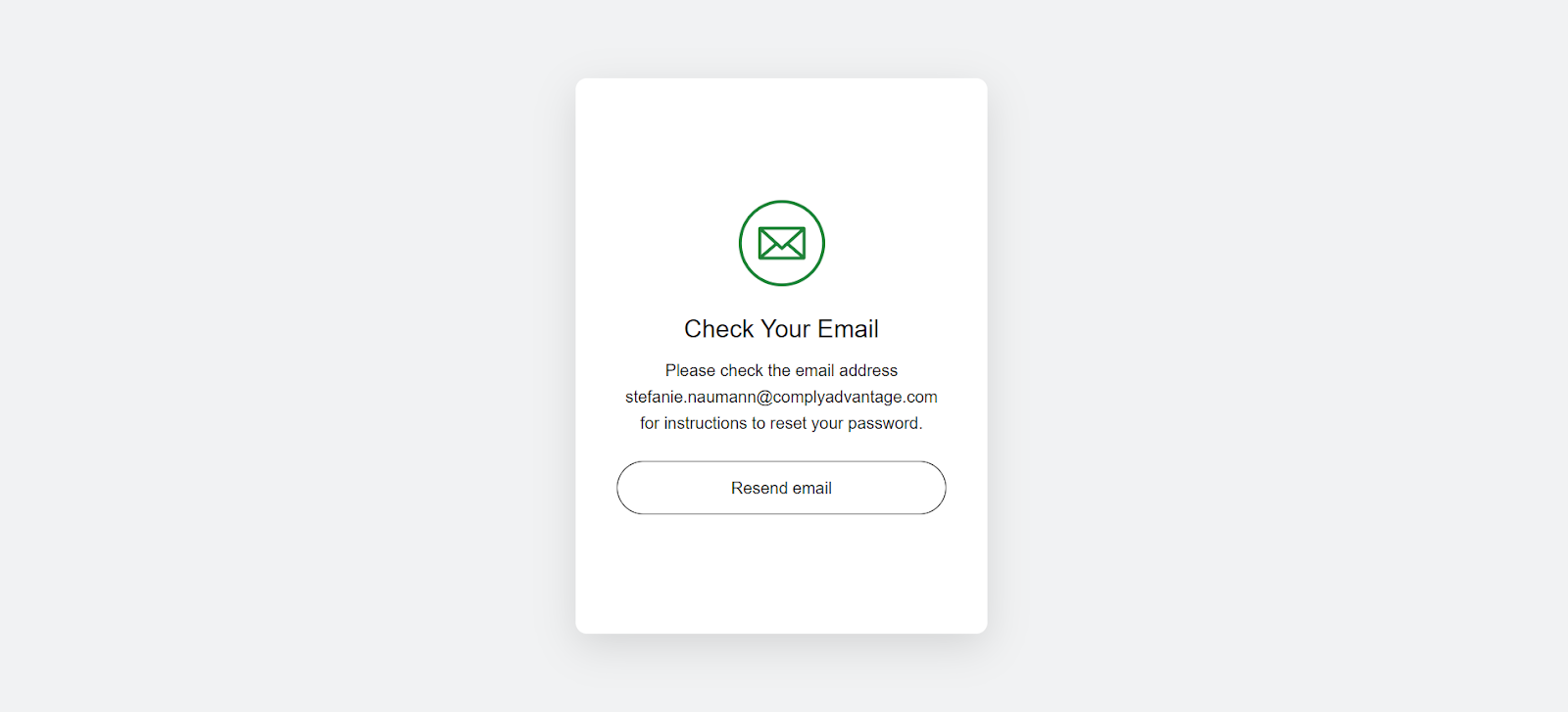
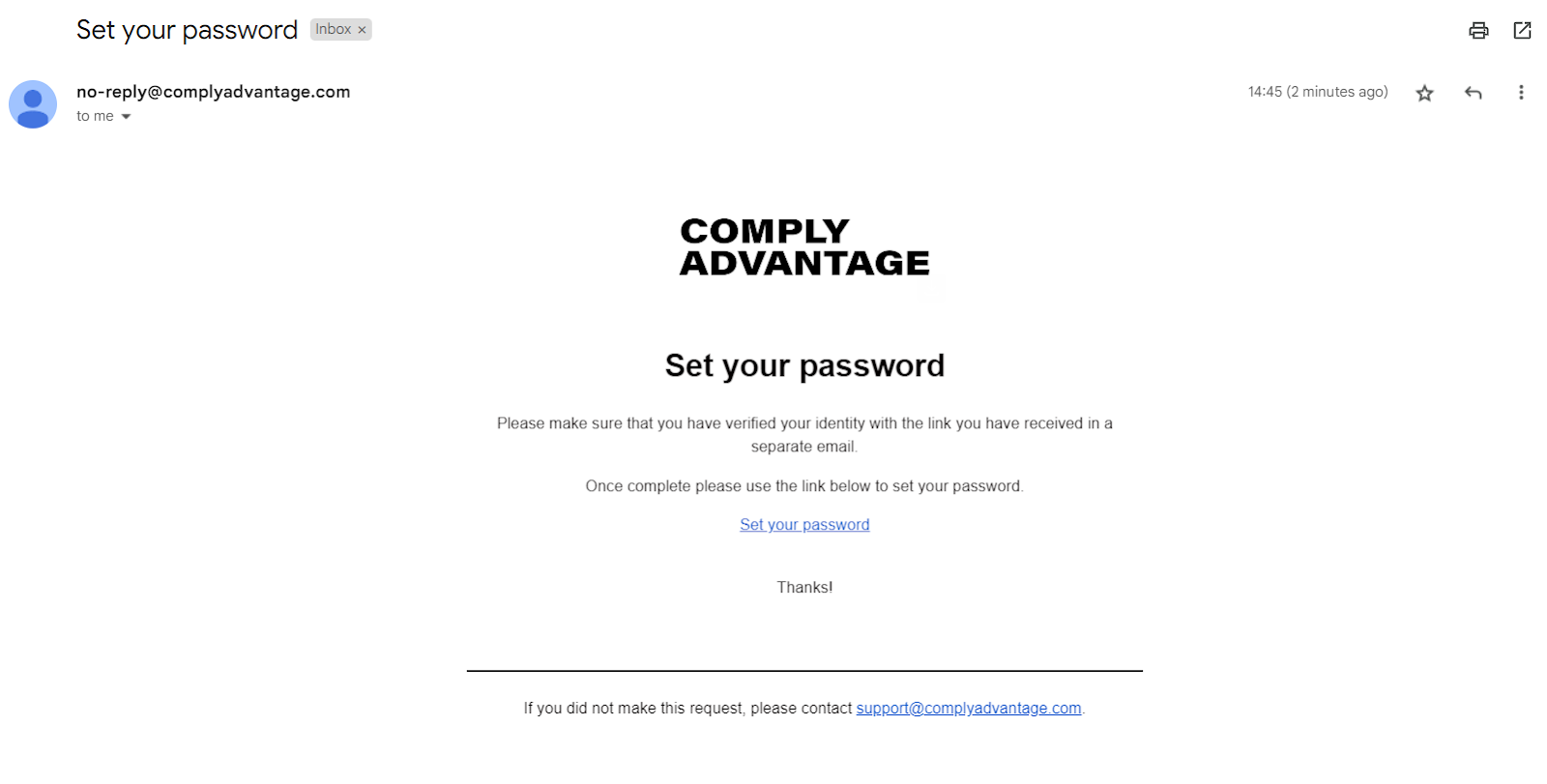
Go to your email inbox to find the 'Set your password' email.
Click the Set your password link in the email.
Enter your new password twice in the 'Change your password' screen.
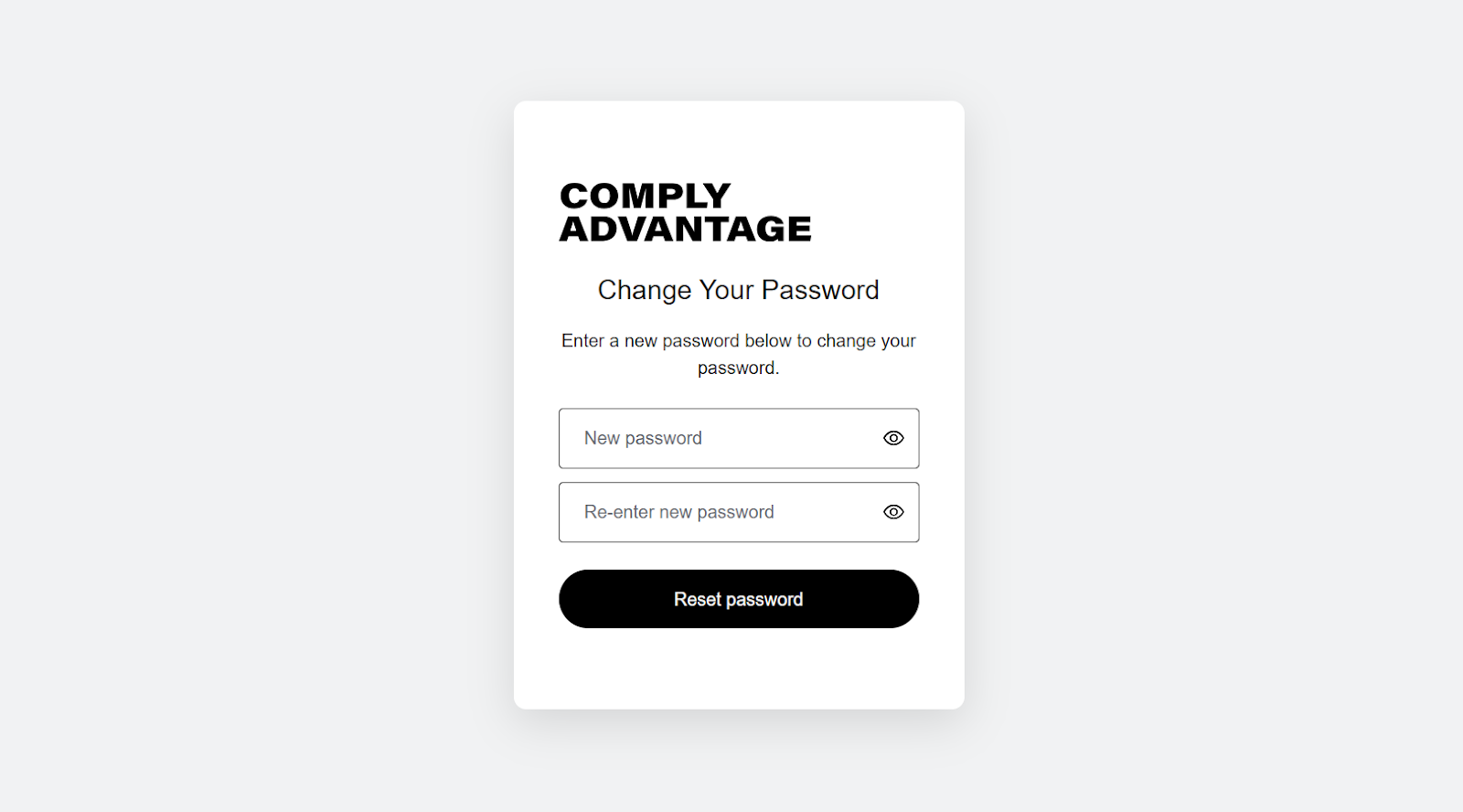
Click Reset password.
You see a success notification.
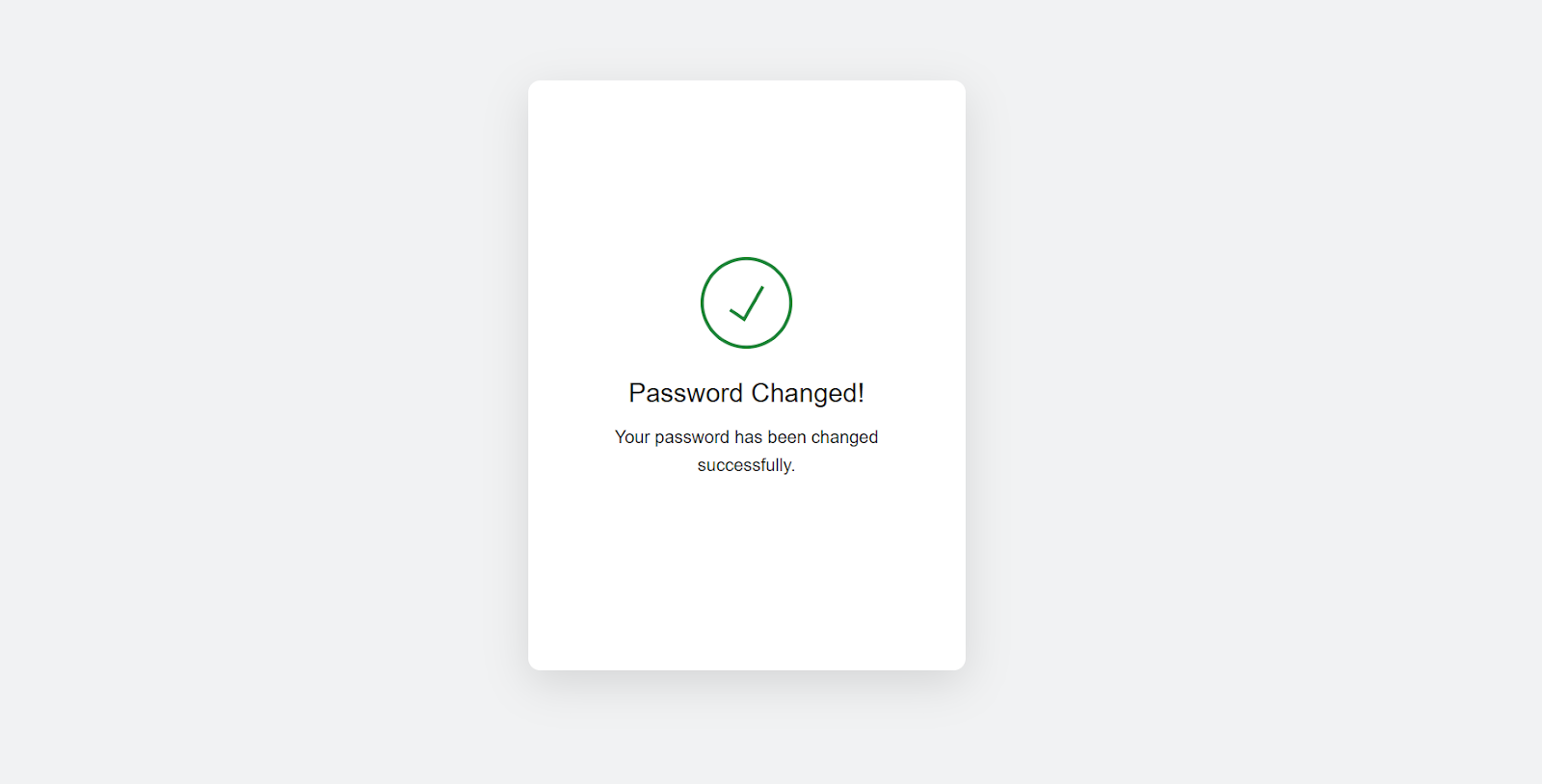
Return to your region's login page to log in.
Login pages by region
Mesh has a separate login page for each region. The screenshots above show the Europe page; use the address for your region.
Australia: https://au.mesh.complyadvantage.com/