Video: Setting risk model category weightings and overall thresholds
Last updated: October 13, 2026
In the "Creating a New Risk Model" video, we reviewed how to add category attributes and category thresholds. In this guide, you will learn how to adjust category weightings and set thresholds to finalize your risk model in Mesh.
When logging in to your account, please ensure you select the correct region, which will be one of the following:
Australia: https://au.mesh.complyadvantage.com/
You can find the link to your region in the onboarding email you received (look for the "Welcome to ComplyAdvantage" email).
If you can’t find the email, don't worry! You can always contact our support team at [email protected].
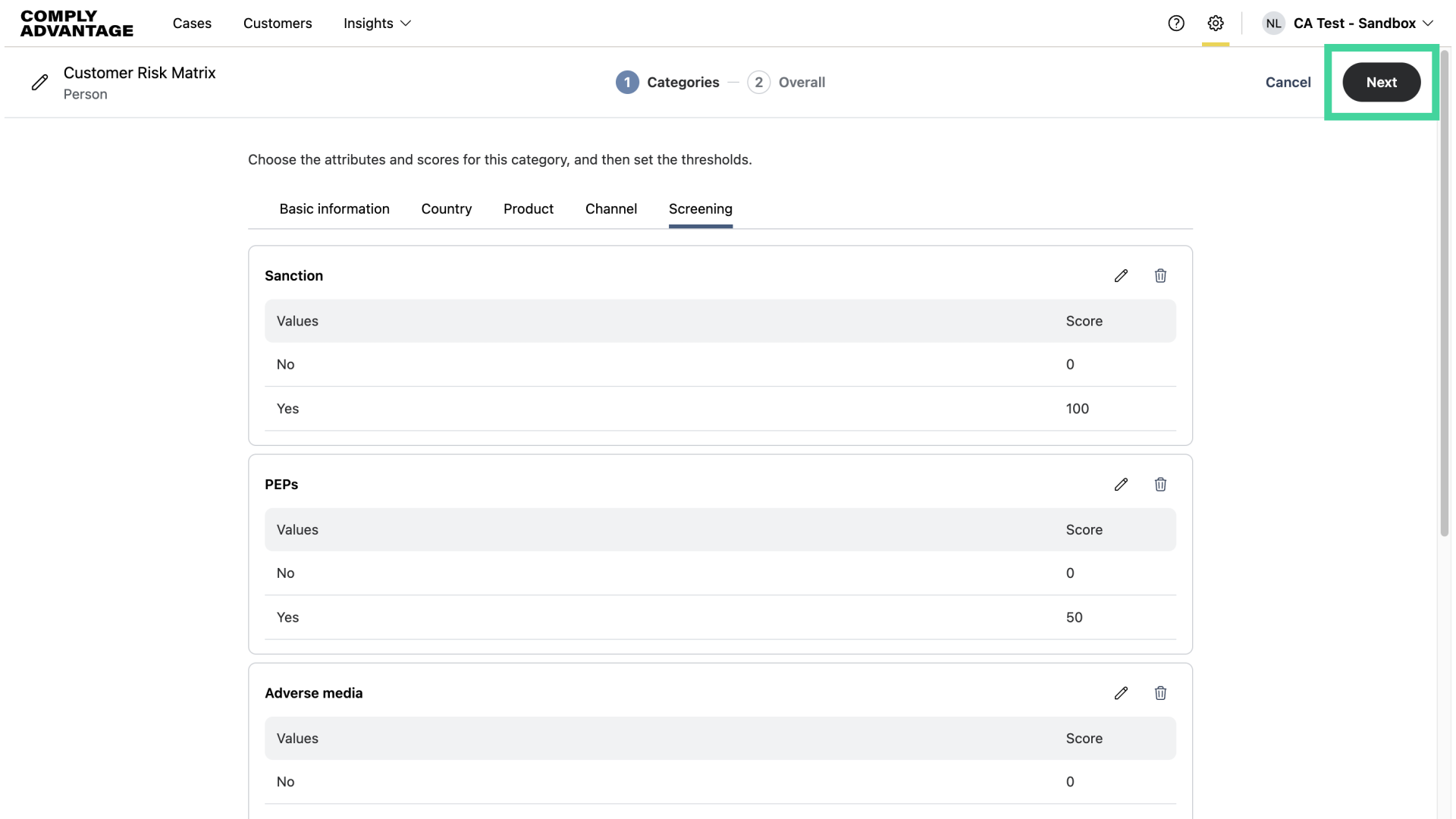
1. Click "Next"
After setting your category attributes and thresholds, click "Next."
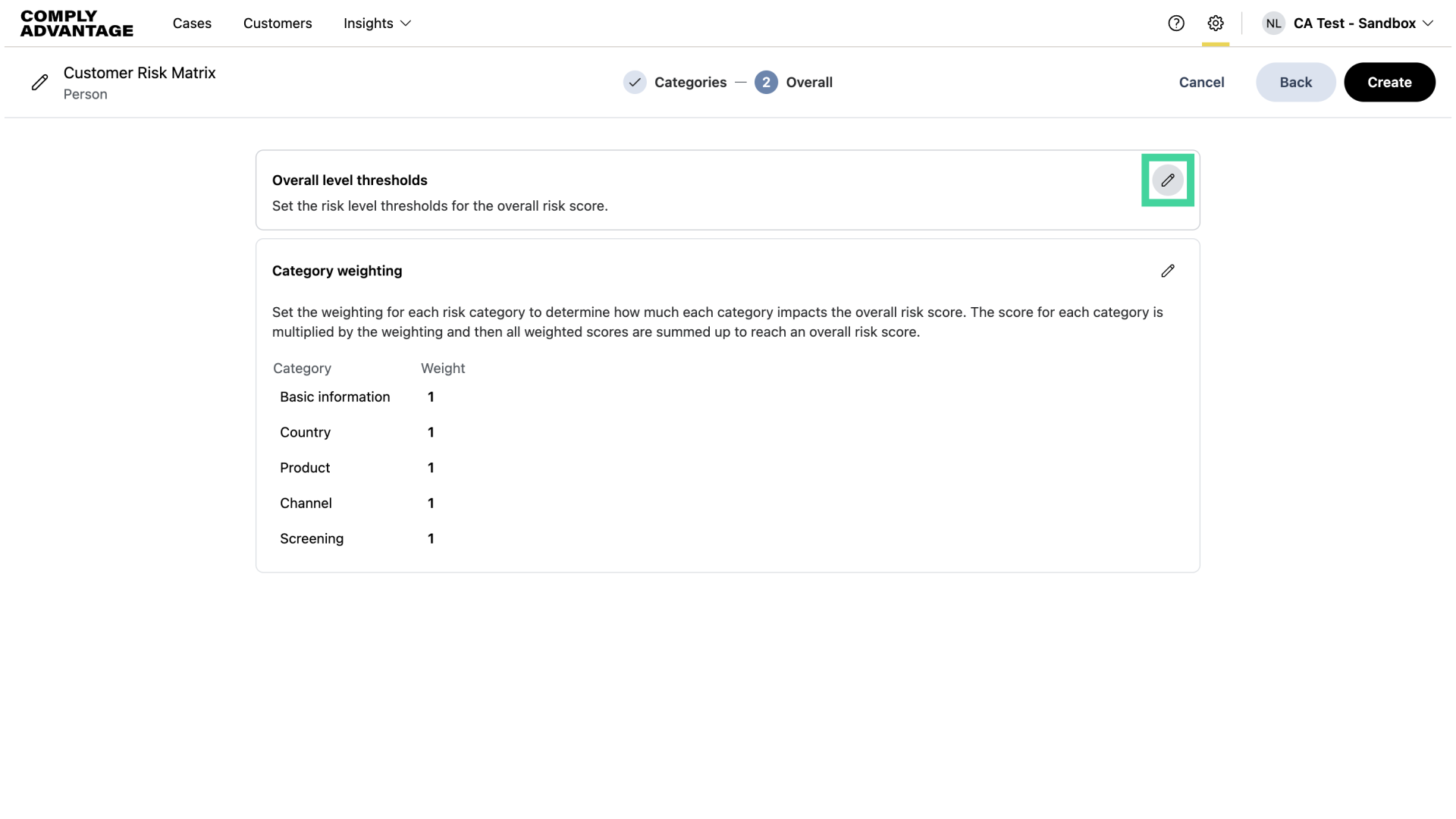
2. Click here
Click on the pencil icon here to set your overall level thresholds.
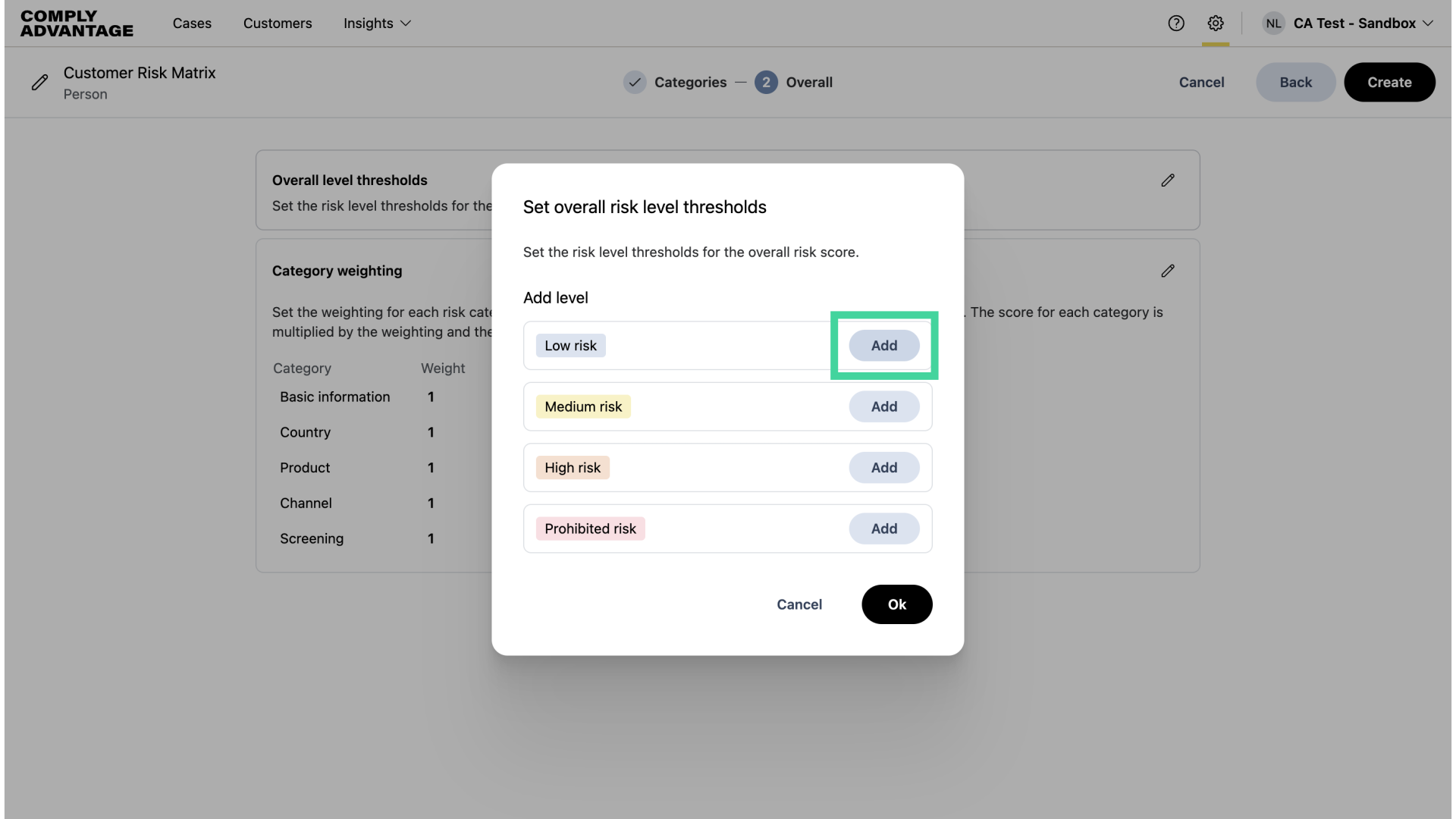
3. Click "Add"
Select "Add" next to the overall risk levels to add a threshold.
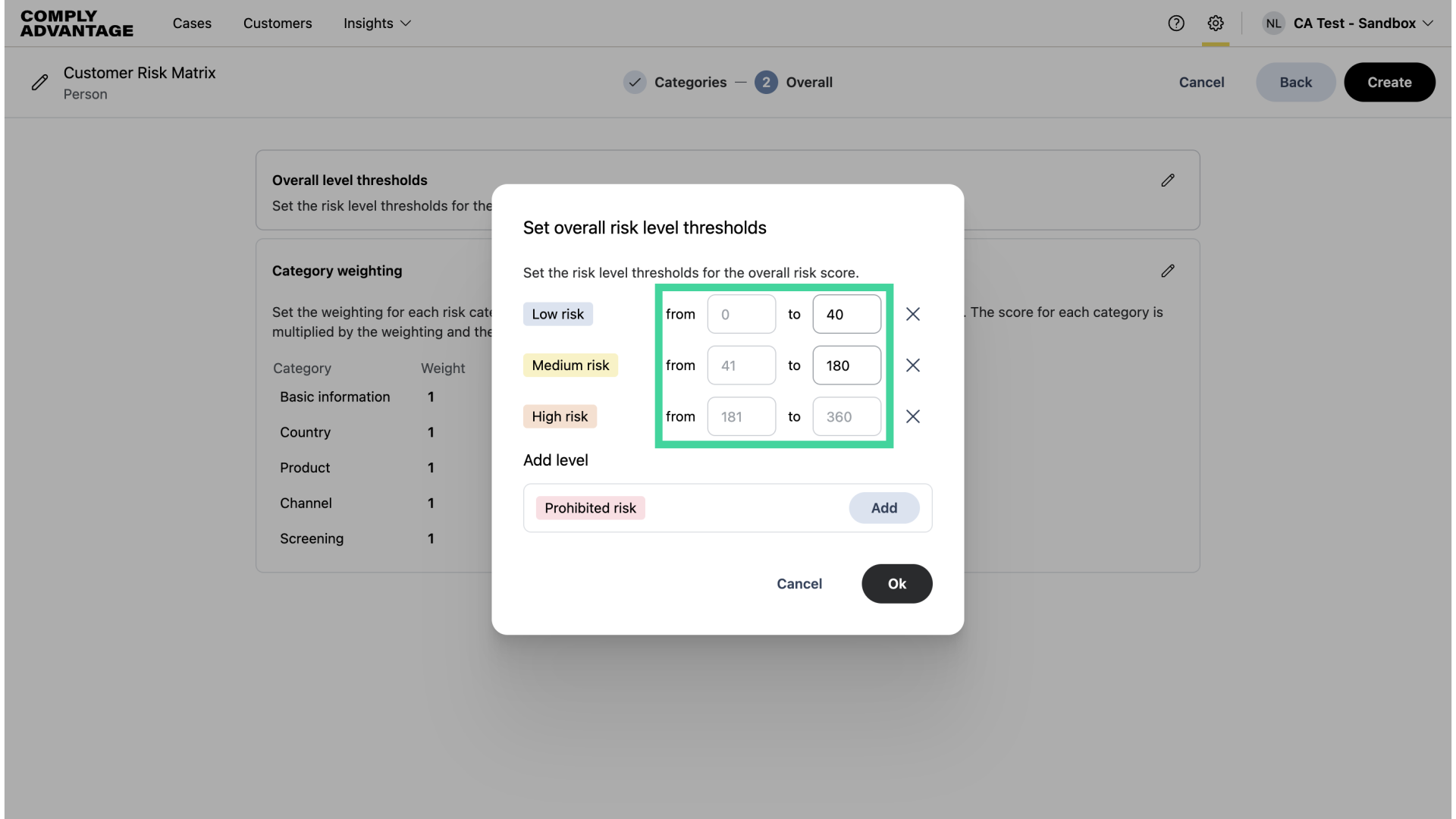
4. Enter threshold numbers
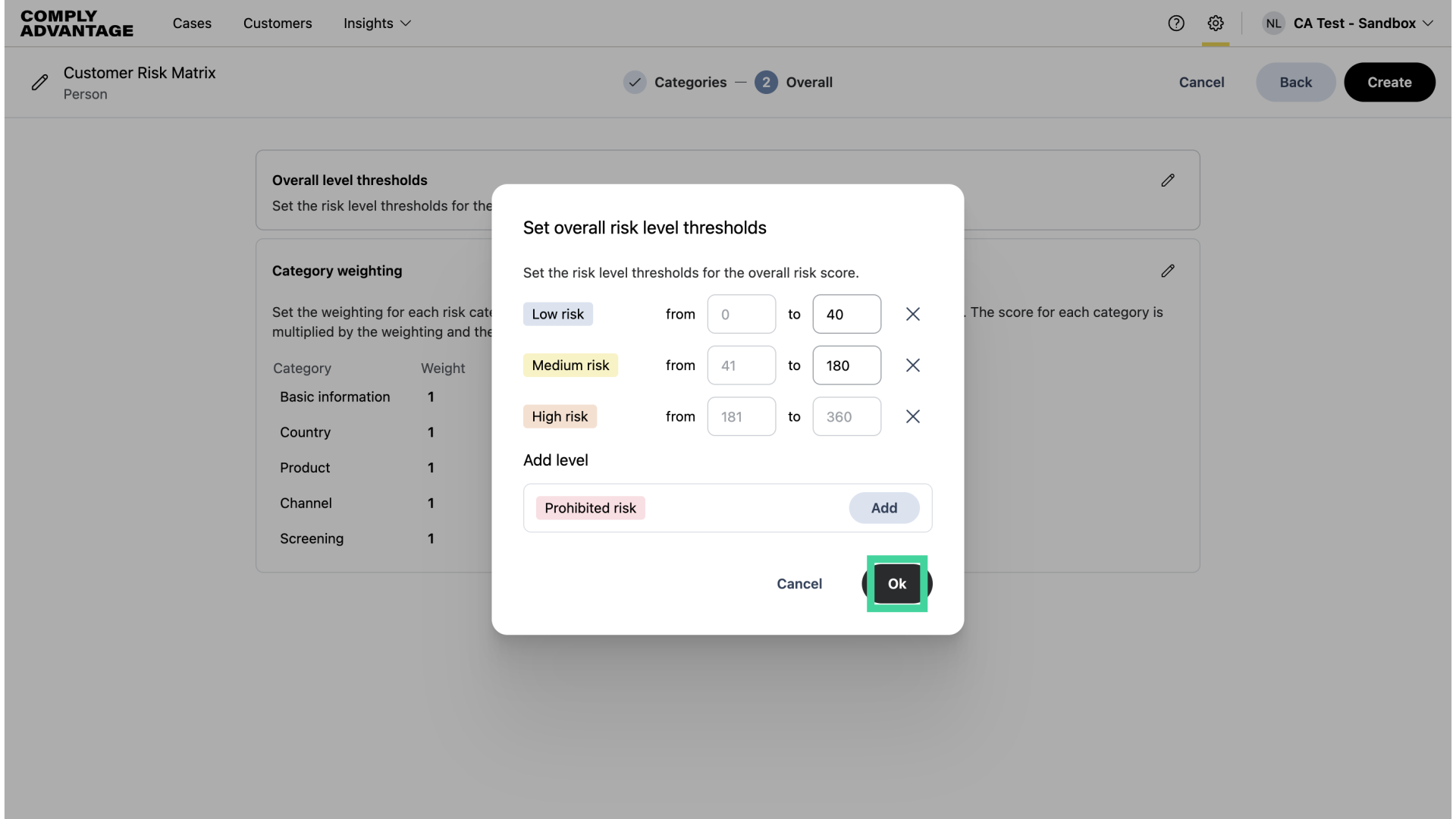
Enter the parameters for each risk level. You need to set the upper and lower boundaries for each risk level yourself. Bear in mind the category weightings you previously set.
5. Click "Ok"
Once you've added your scores, click "Ok."
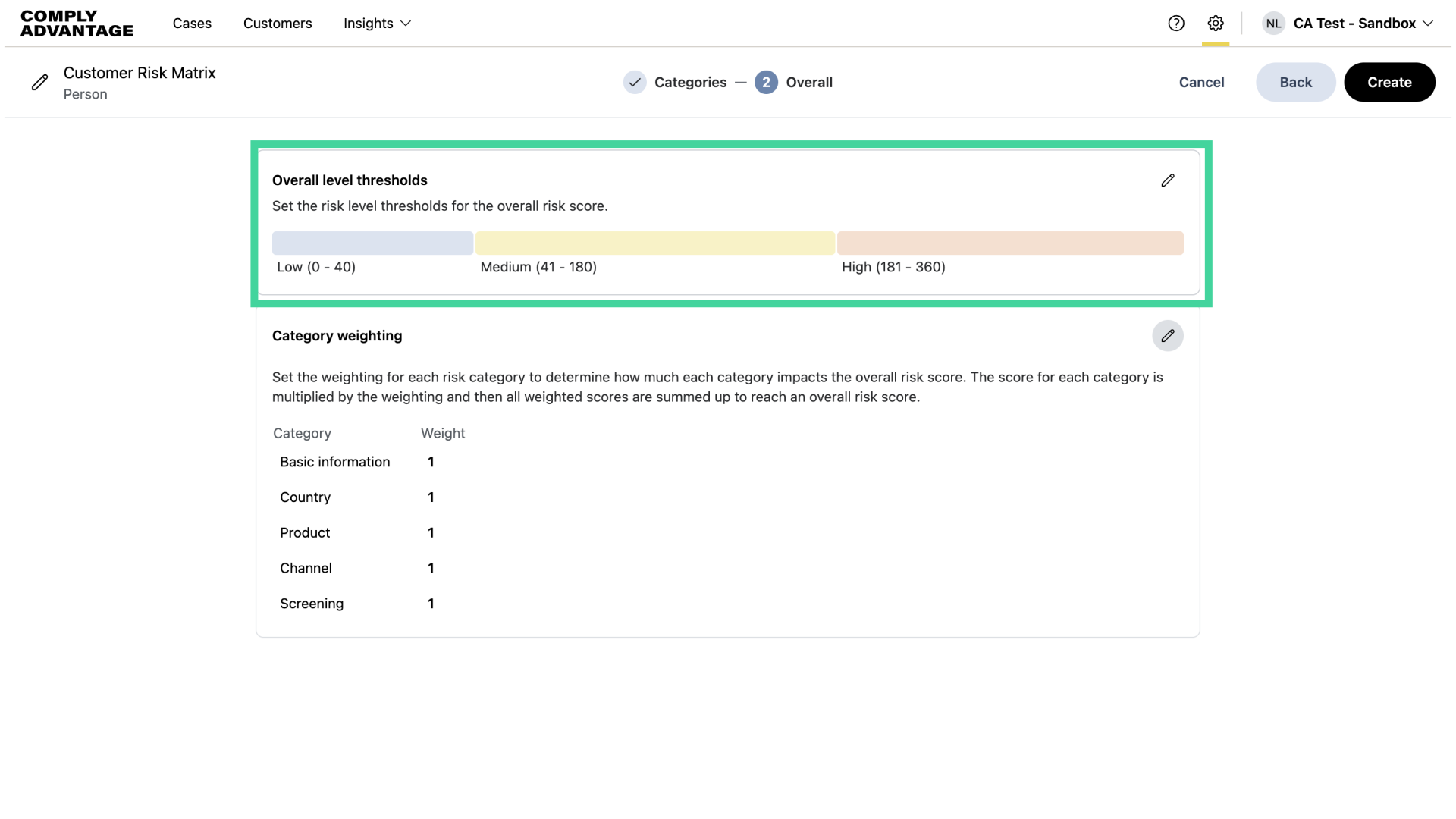
6. See overall risk level thresholds displayed
The overall risk level thresholds are displayed above the category weightings.
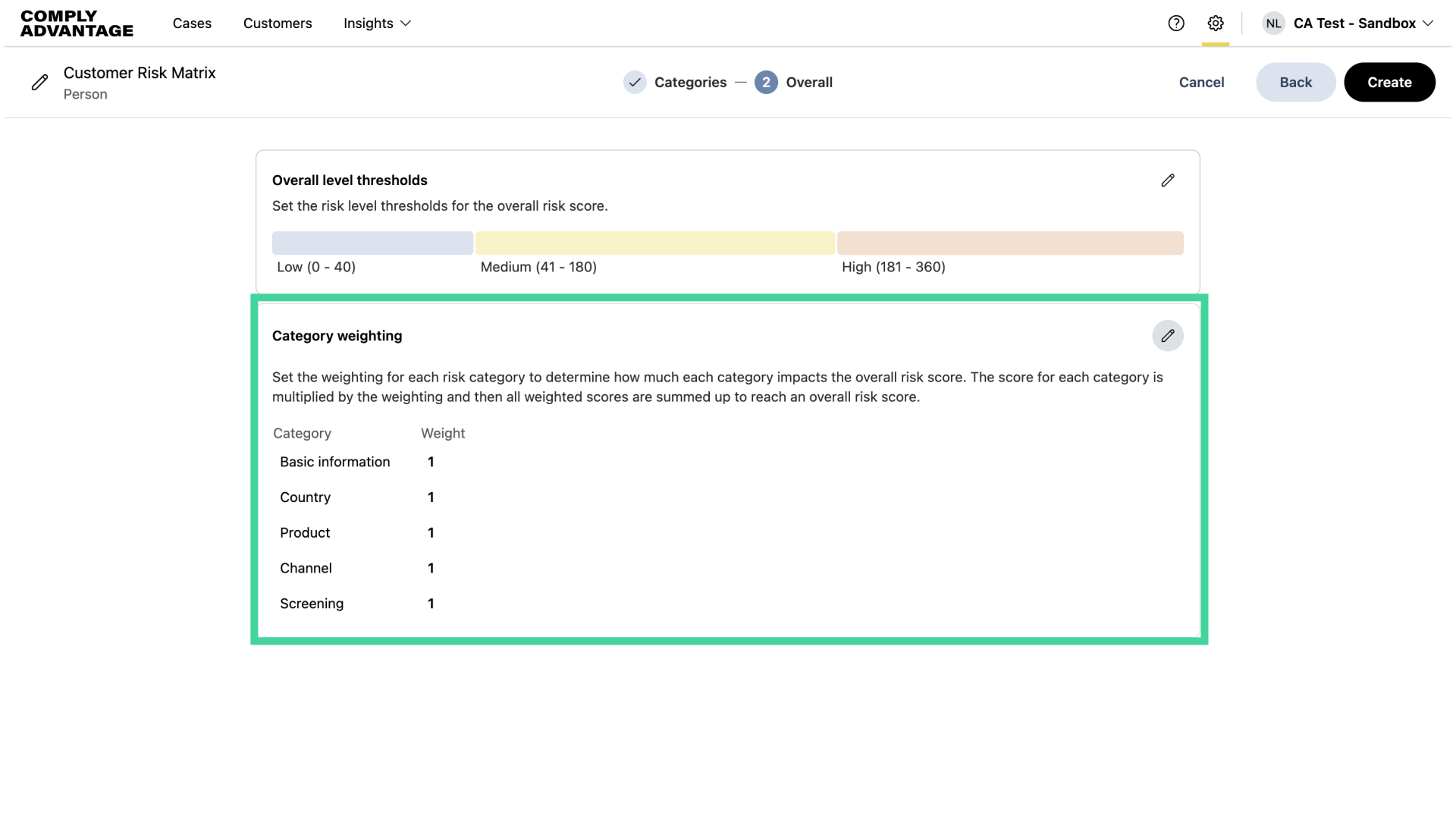
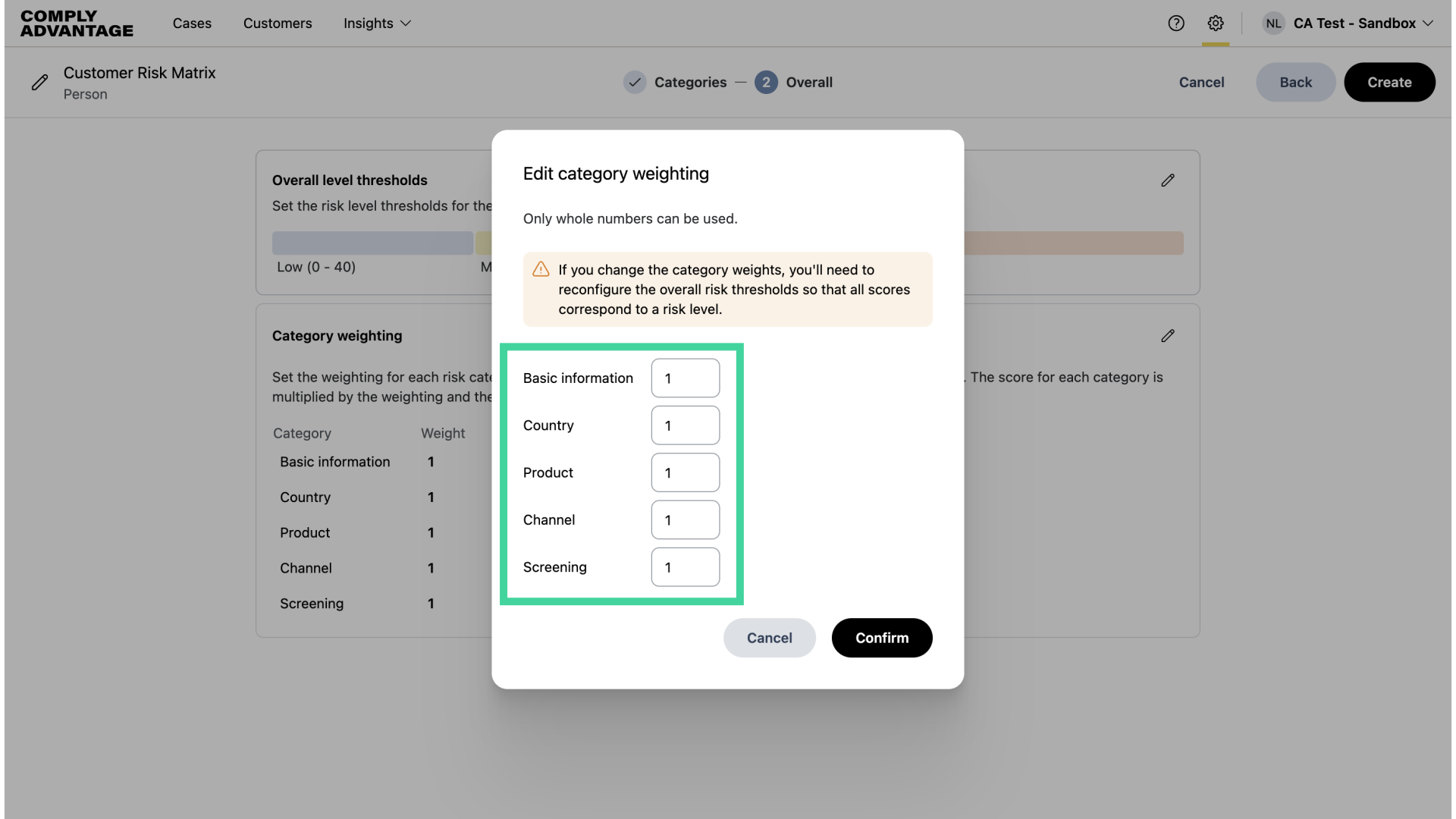
7. Set category weightings
Now, let's set the category weighting.
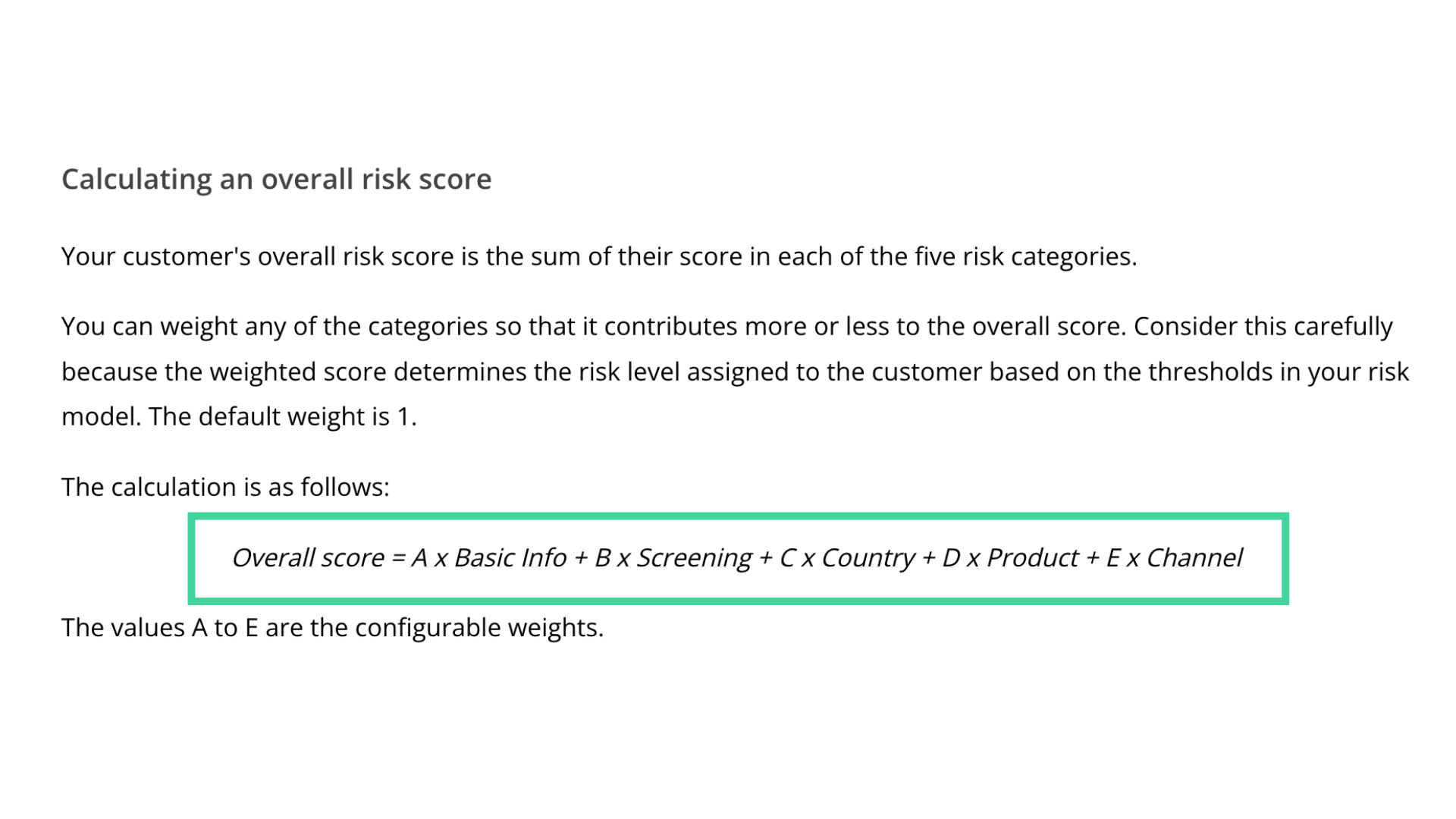
8. Calculating overall risk score
The overall risk score for a customer is calculated by multiplying each category score by its weighting, and then adding them all together. The default weighting for all categories is 1, which makes the overall risk score a simple sum of all the category risk scores.
9. Changing category weightings
However, you can weight any of the categories so that they contribute more or less to the overall risk score. Consider carefully before doing this, as weightings will affect the overall thresholds you set in your risk model.
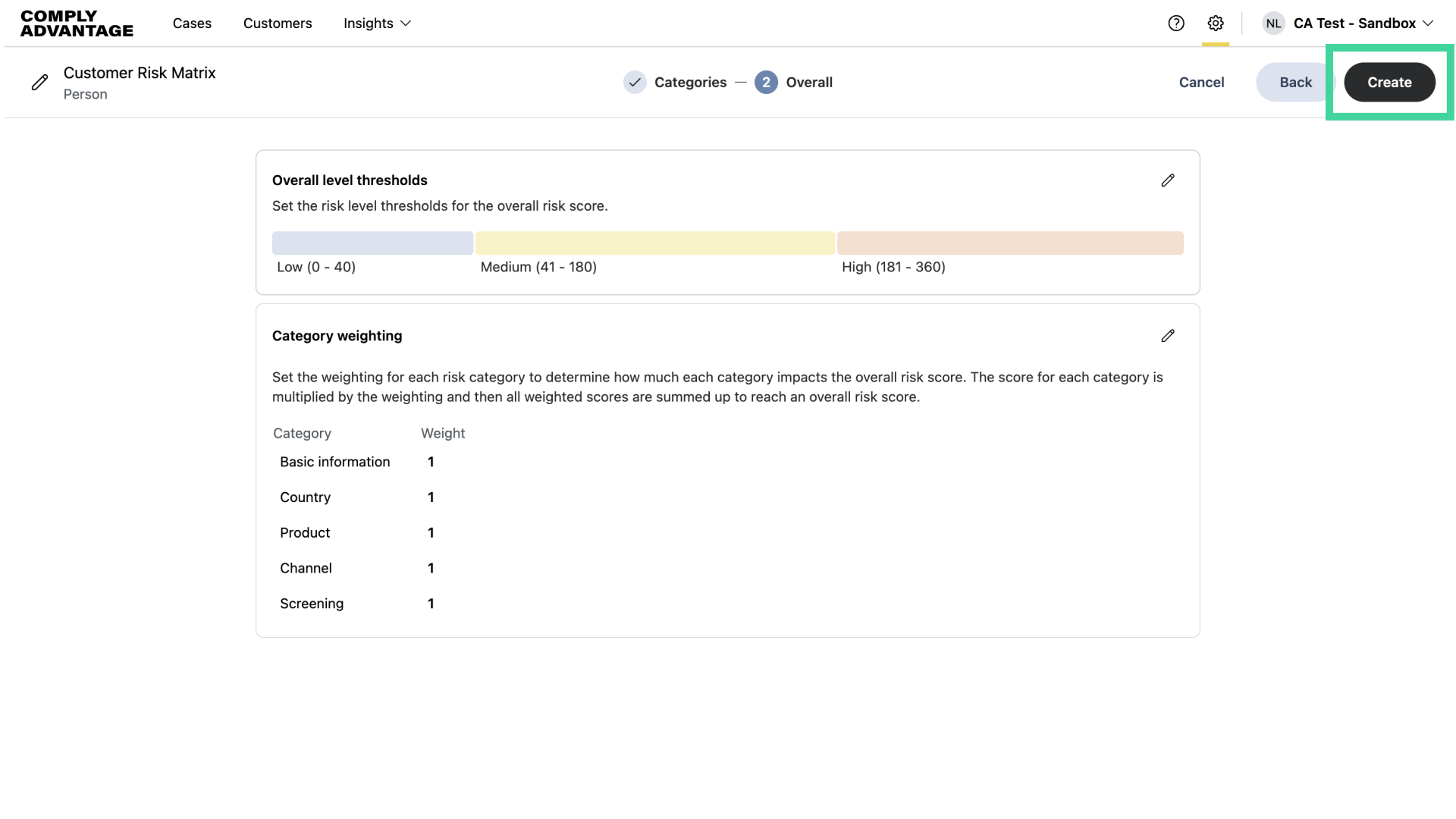
10. Click "Create"
Once you select your desired thresholds and category weighting, click "Create."
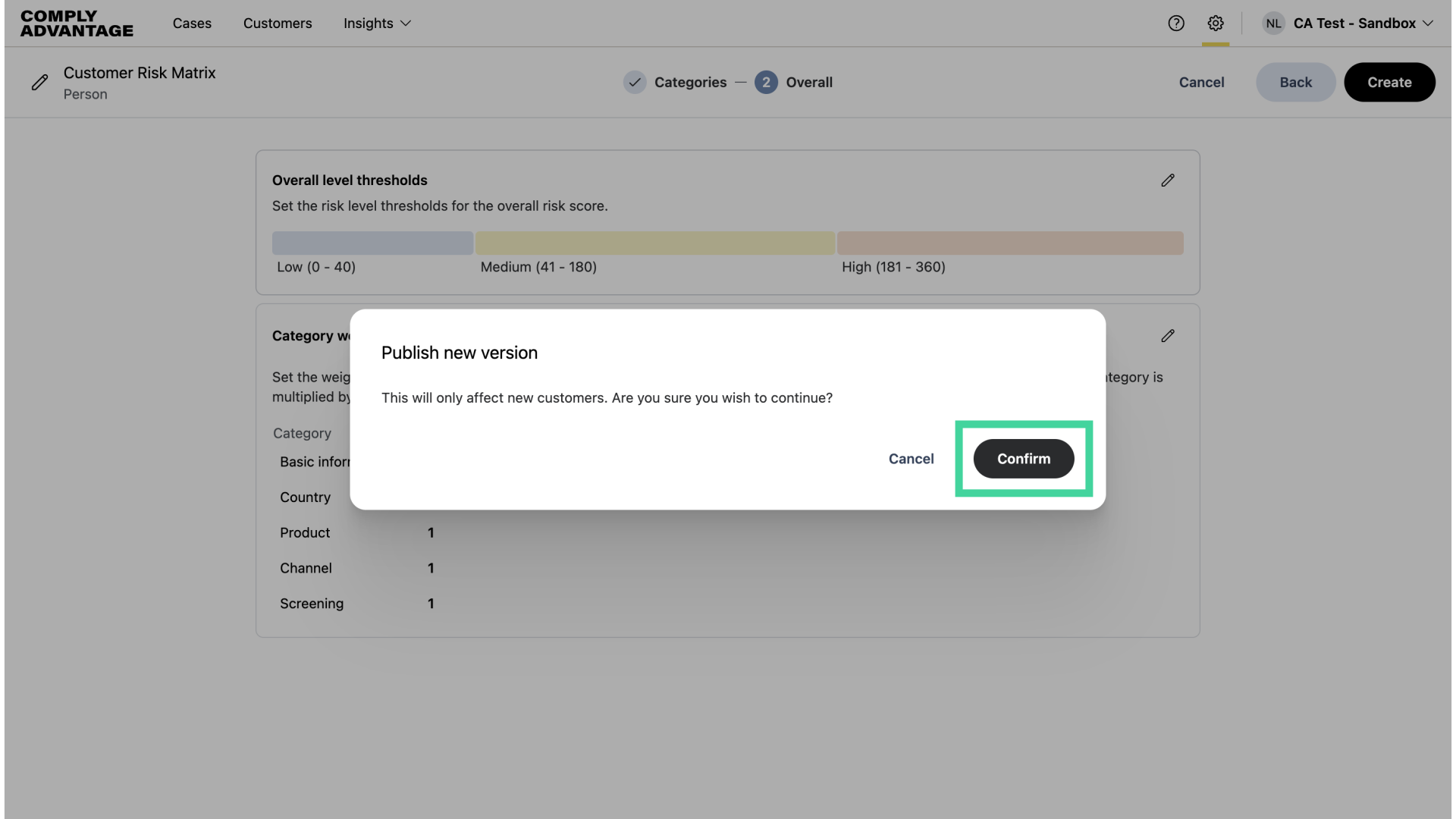
11. Click "Confirm"
Then, confirm that you'd like the new risk model published.
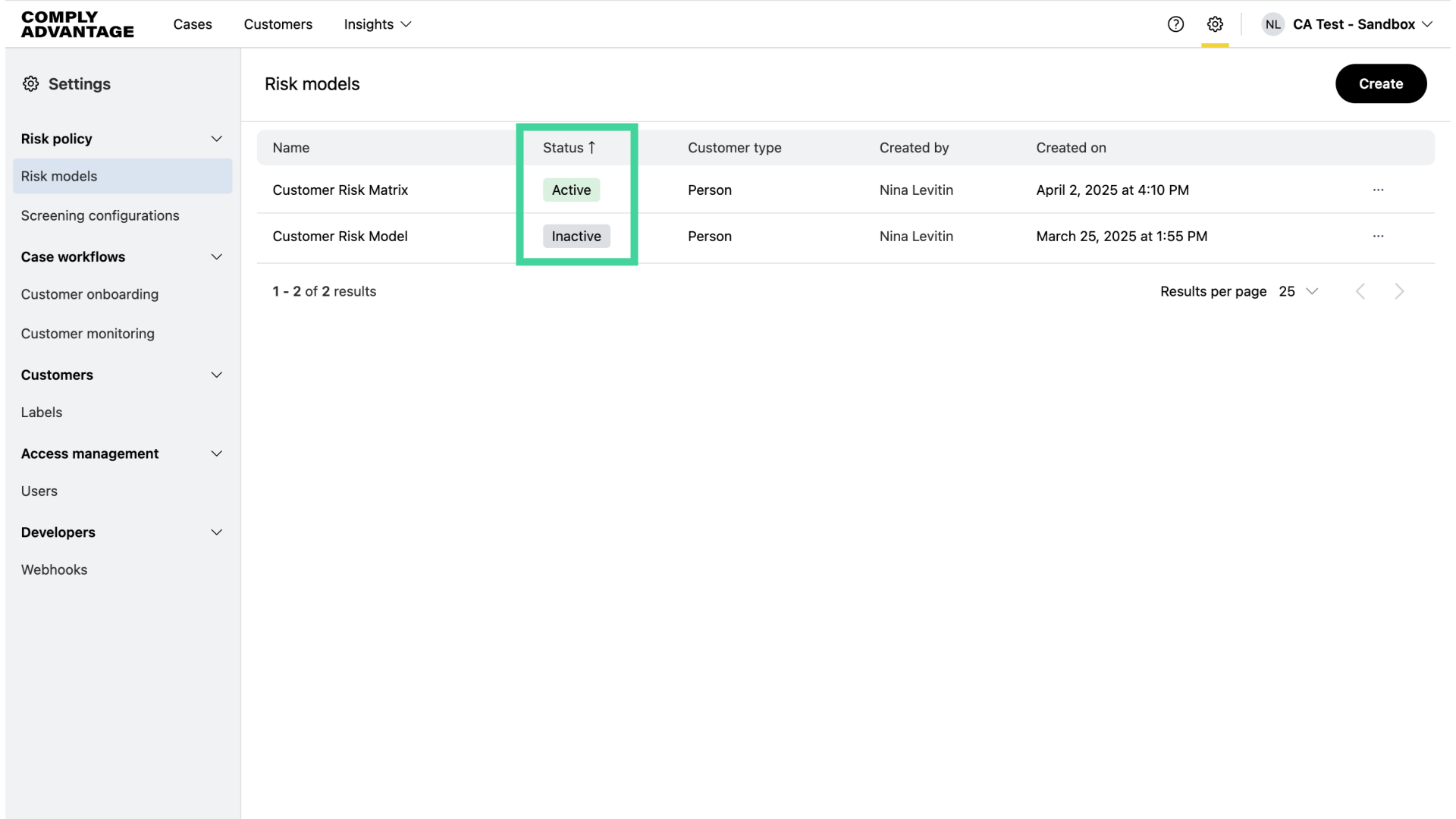
12. Risk models page
You can find your new risk model on the Risk models page.
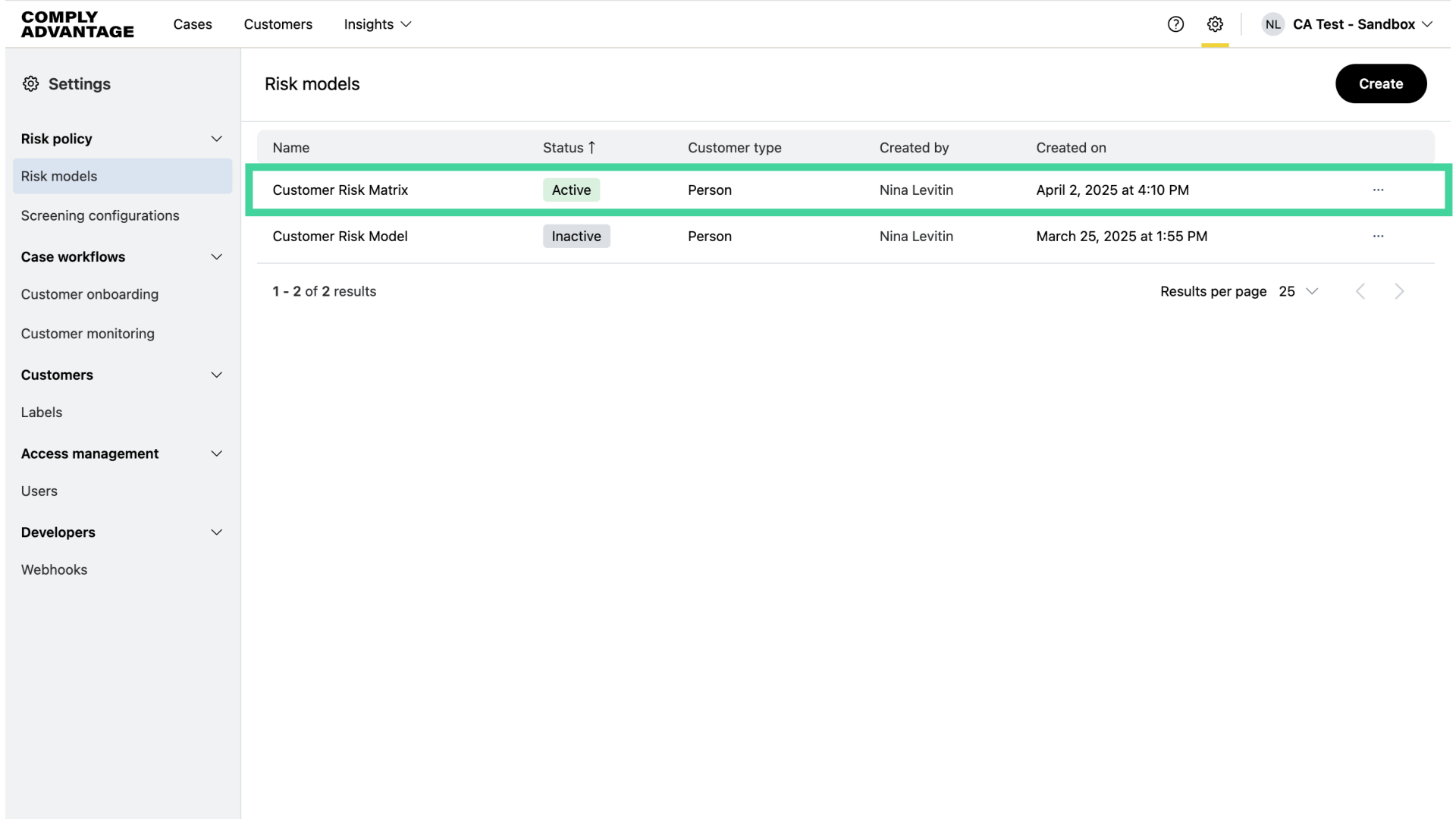
13. Active risk models
The status column shows which models are active. You can have two risk models active at any time, one for person and one for company.
We hope this guide helped you learn how to change the category weightings and set the overall thresholds for your risk model in Mesh. Please visit our Mesh Knowledge Base to learn more about how risk scores are calculated and for customer risk rating best practices.