Reordering stages in a case workflow
Last updated: August 21, 2026
You can reorder the stages in a workflow to align with your business needs.
Once reordered, the new order for stages will be reflected across the platform.
How to reorder stages in a case workflow:
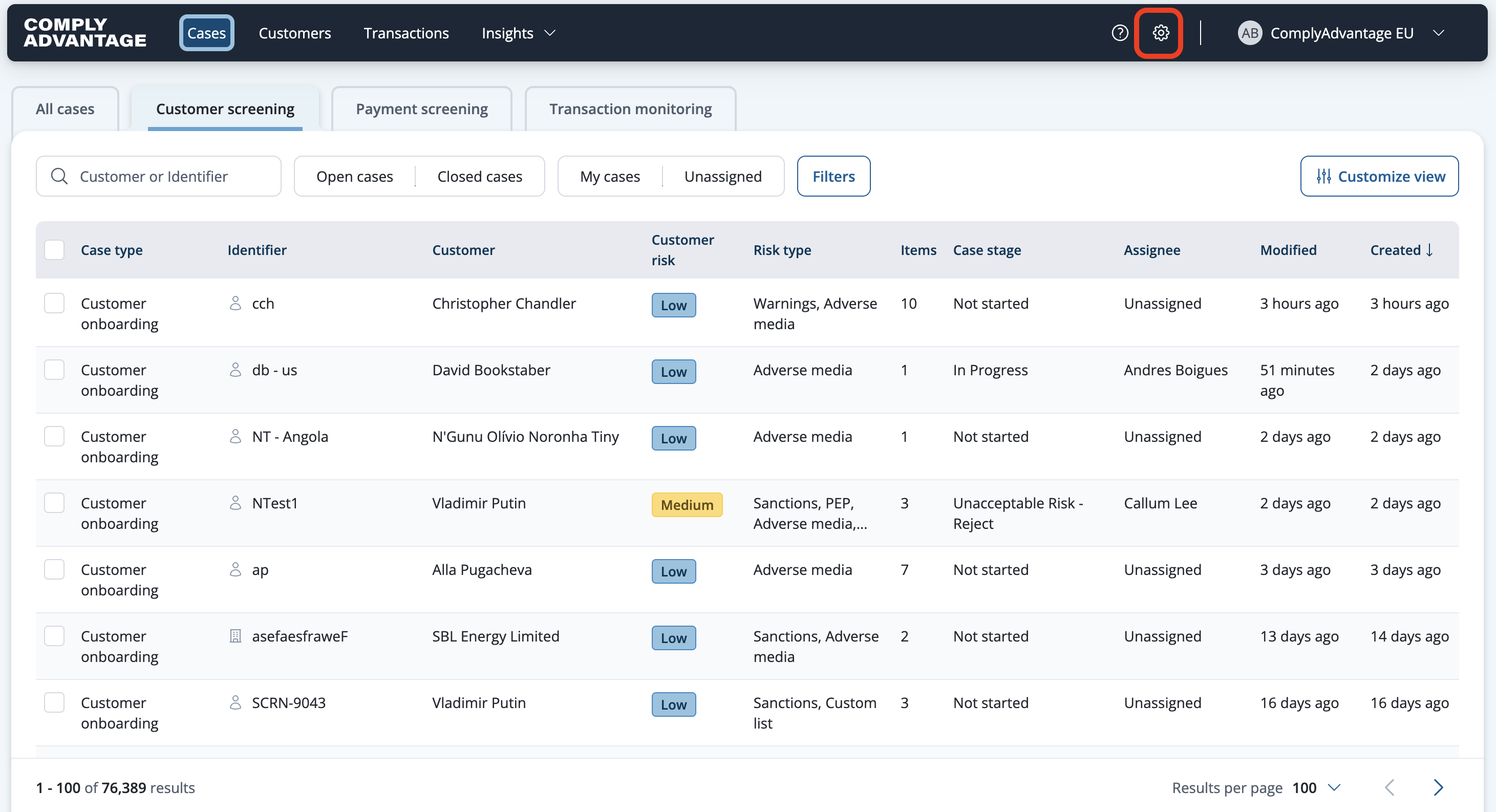
Select Settings from the main header.
Select a case type under Case Workflows in the navigation menu.

Click the Edit button to enter workflow edit mode.

Click the reorder icon next to the stage you wish to move.
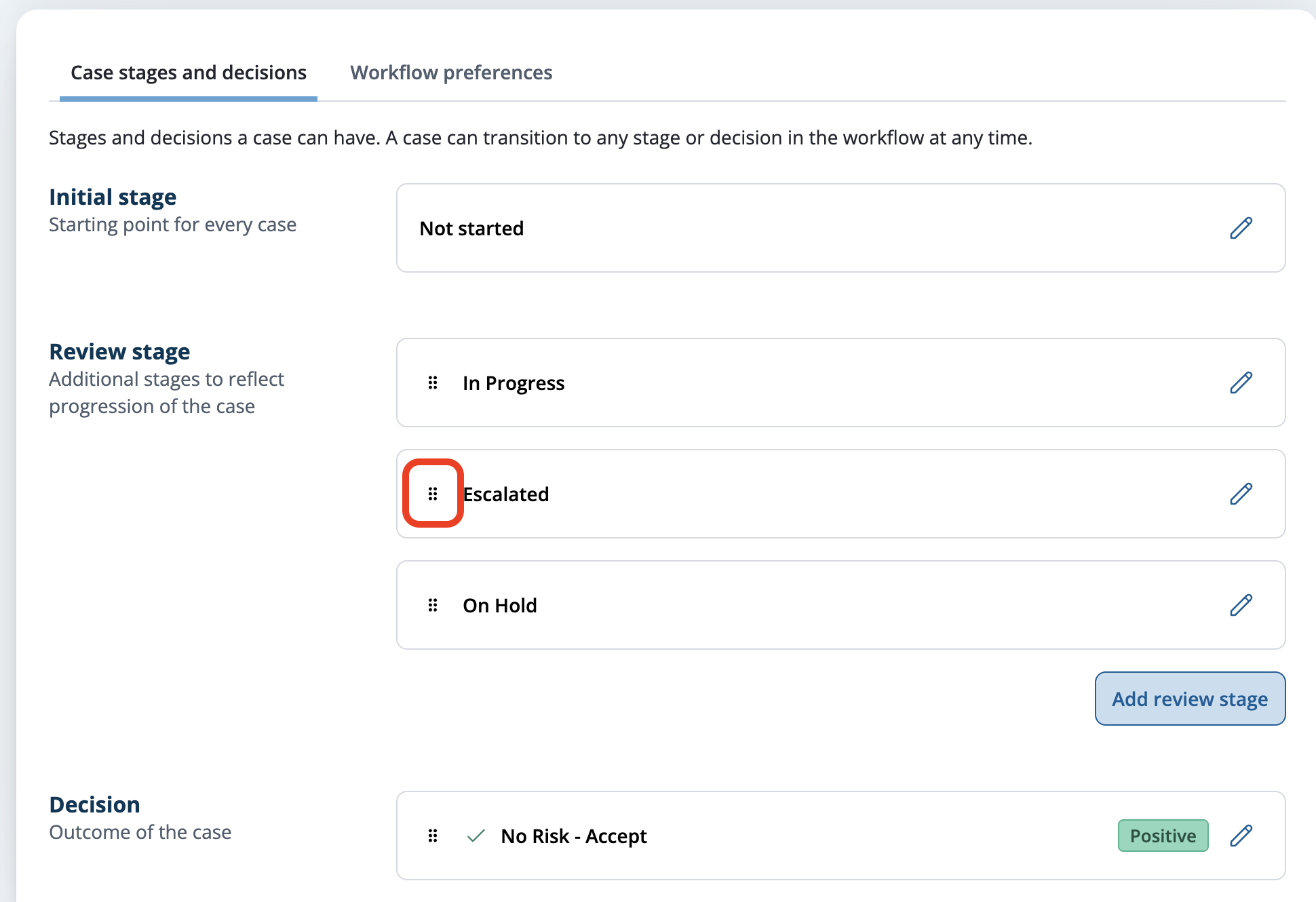
Drag the tile to the desired position (within the same stage type).

Save the changes.
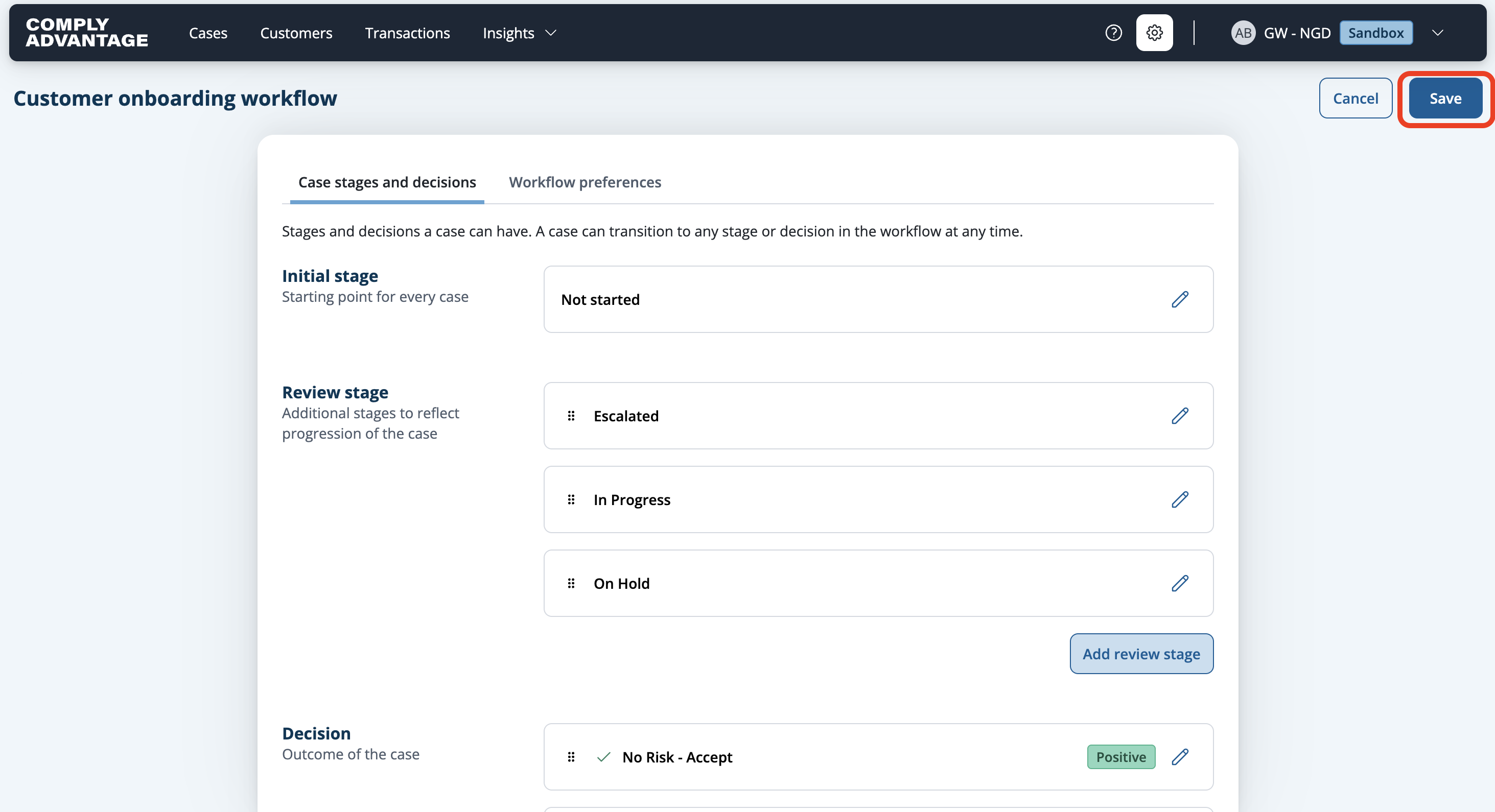
See the changes reflected across the platform.