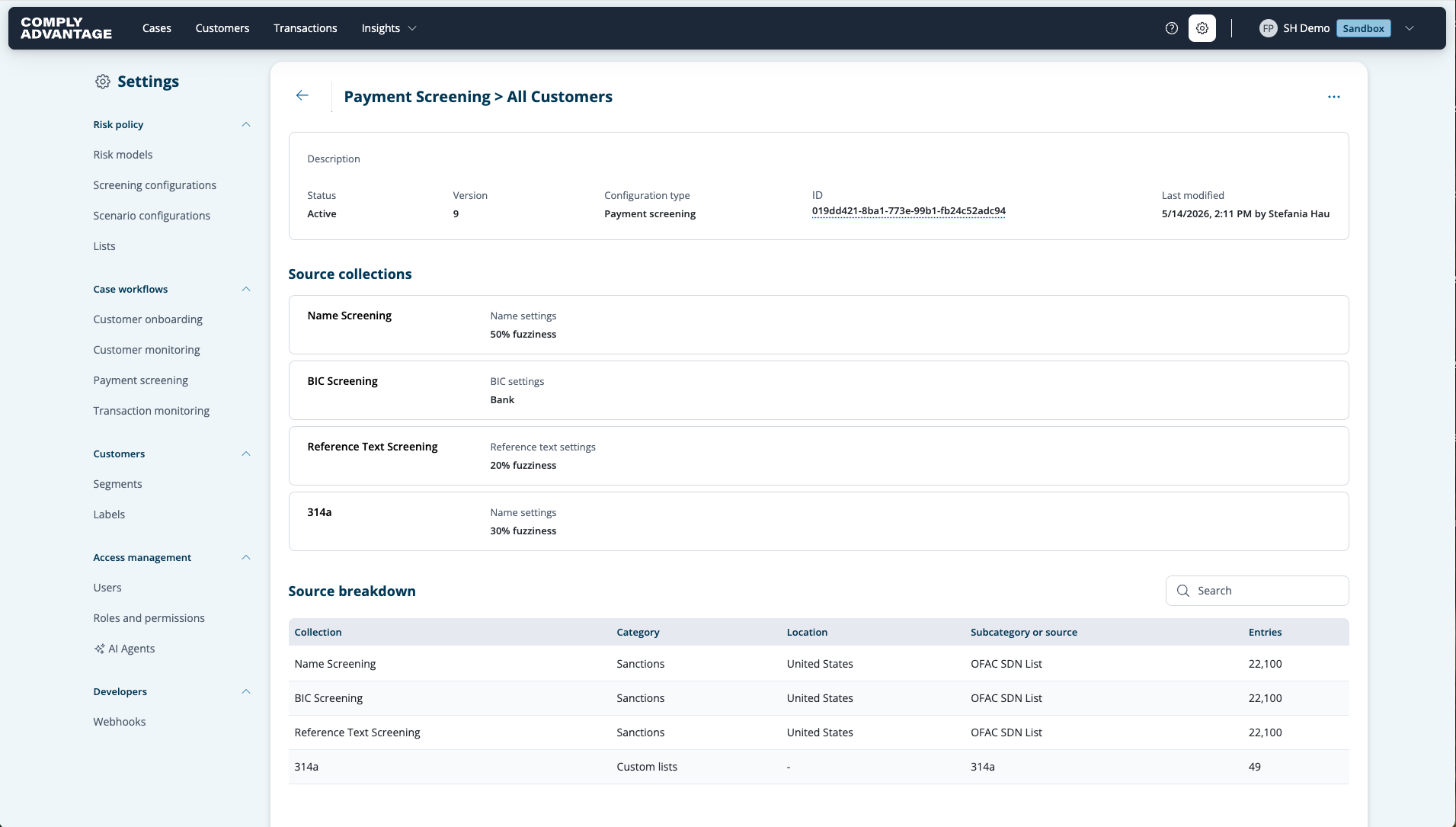
Setting up your Payment Screening Configuration
Last updated: July 3, 2026
Creating a New Screening Configuration
Access Settings: Open the Settings section of Mesh by clicking the settings cog in the top-right corner.
Navigate: Click on the Screening configurations section.
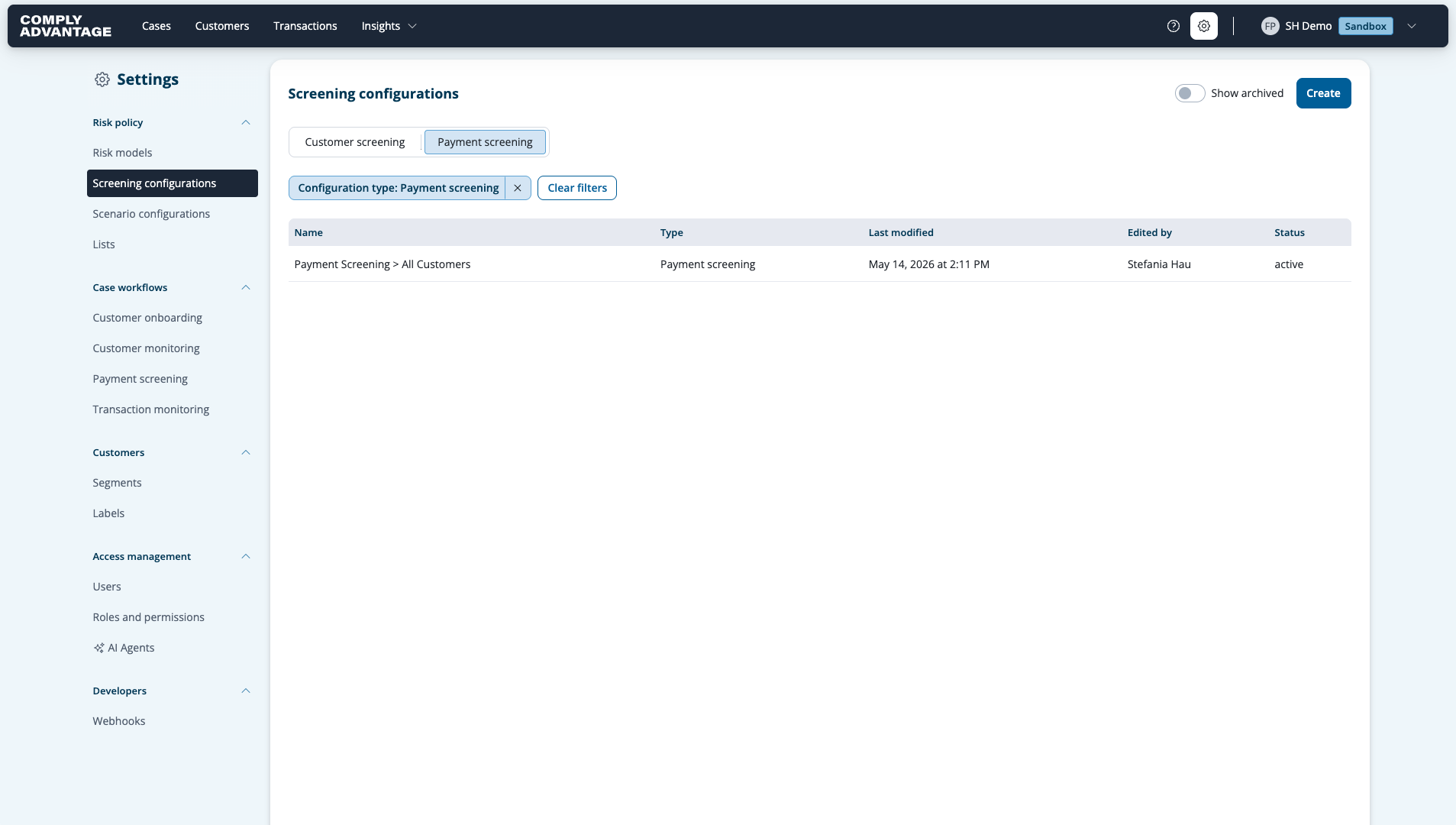
Creation: Click the Create button.
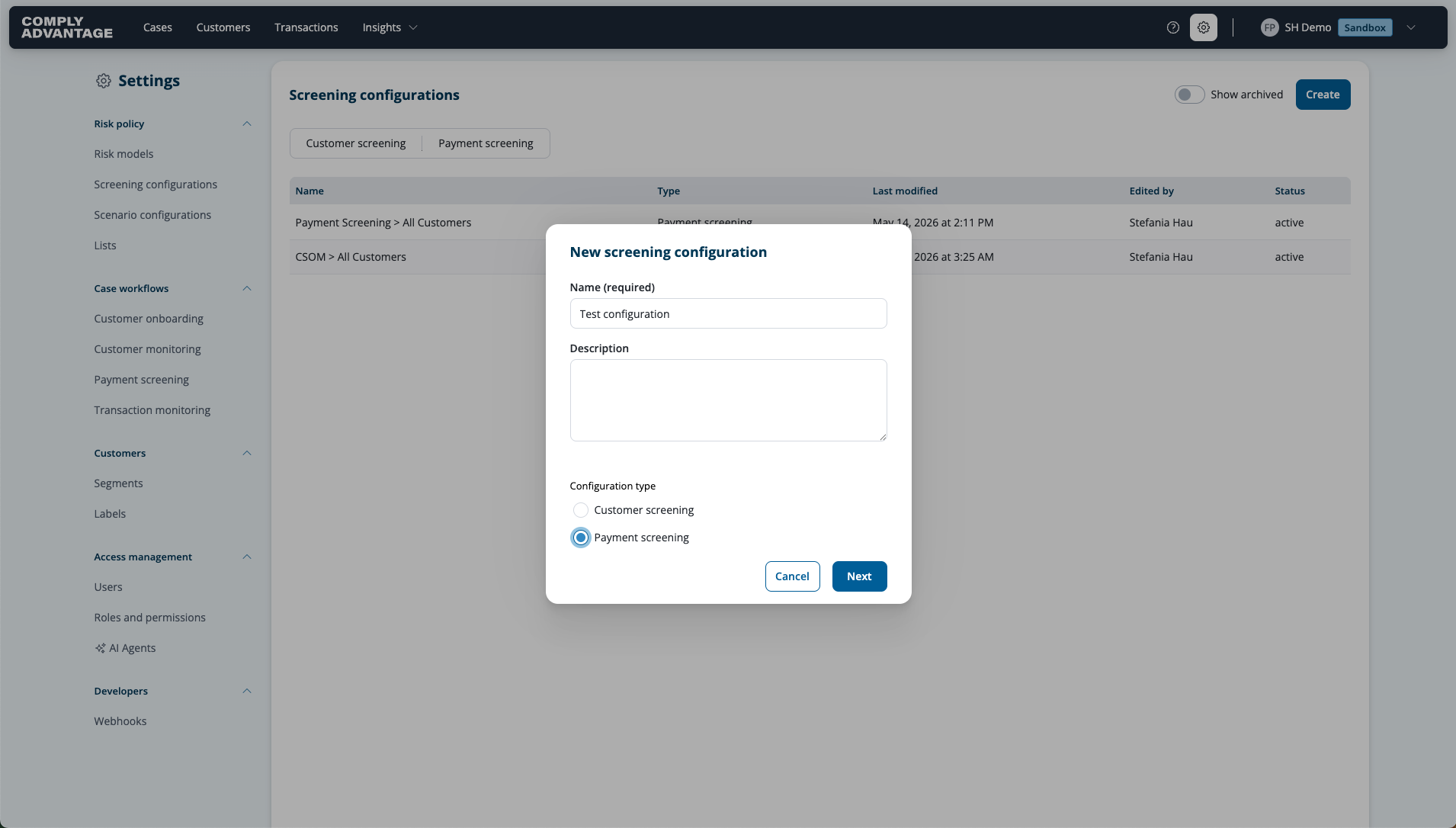
Name Configuration: You will be prompted to type a unique name for the configuration. Once entered, proceed to the next step.
Configuration Type Selection: Select ‘Payment Screening’.
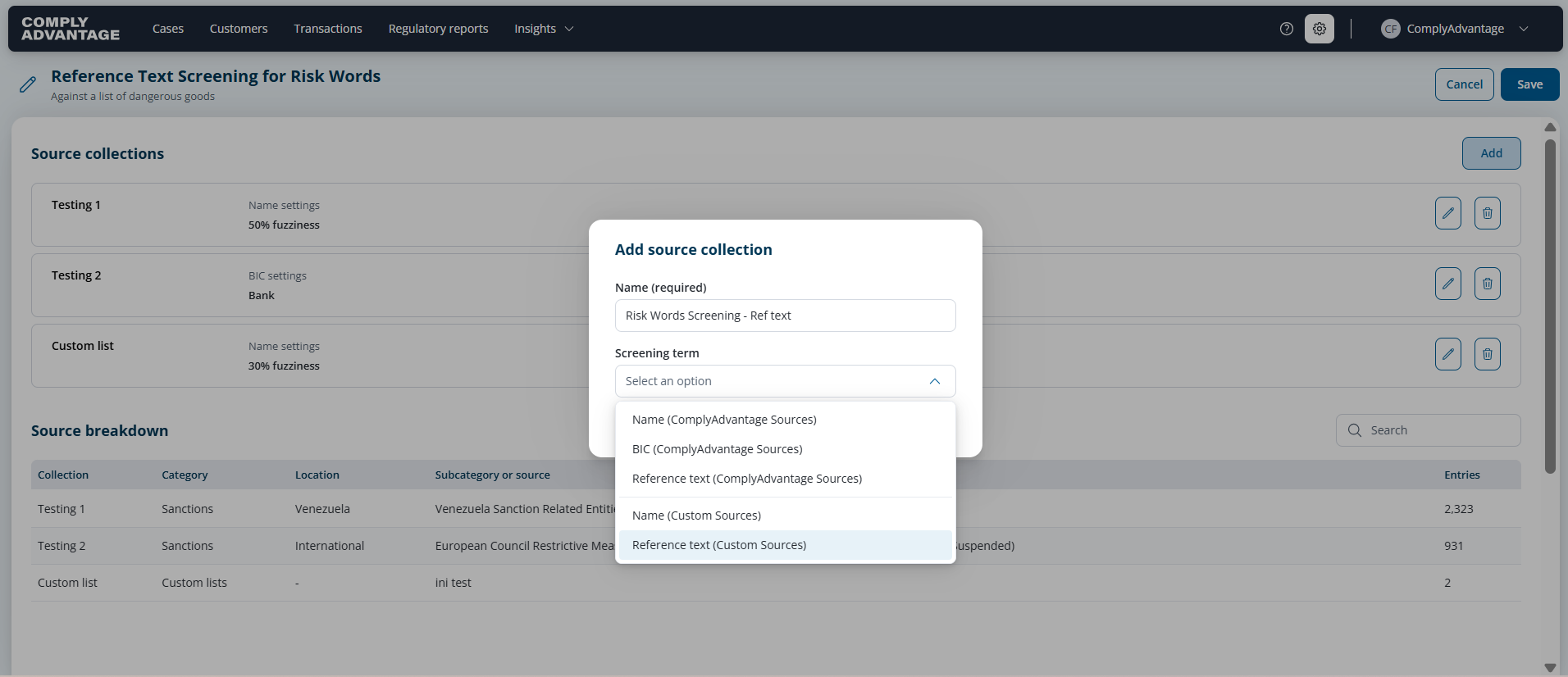
Add a Collection: A configuration is made up of "Collections." A configuration can have up to 4 collections. Click to add a new collection. This is where the filtering flow begins:
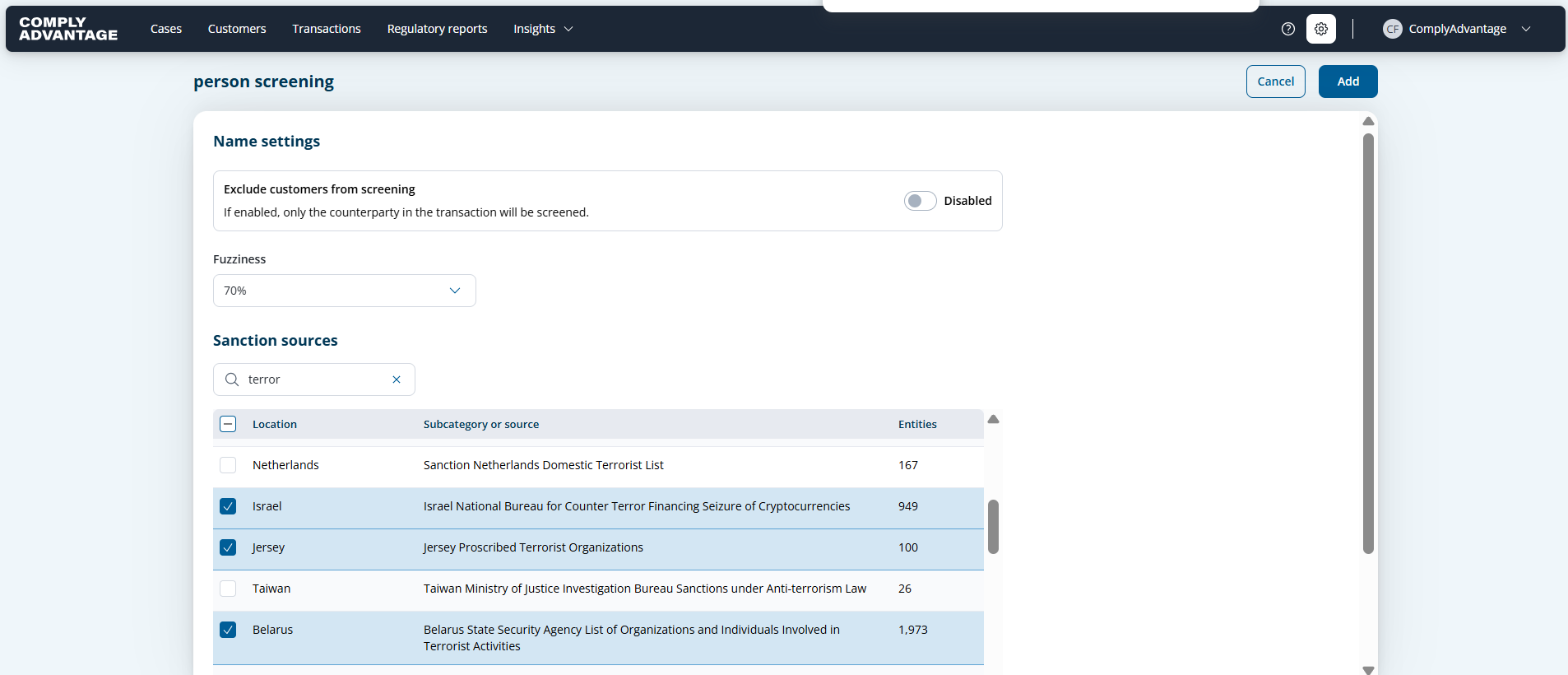
Name Screening (ComplyAdvantage Sources): Choose the specific sanctions lists you want to screen against.
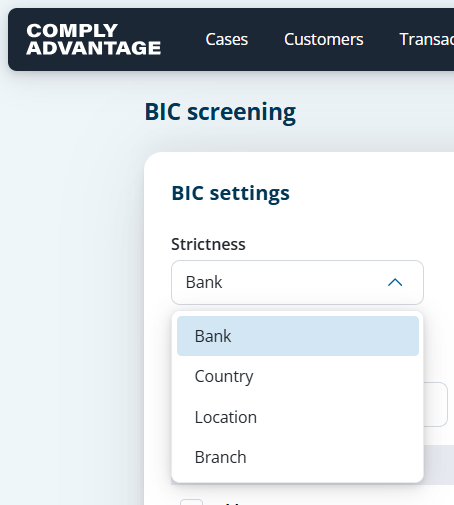
BIC Screening (ComplyAdvantage Sources): Choose the specific sanctions lists you want to screen against.
Reference Text (ComplyAdvantage Sources): Choose the specific sanctions lists you want to screen reference text data against.
Name (Custom Sources): Choose the specific custom lists you want to screen against.
Reference Text (Custom Sources): Choose the risk words list you want to screen against.
Provide a name for the collection, select your screening term and hit ‘next’. Now you have the capability to select the appropriate fuzziness and select the specific lists you want to screen against.
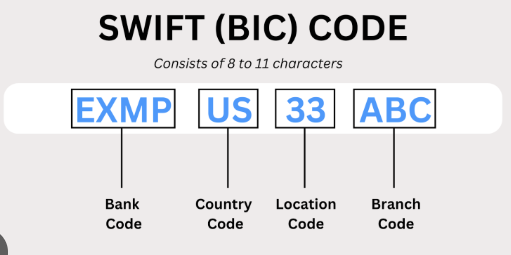
Note: For BIC screening the fuzziness setting is the selection of strictness
Save: Click Add to finalise the configuration.
Updating an Existing Screening Configuration
Access Configurations: Navigate to the Screening configurations section in Settings.
Select Configuration: Find the configuration you want to edit in the list and click to open it.
Edit Collection: Locate the specific collection you wish to modify and amend, remove and/or add collections as required .
Save Changes: Click Save.