Using alerts in screening cases
Last updated: April 7, 2026
Alerts overview
An alert is a collection of risks (e.g., screening profiles) surfaced to clients in Mesh.
Alerts are displayed within cases and group risk information, such as results from a specific monitoring search.
Where alerts are shown
Alerts are visible within a case in two places:
1. Alert list:
Displays one or more alerts within a case, depending on whether the grouping of alerts in open cases is enabled.
Defaults to showing open alerts. Use the filter to toggle between open and closed alerts.
Depending on screen size, the alert list appears:
At the bottom of the customer information sidebar.
Or in its own sidebar.
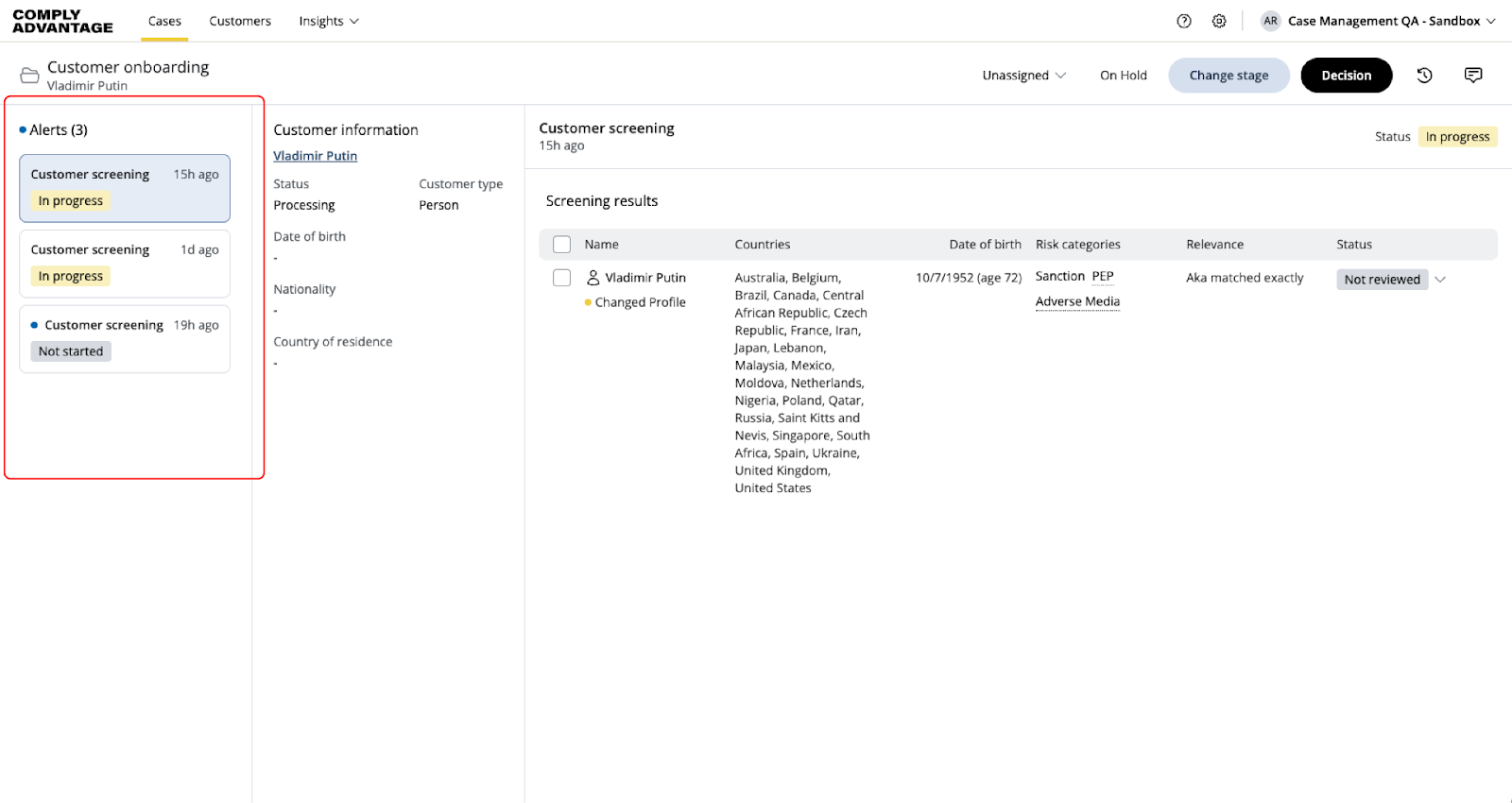
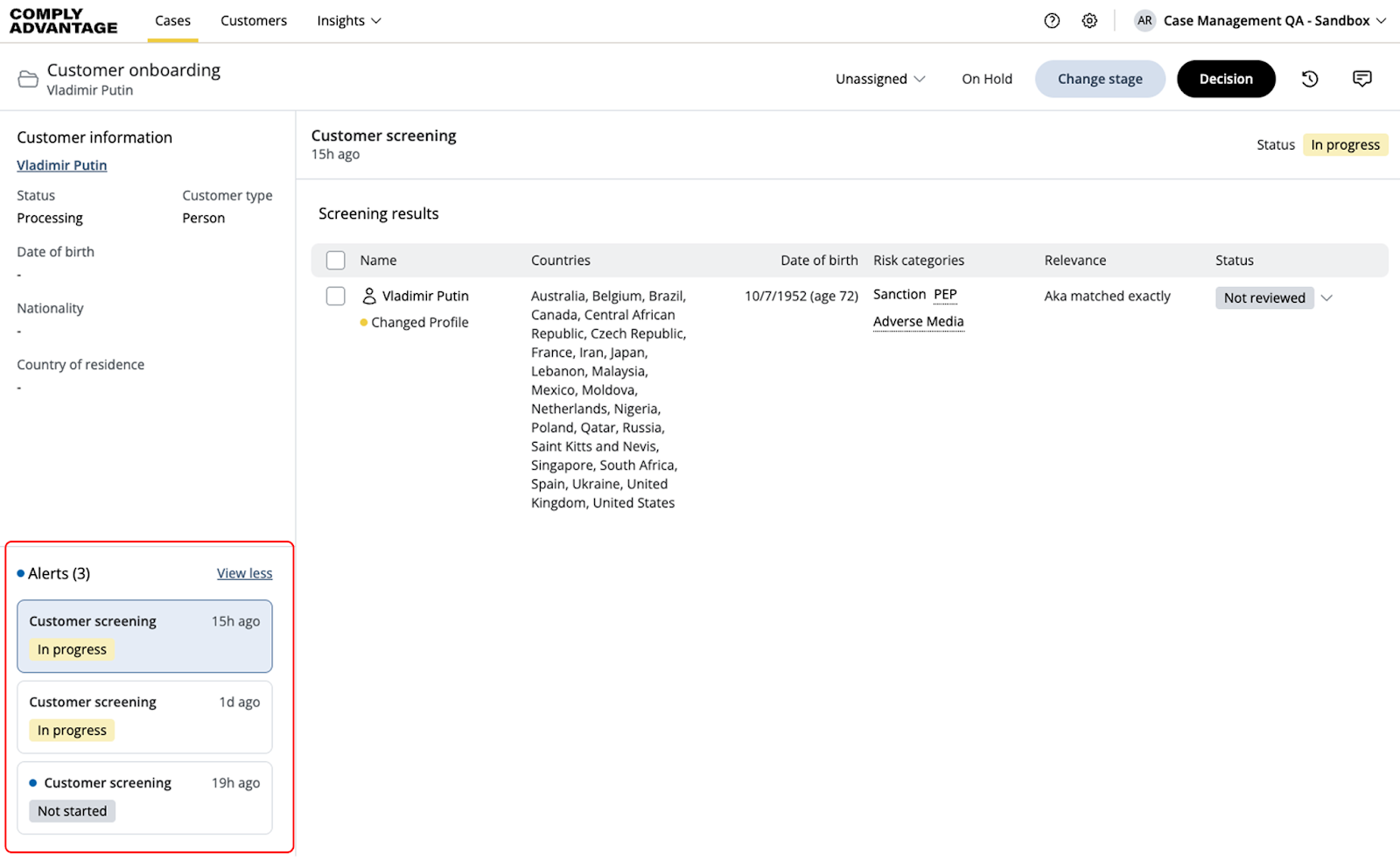
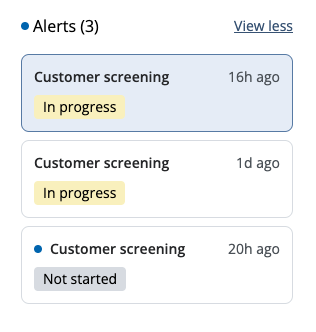
Each alert card includes:
Alert title: Name of the alert (e.g., "Customer screening").
Alert status: Updated automatically based on the status of screening results:
Not started: All alerts start in this status and remain until all screening results are reviewed.
In progress: Some screening results are still marked as "not started" or have mixed results.
False positive: All screening results are marked as "false positive."
True positive: All screening results are marked as "true positive."
Time elapsed: Since the alert was created or last updated.
Viewed status: A blue dot indicates if the user is seeing the alert for the first time.
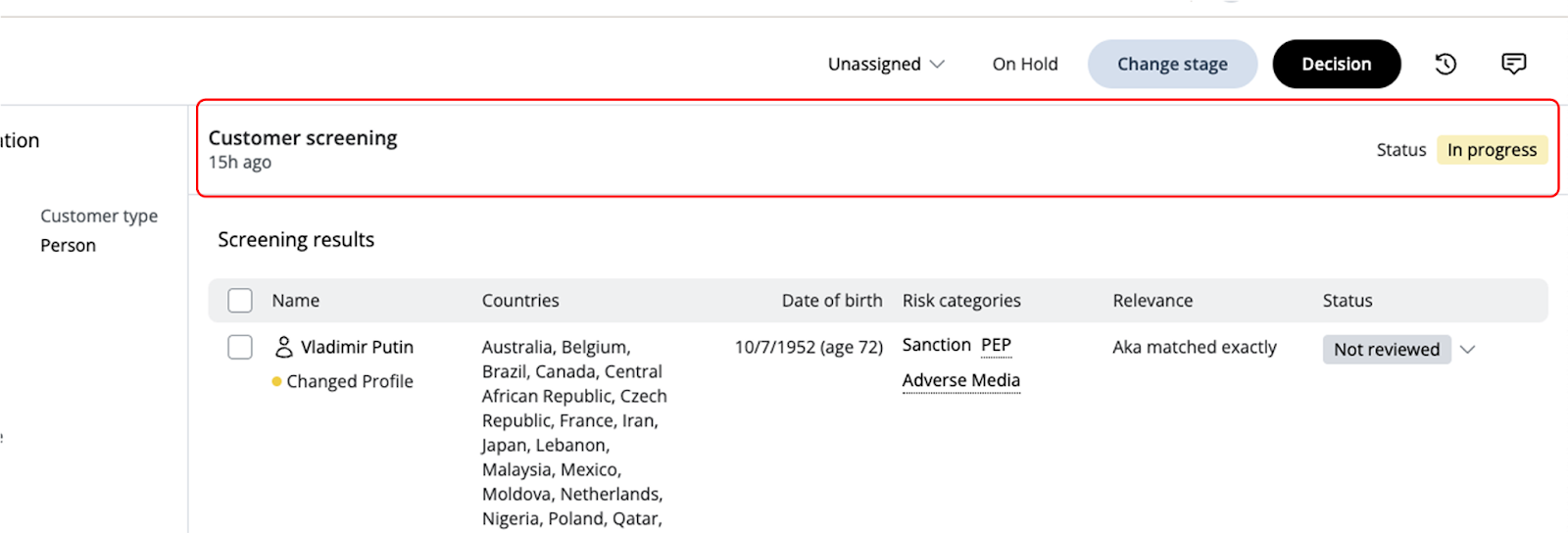
2. Alert header:
When an alert is selected, it appears in the alert header.
The header shows the same information as the alert card.
3. Audit log
Initial alerts and new alerts added after case creation are logged in the audit log.
Changes to alert status are also recorded in the log.