Video: Turn on/off ongoing monitoring
Last updated: October 13, 2026
In this guide, you will learn how to manage ongoing monitoring in Mesh.
When logging in to your account, please ensure you select the correct region, which will be one of the following:
Australia: https://au.mesh.complyadvantage.com/
You can find the link to your region in the onboarding email you received (look for the "Welcome to ComplyAdvantage" email).
If you can’t find the email, don't worry! You can always contact our support team at [email protected].
1. Introduction
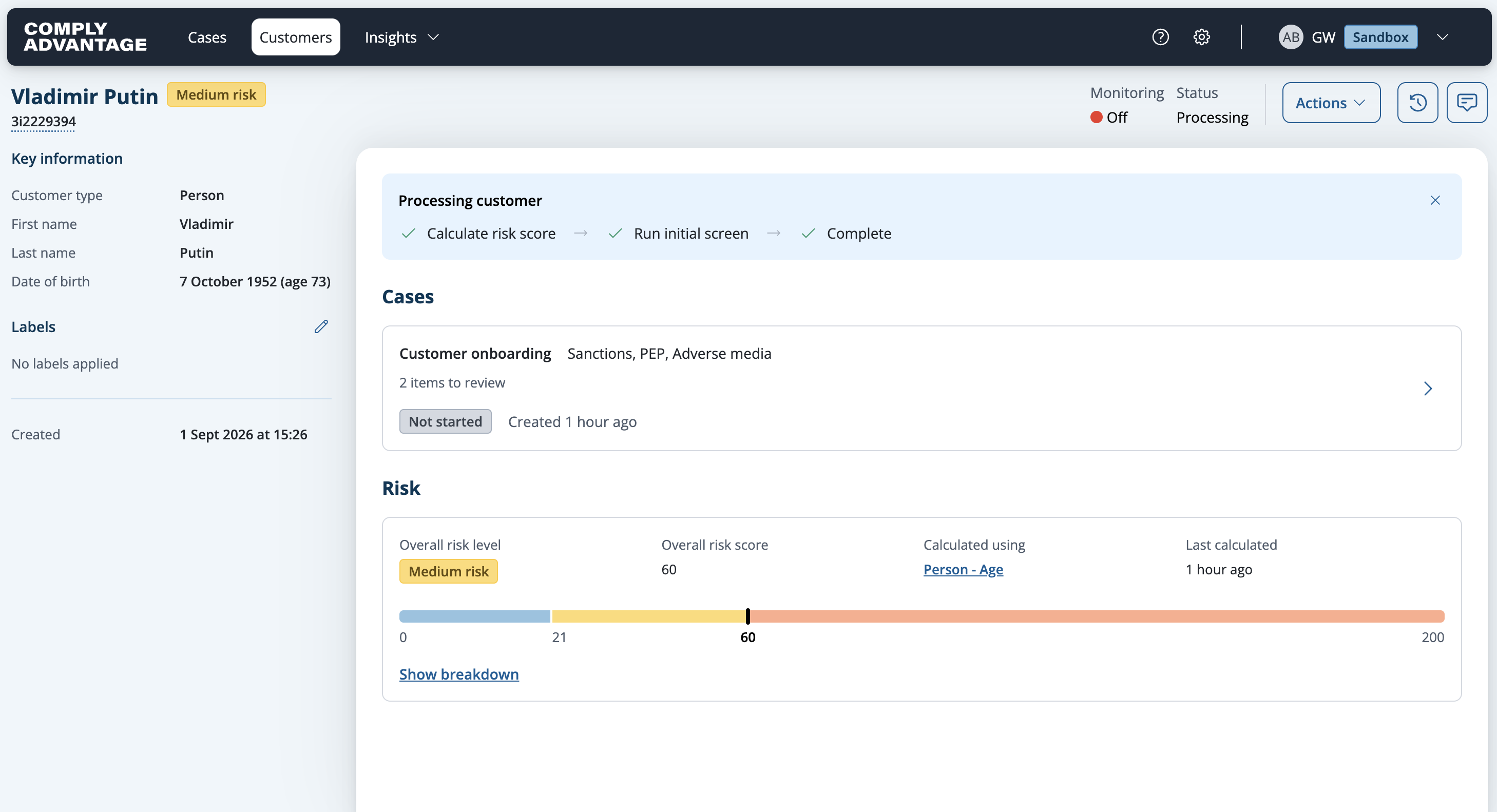
Ongoing monitoring of a customer can be enabled from the customer record.
2. Ability to change monitoring status
Please be aware that you can only change the monitoring status of a customer if their status is Active. For instance, you can change monitoring for these customers with Processing or Active statuses.

3. Inability to change monitoring status
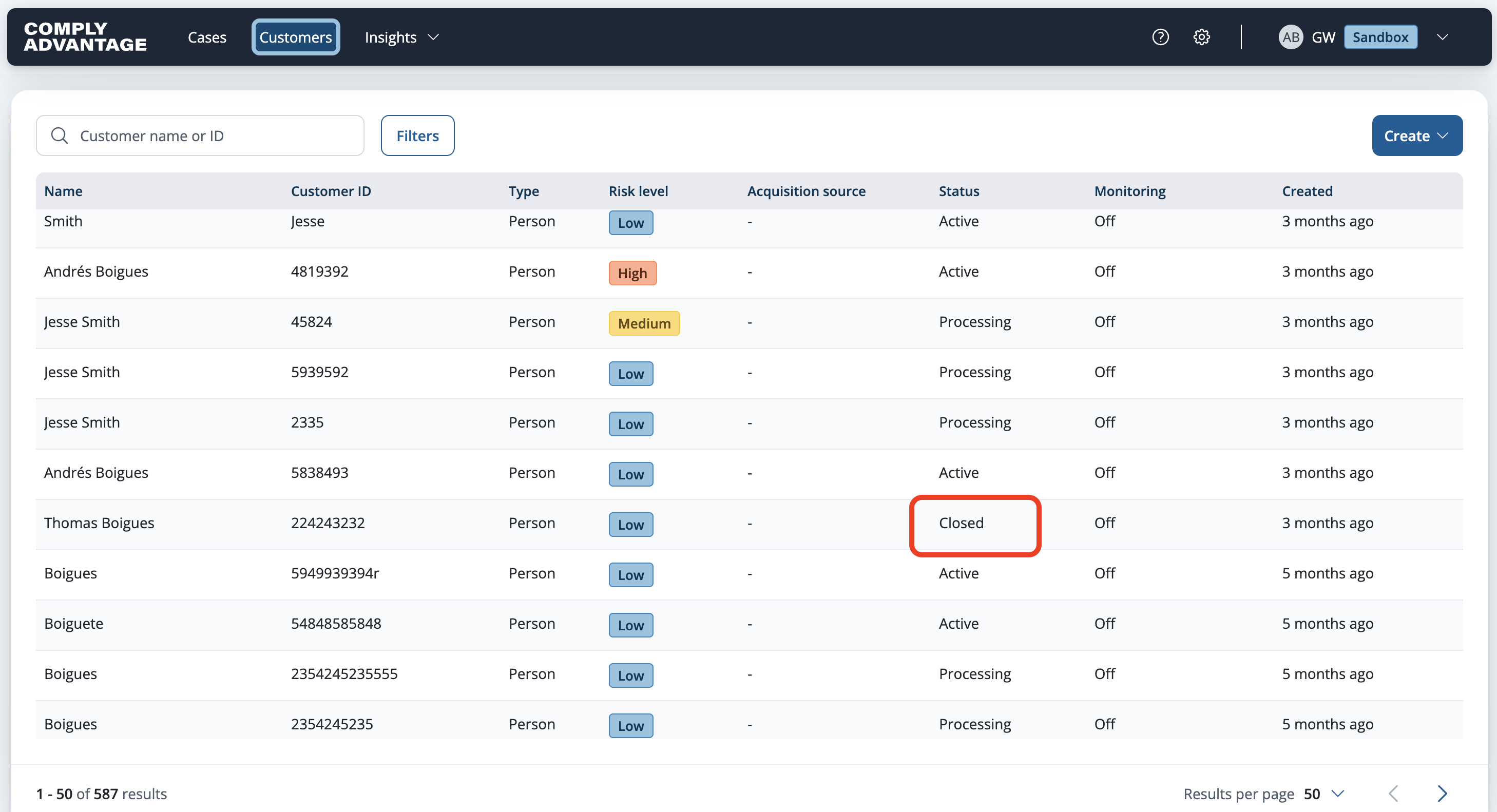
However, you cannot change monitoring for customers with a Closed status.
4. Check Ongoing Monitoring Status
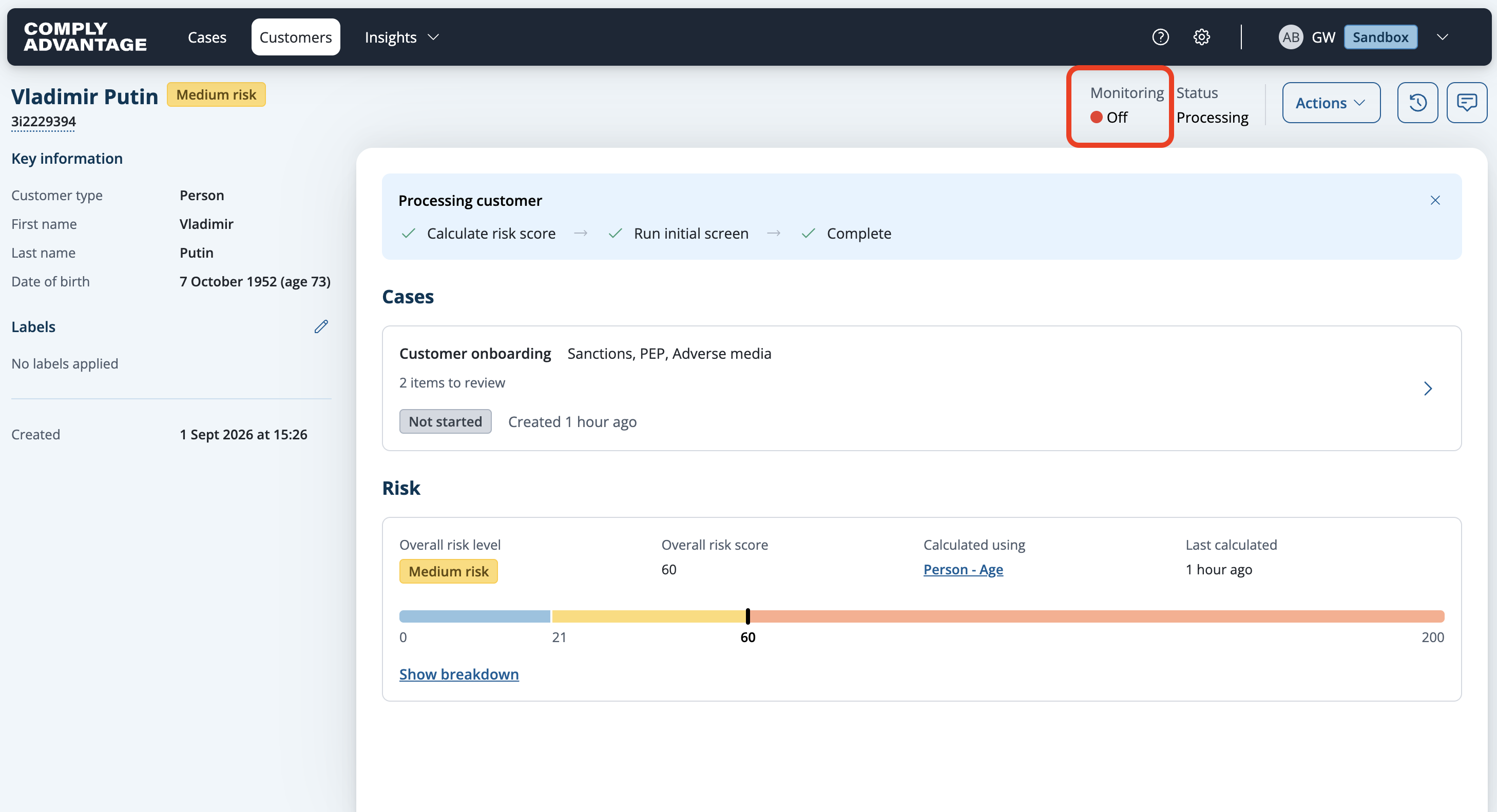
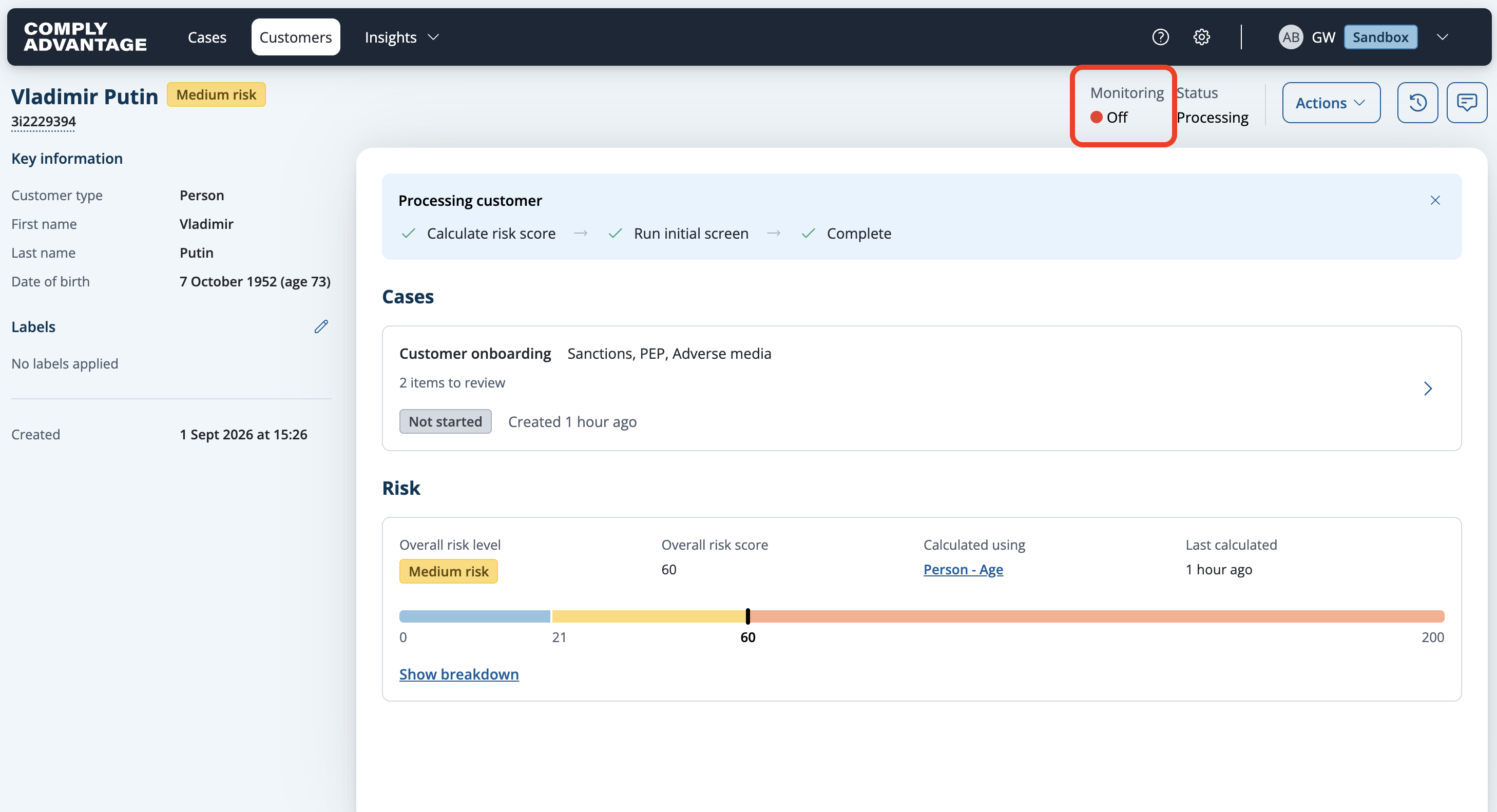
As you can see here, ongoing monitoring is turned off.
5. Click "Actions"
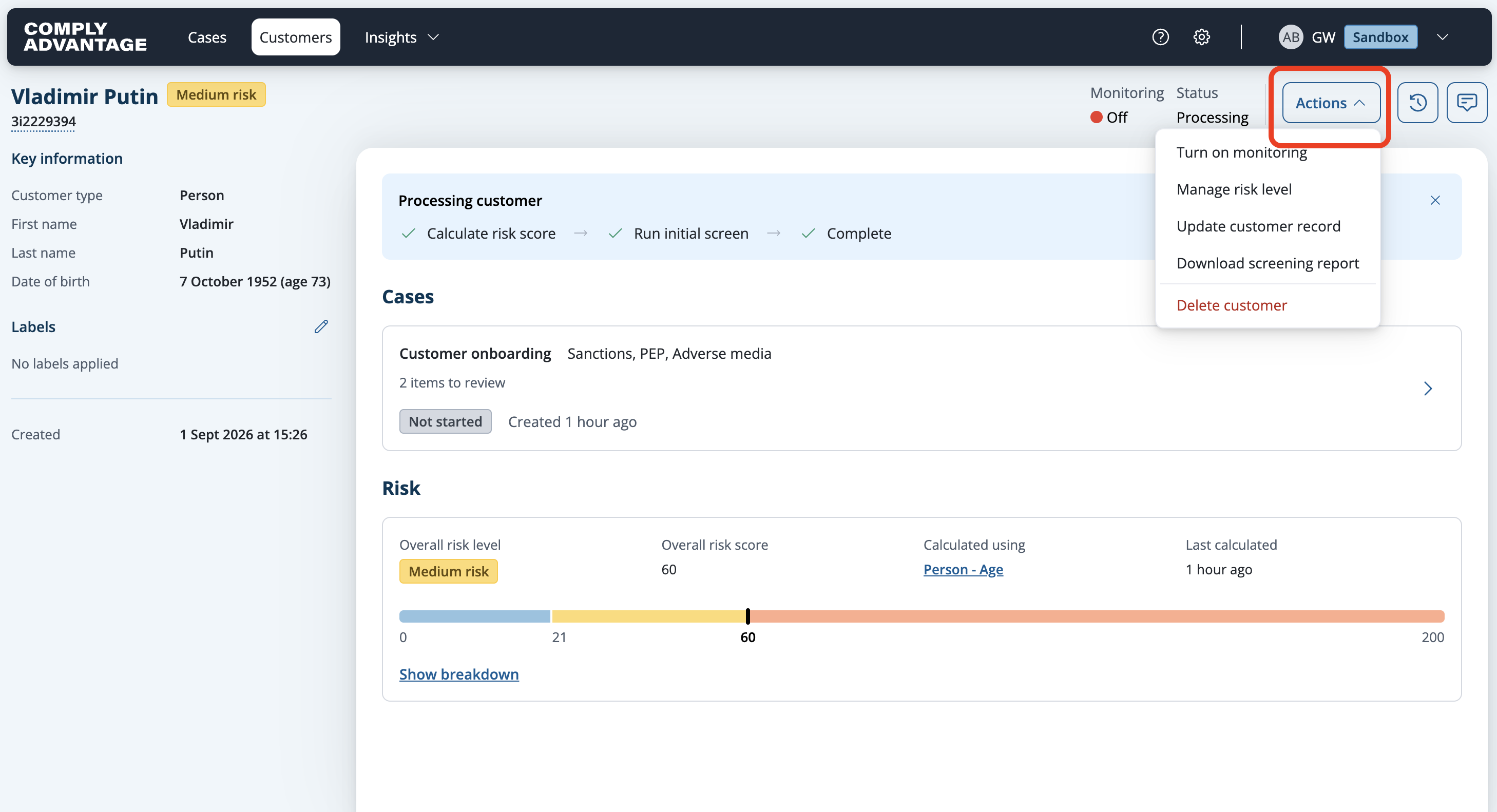
Click "Actions."
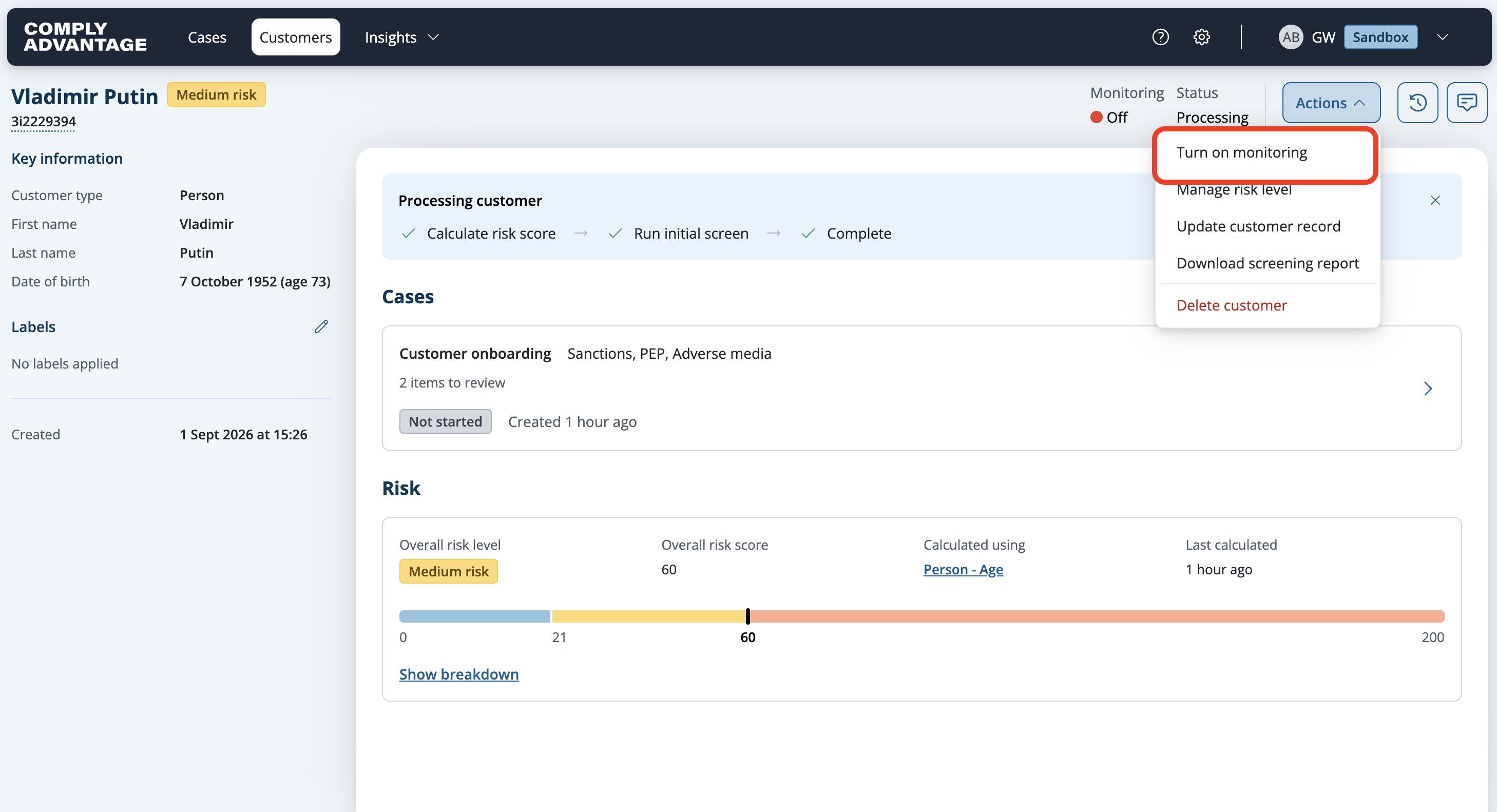
6. Click "Turn on monitoring"
Activate ongoing monitoring by selecting "Turn on monitoring."
7. Ongoing Monitoring Status
Ongoing monitoring is now enabled. If necessary, you can turn it off at any time.
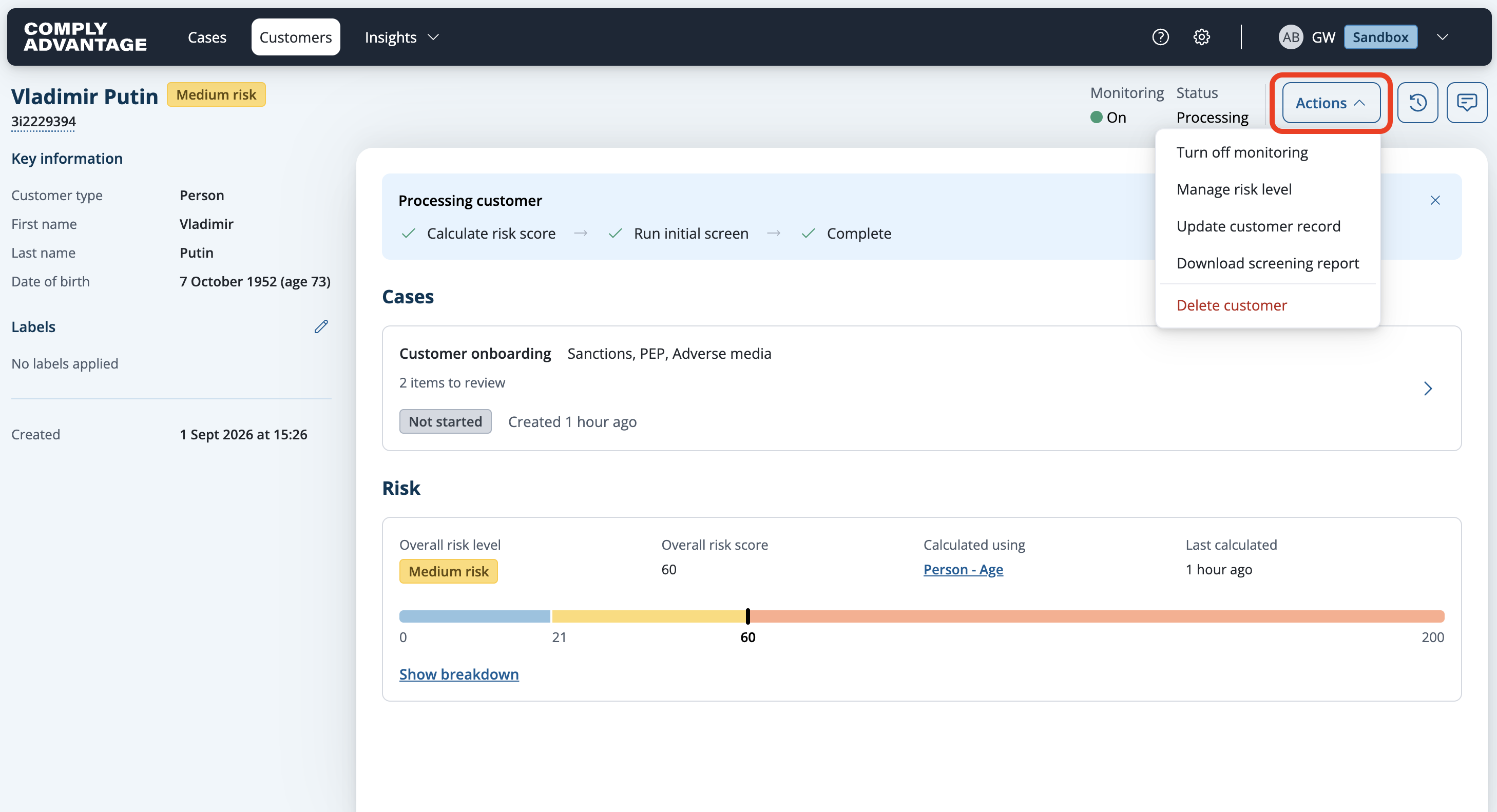
8. Click "Actions"
To do so, click "Actions."
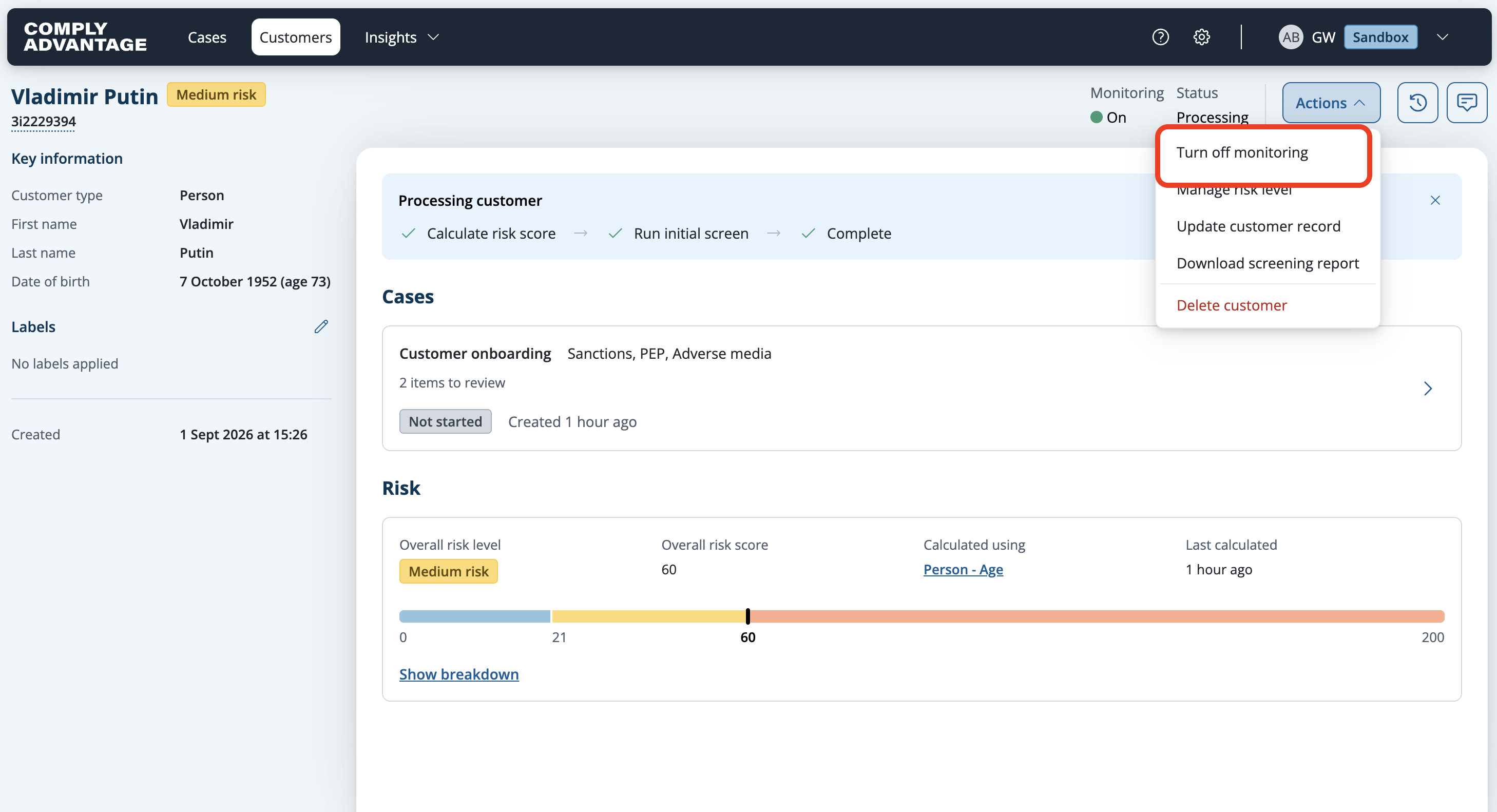
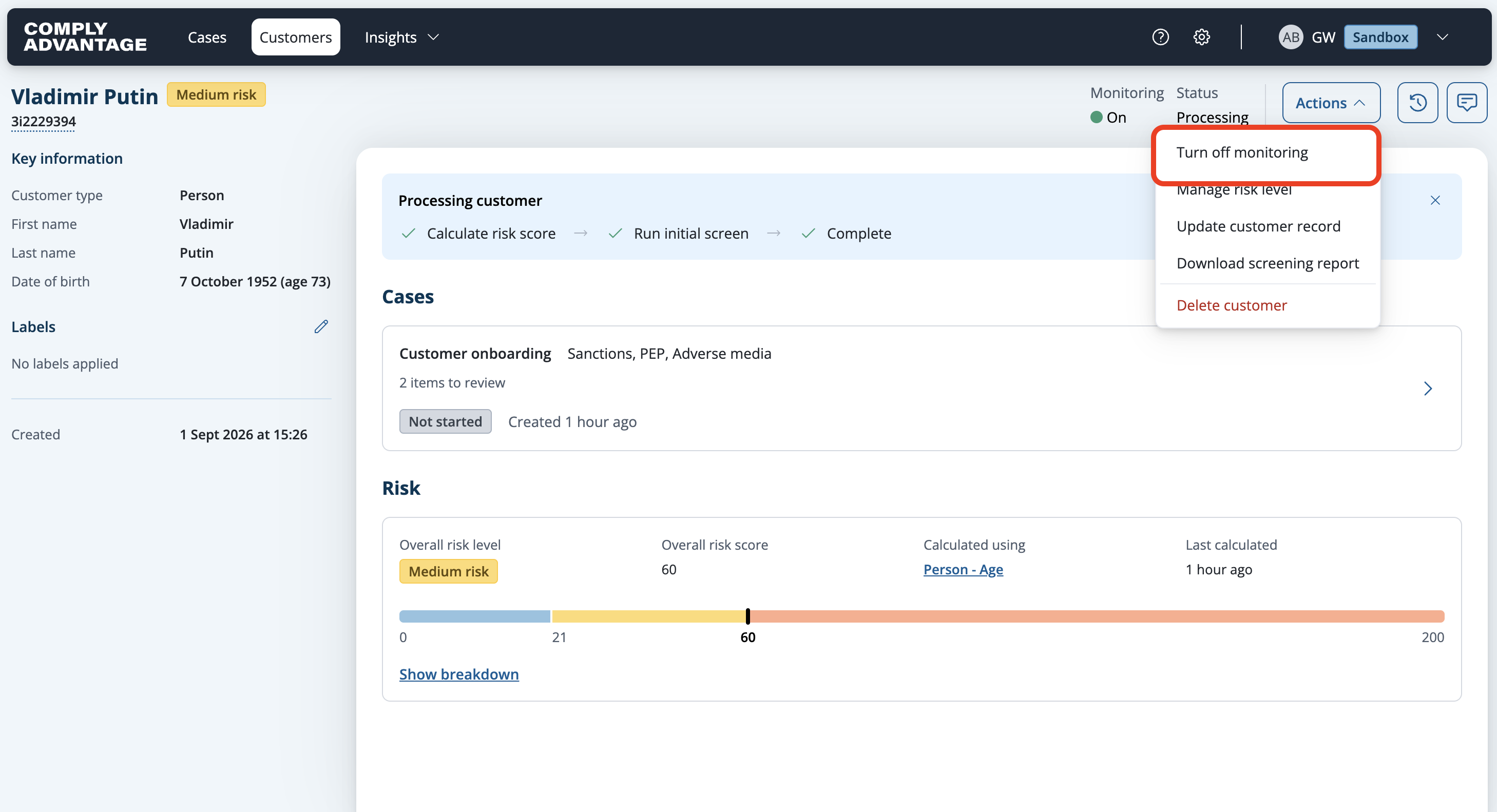
9. Click "Turn off monitoring"
Select "Turn off monitoring."
10. Ongoing Monitoring Status
Now ongoing monitoring is turned off.
We hope this guide helped you learn how to turn ongoing monitoring on and off in Mesh.