Configuring a case workflow
Last updated: August 24, 2026
Case workflows define the stages a case can go through, from creation to a decision. You can configure workflows to represent your business processes.
Before configuring a case workflow:
Go to Settings.
Case workflow structure:
A case workflow has three types of stages:
Initial: A case will always start here, with only one initial stage per workflow.
Review: The case moves through various review stages as it progresses through the workflow.
Decision: The final stage, where the case is closed.
Each case type has its own case workflow, that can be modified independently.
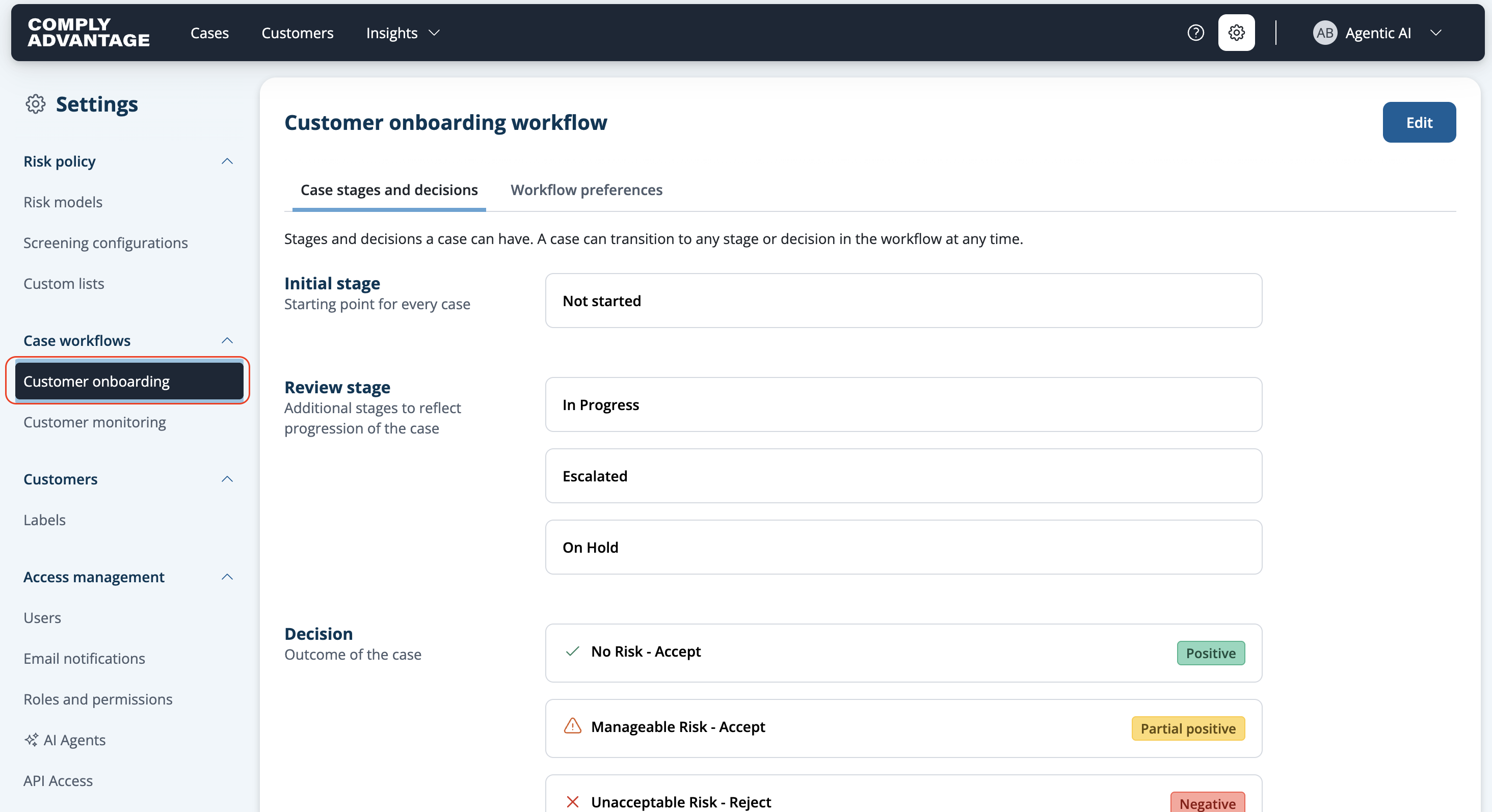
For more details see:
Viewing a case workflow
Additional configuration options:
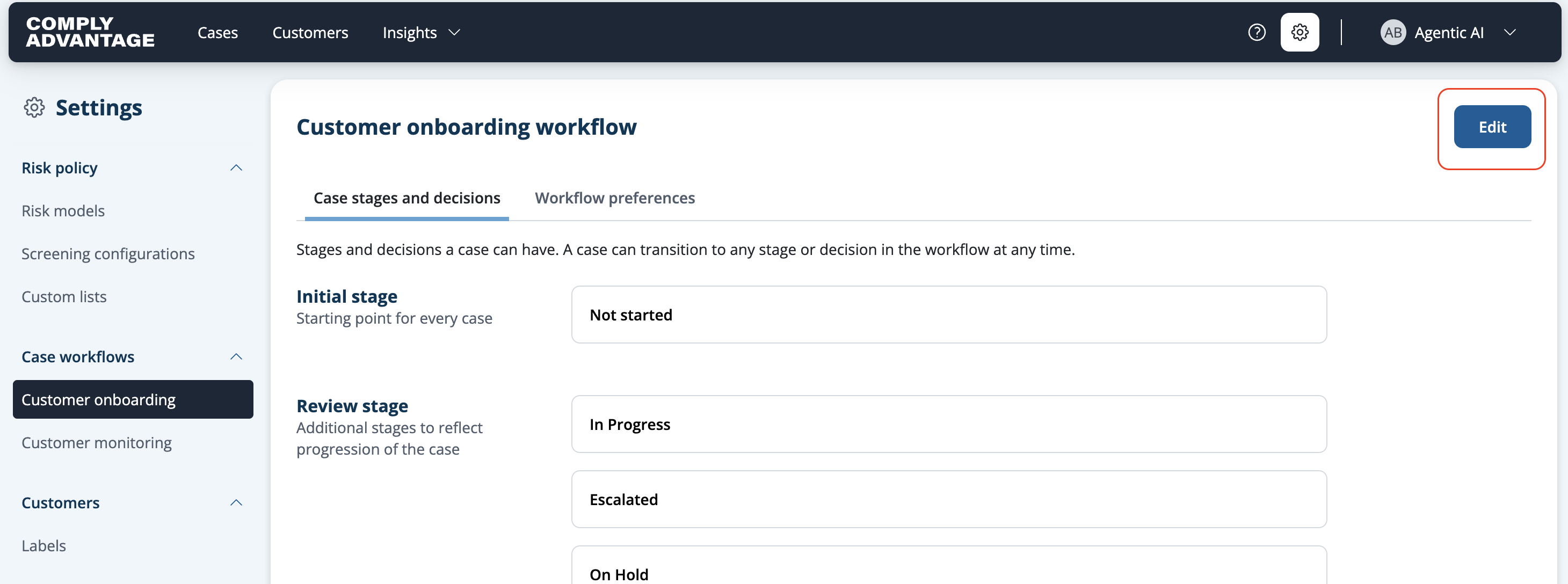
In order to edit the Case workflow, click on "Edit":
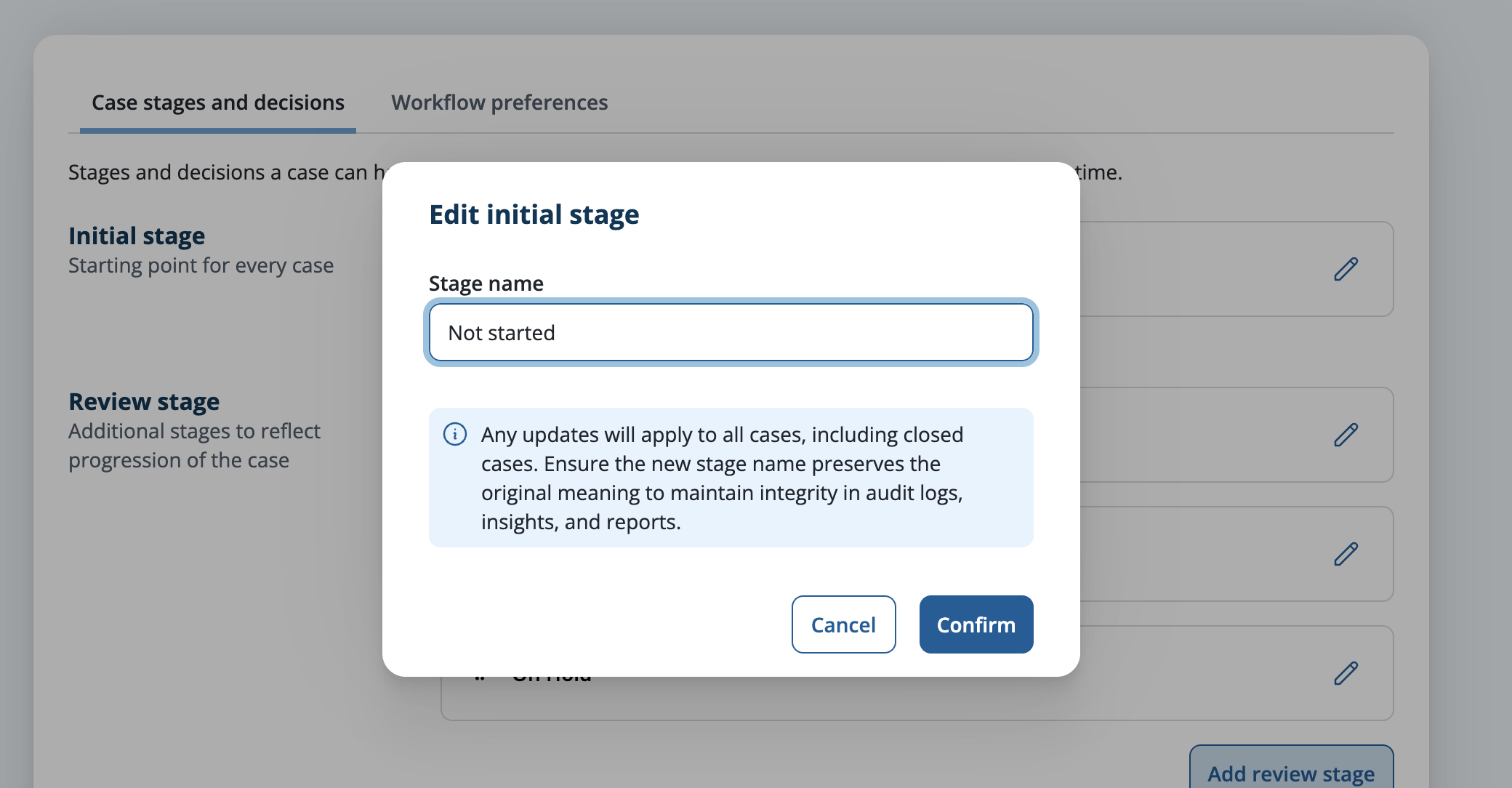
Rename stages: Align stage names with your processes.
Reorder stages: Adjust the stage order to fit your workflow needs.
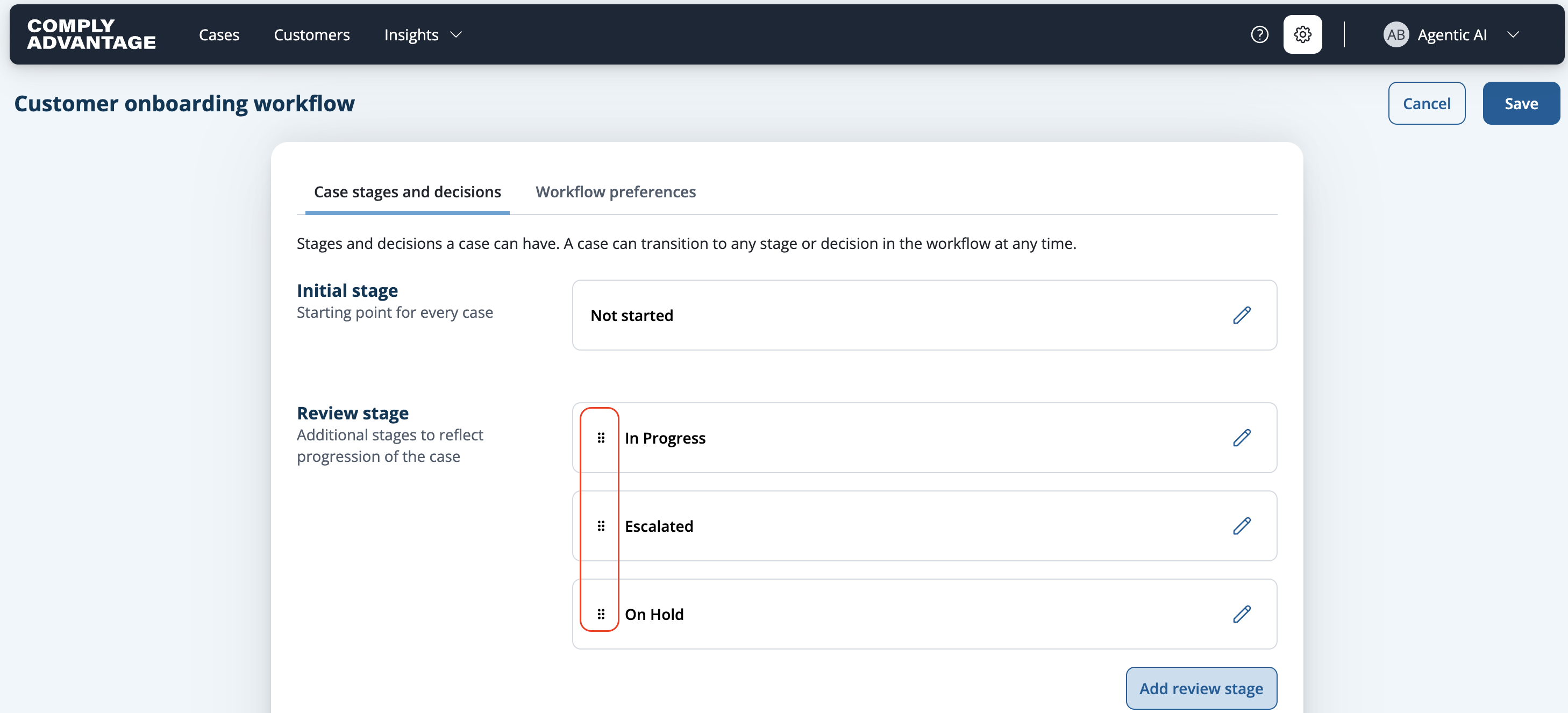
For more details, refer to the respective help articles: