Creating a customer
Last updated: August 19, 2026
A customer is a person or company that has a direct relationship with your company.
To understand if there is any risk associated with a customer you want to onboard, you need to create a customer record on ComplyAdvantage Mesh and screen it.
There are four ways to create and screen customers:
Create and screen a single customer using the Mesh web application.
Create and screen a batch of customers using the Mesh web application.
Create and screen a single customer using the application programming interface (API).
Create and screen a batch of customers using the API.
Creating and screening a single customer using the Mesh web application
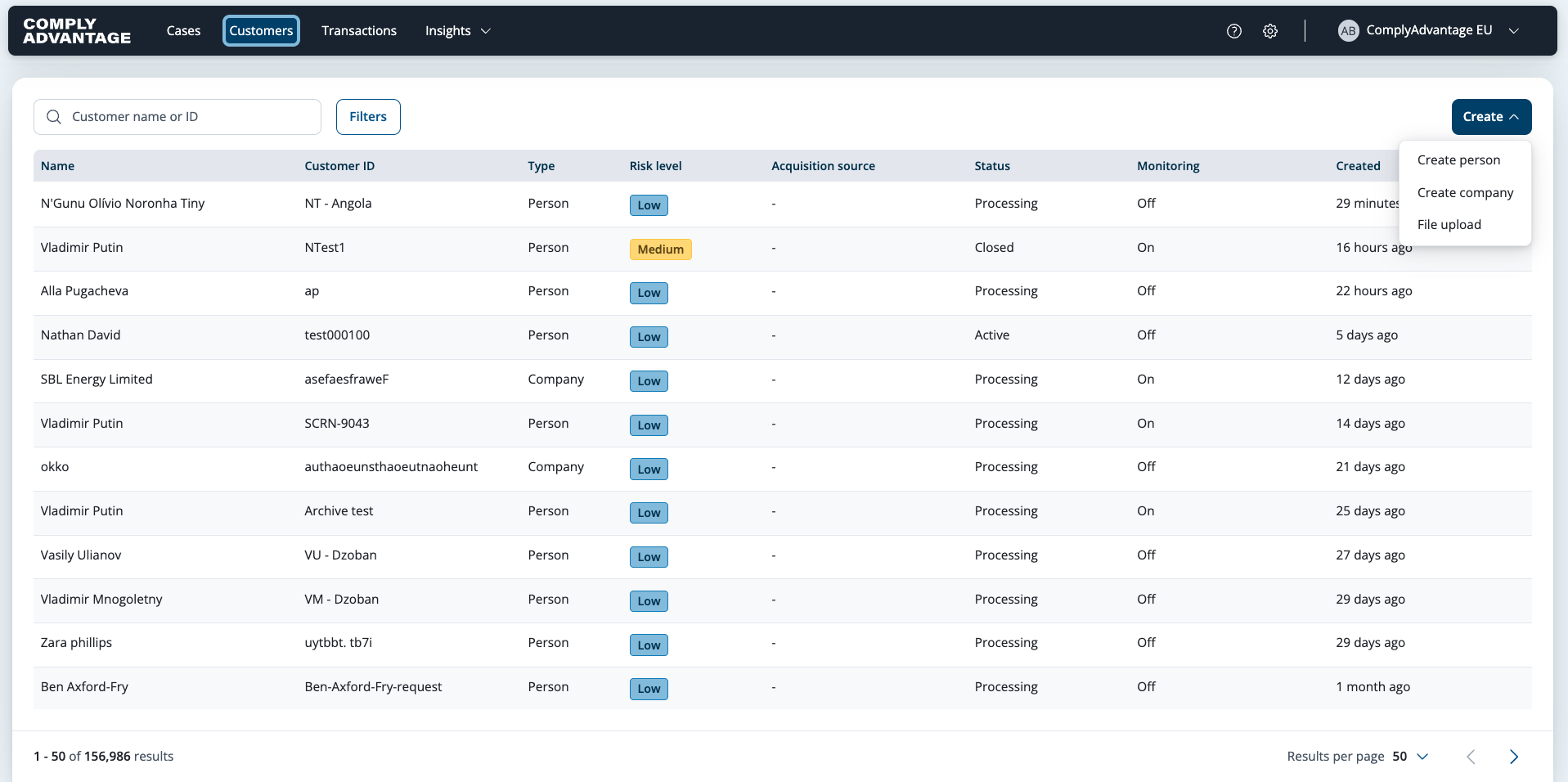
Select Customers from the main header.
Select Create, then Create person or Create company depending on customer type.
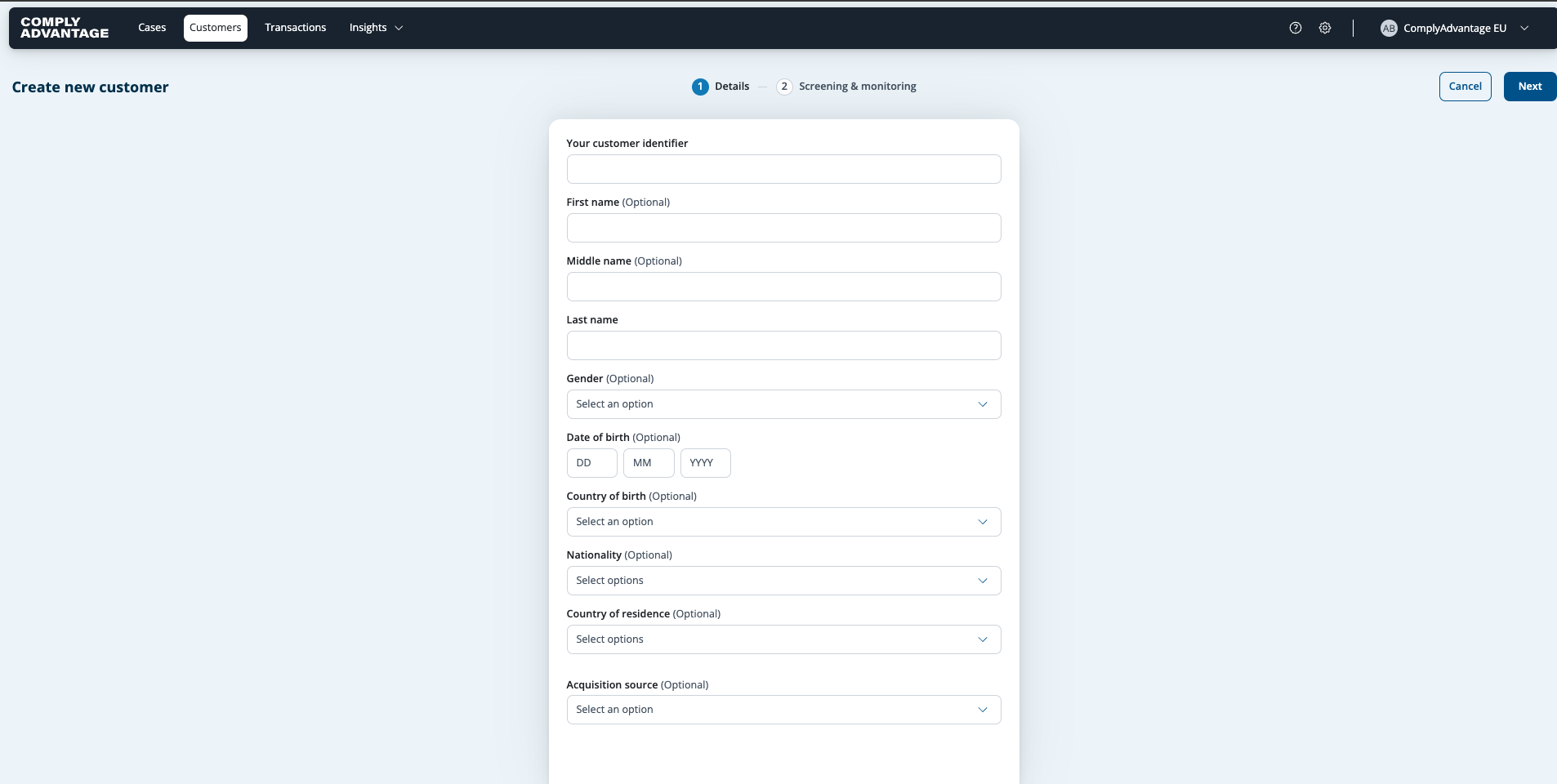
Fill in the details of your customer or company. Here is an example of the Create new person form:
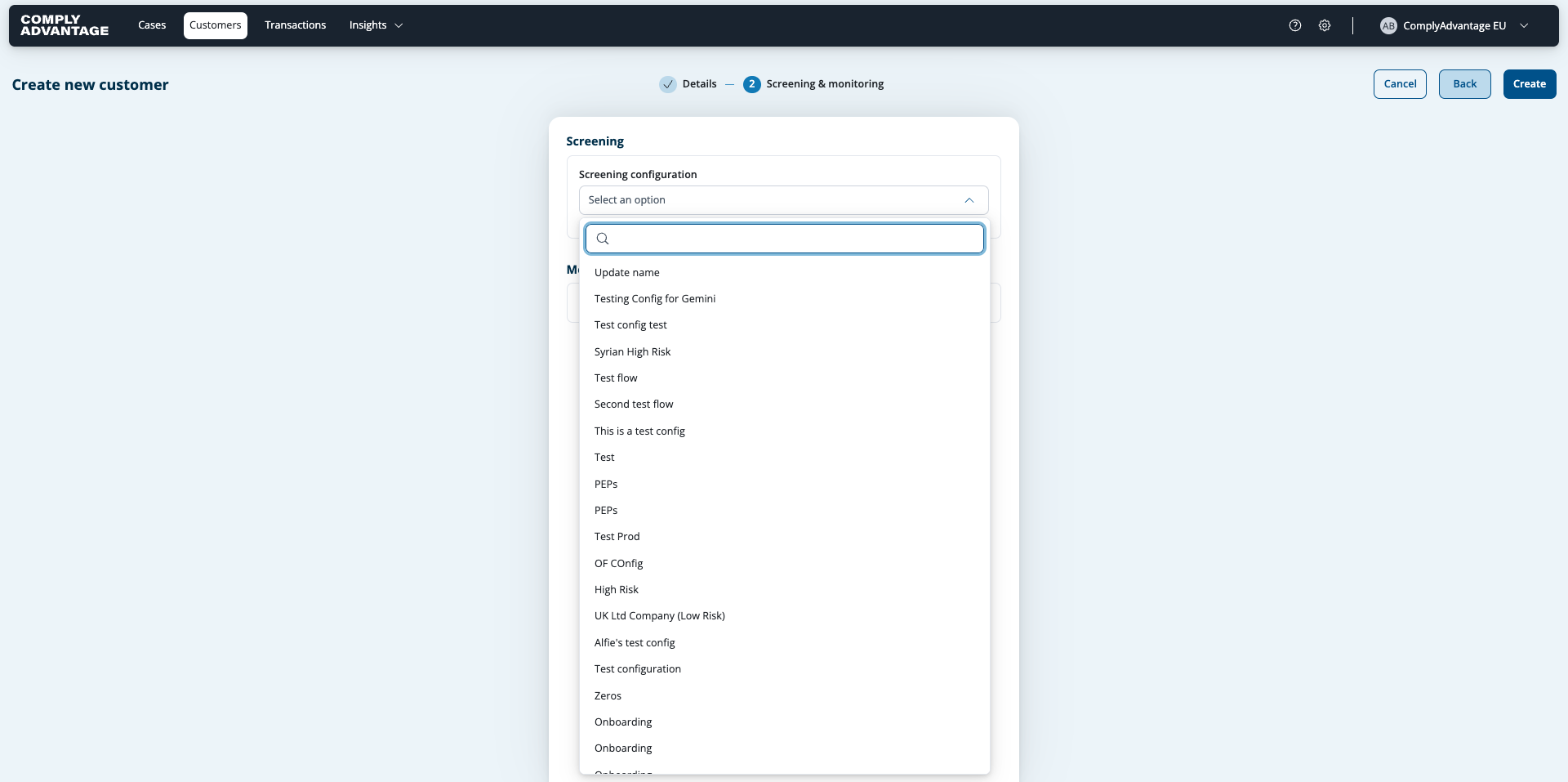
Select a screening configuration to screen your customer against.
Click Create. This creates your customer, calculates a risk score if you have set up a risk model, and screens against the selected screening configuration.
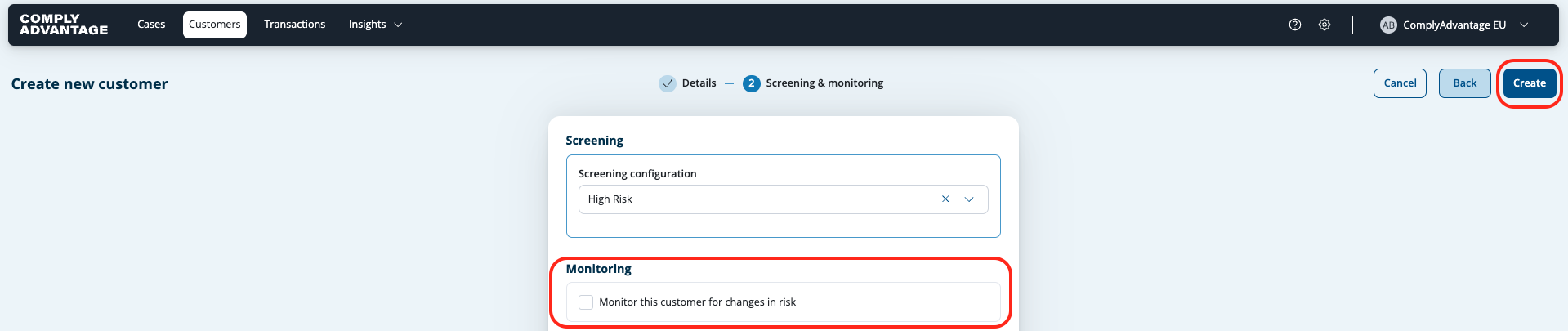
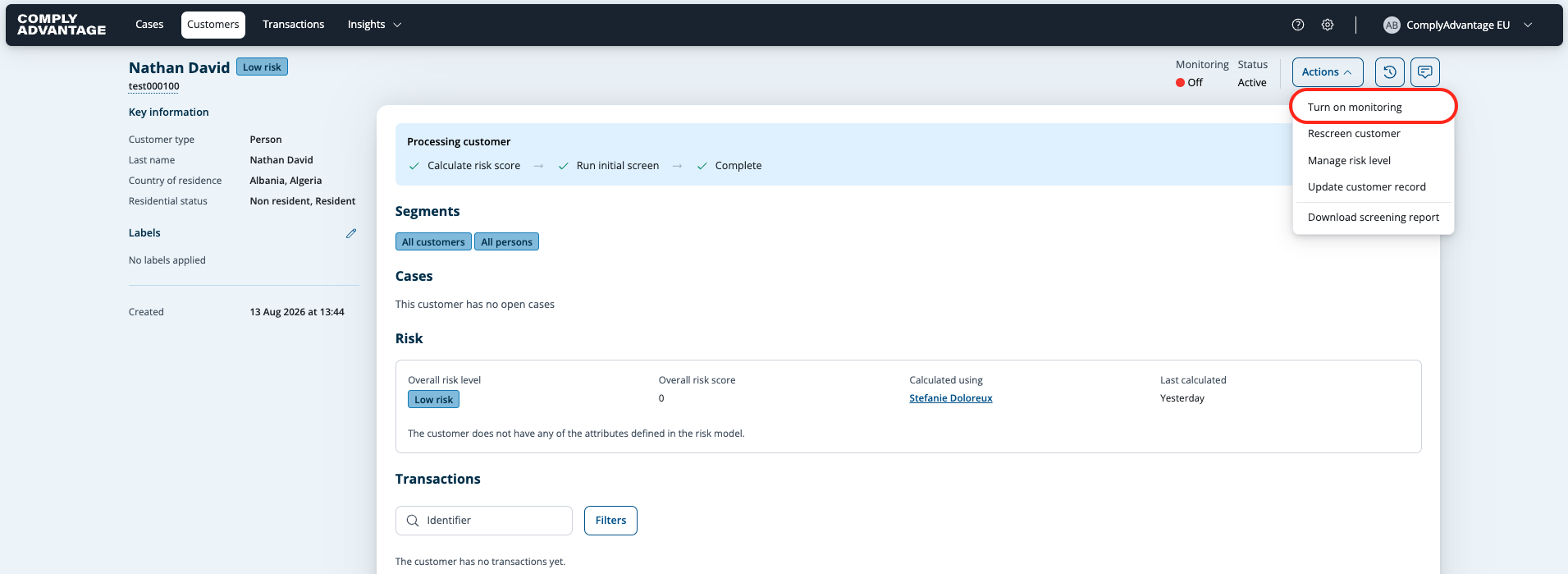
Monitoring: If you select the "Monitor this customer for changes in risk" in this page, monitoring will be enabled for this customer from the moment you create it. Don't worry, you can always change this once the customer is created (See image below)
For more details, see:
Creating and screening a batch of customers using the Mesh web application
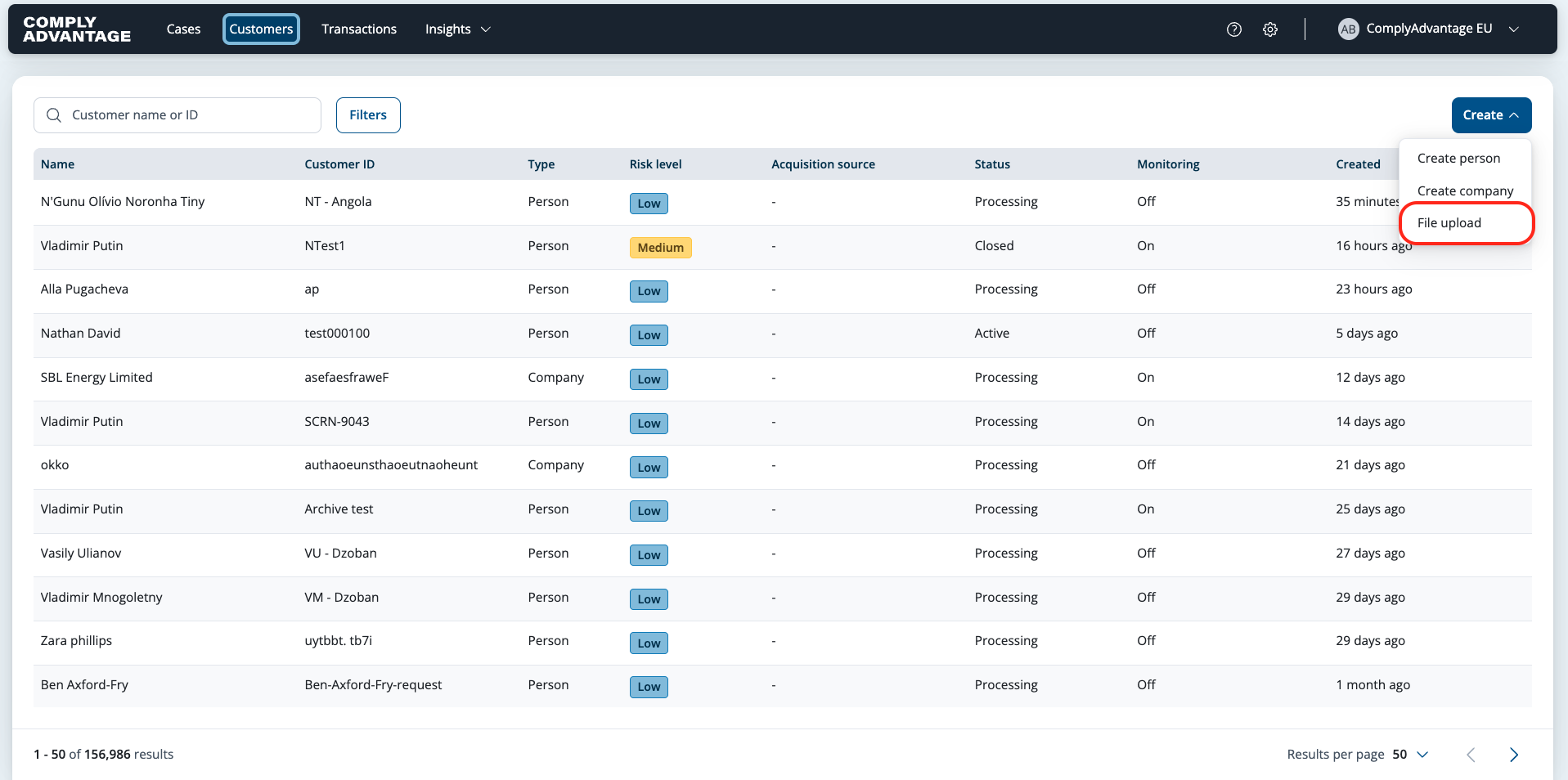
To upload a batch of customer records, click Customers in the main header. Then select Create, then File upload.
Select a file or drag and drop it into the marked area.
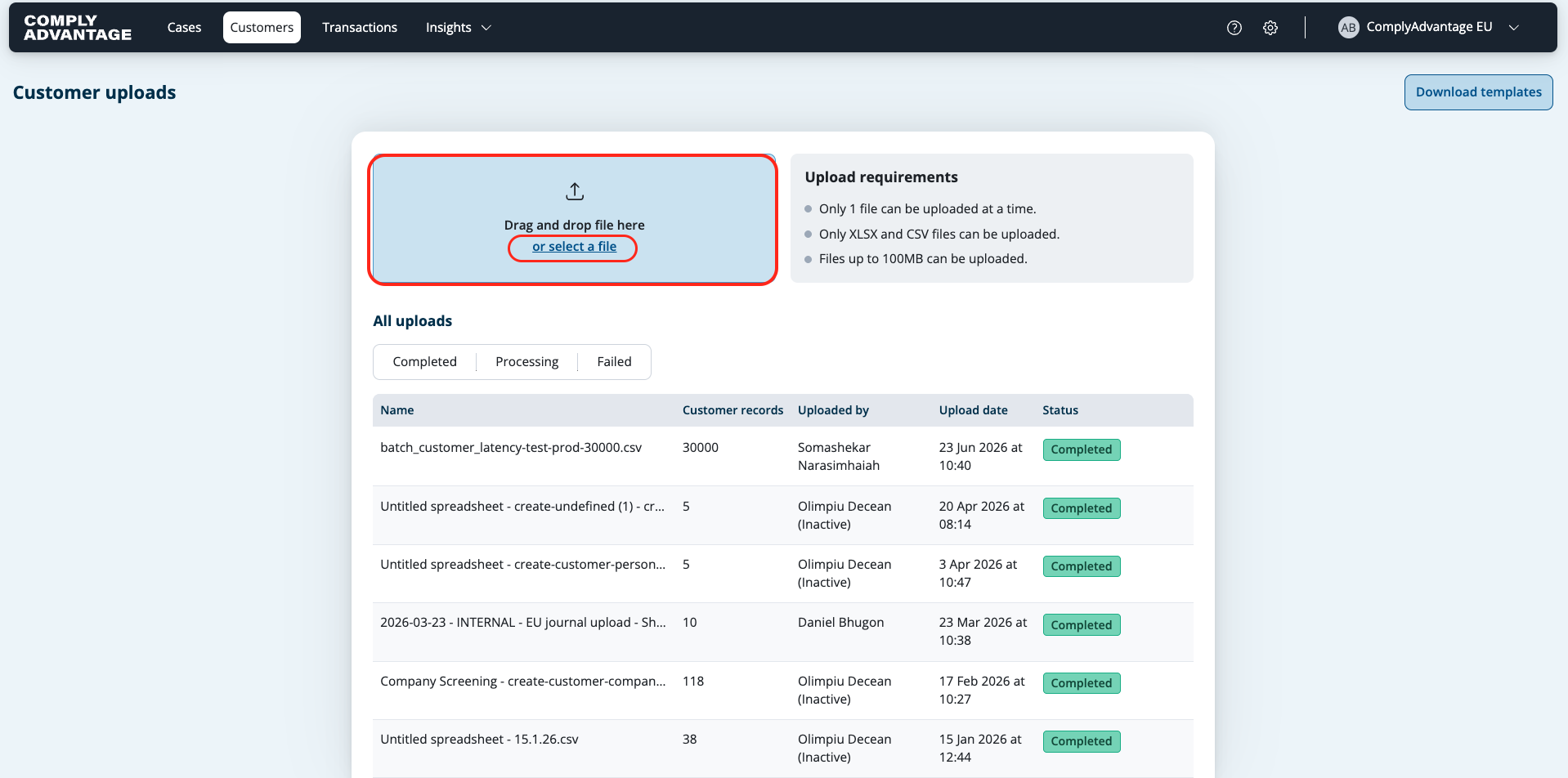
Your file is validated to check it meets the upload requirements. If everything passes, the file will be processed and moves into the All uploads table.
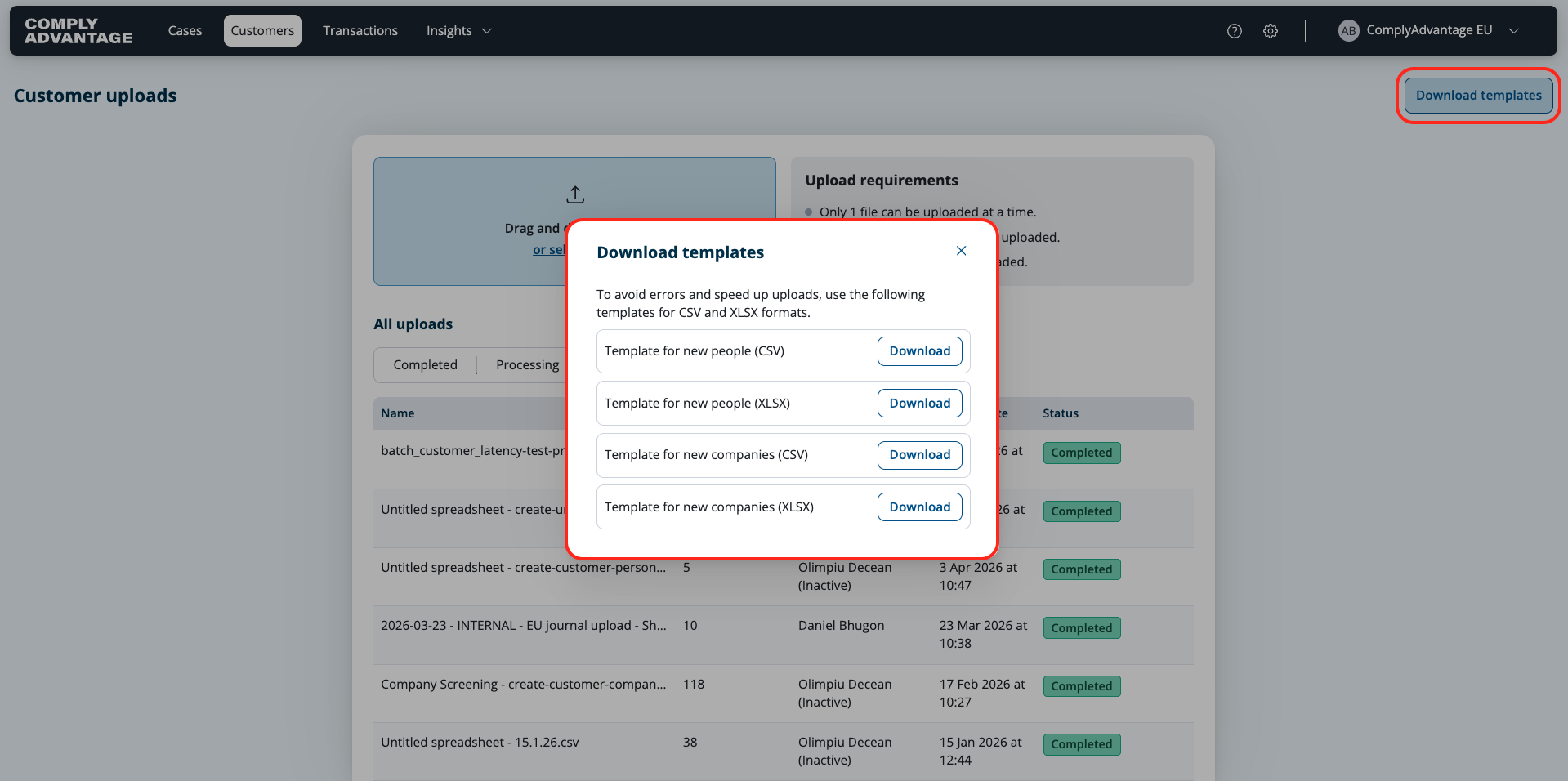
If you want to see the exact templates ComplyAdvantage accepts for batch upload, all you need to do is click "Download templates" on the top right:
For more details, see: Creating and screening people or companies in batches.
Creating and screening a single customer using the API
You can use the POST endpoint to create and screen a customer using the API. Any requests must be authenticated using a valid OAuth2 bearer token.
For more details see:
Creating a batch of customers using the API
To initiate a batch process using the API, you can post a file through the /v2/batch-processing endpoint.
For more details, see: Initiating a batch process using the API.