Setting a language preference
Last updated: August 25, 2026
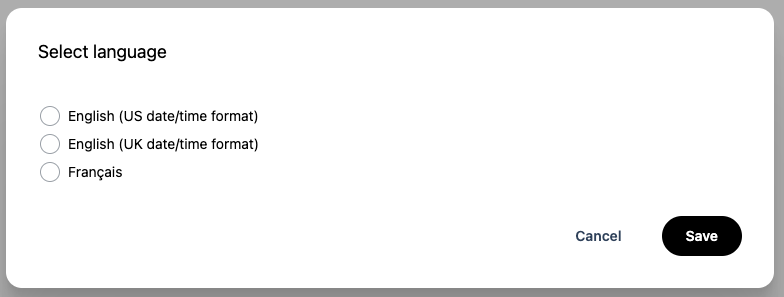
ComplyAdvantage Mesh offers a number of language and date/time format options that users can customise to suit their preferences.
Selection | User interface language | Date/time format |
English US | English | United States |
English UK | English | United Kingdom |
French | French | French |
Setting a language for the first time
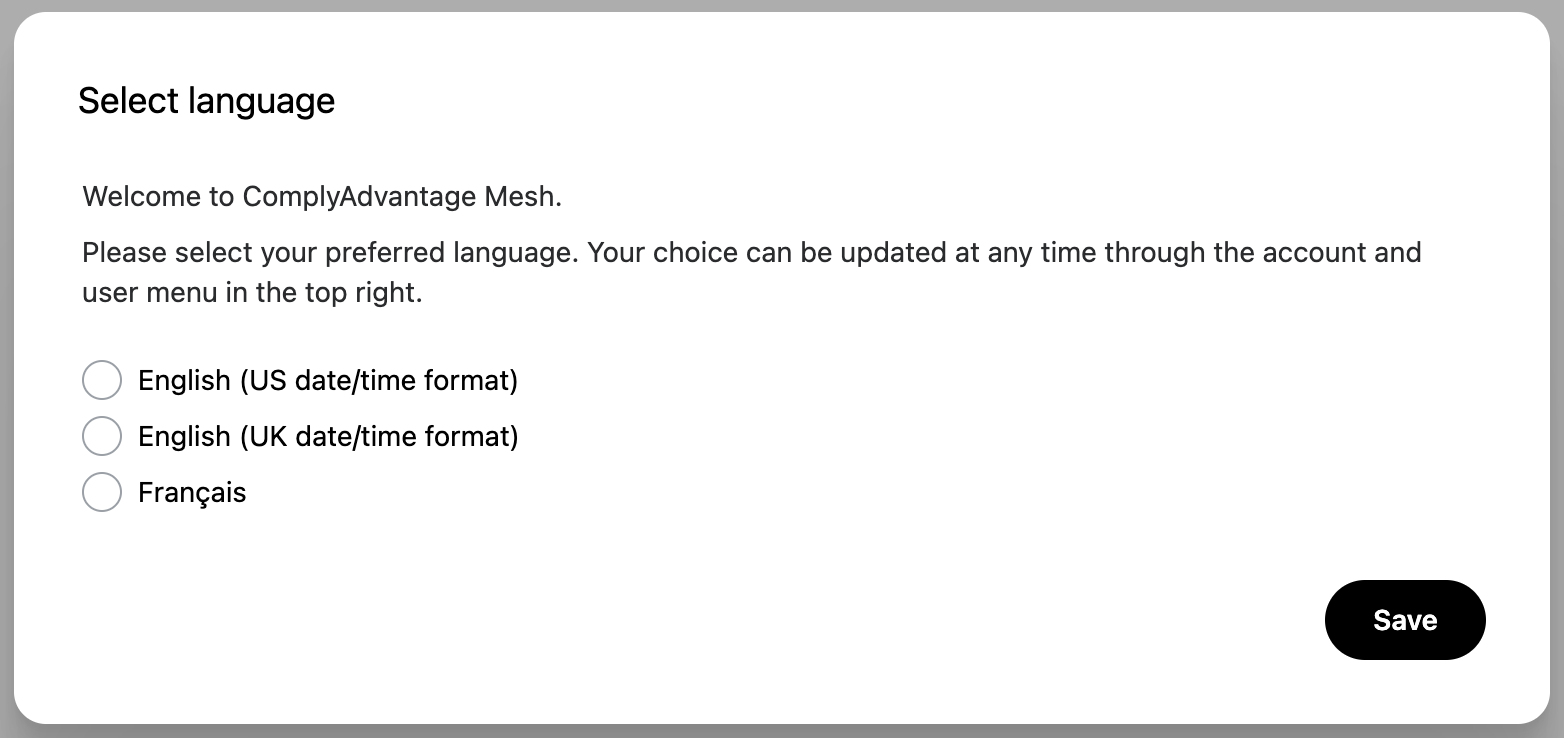
When you log into ComplyAdvantage Mesh for the first time, you’ll be asked to choose your preferred language. Select the language and date/time format you would like, and save your selection.
Setting a language at any time
To update your language preference at any time, use the language selector in the user menu located in the top-right corner of the page.
1. Click on the user menu and select the Language option.

2. Select the language and date format you would like to change to. Save your selection.