Reviewing a customer
Last updated: August 19, 2026
You can use sorting, filters and the search option on the Customers list page to find and manage customer profiles. You can view customers' details and risk scores, review their cases and see their statuses.
Select Customers from the main header.
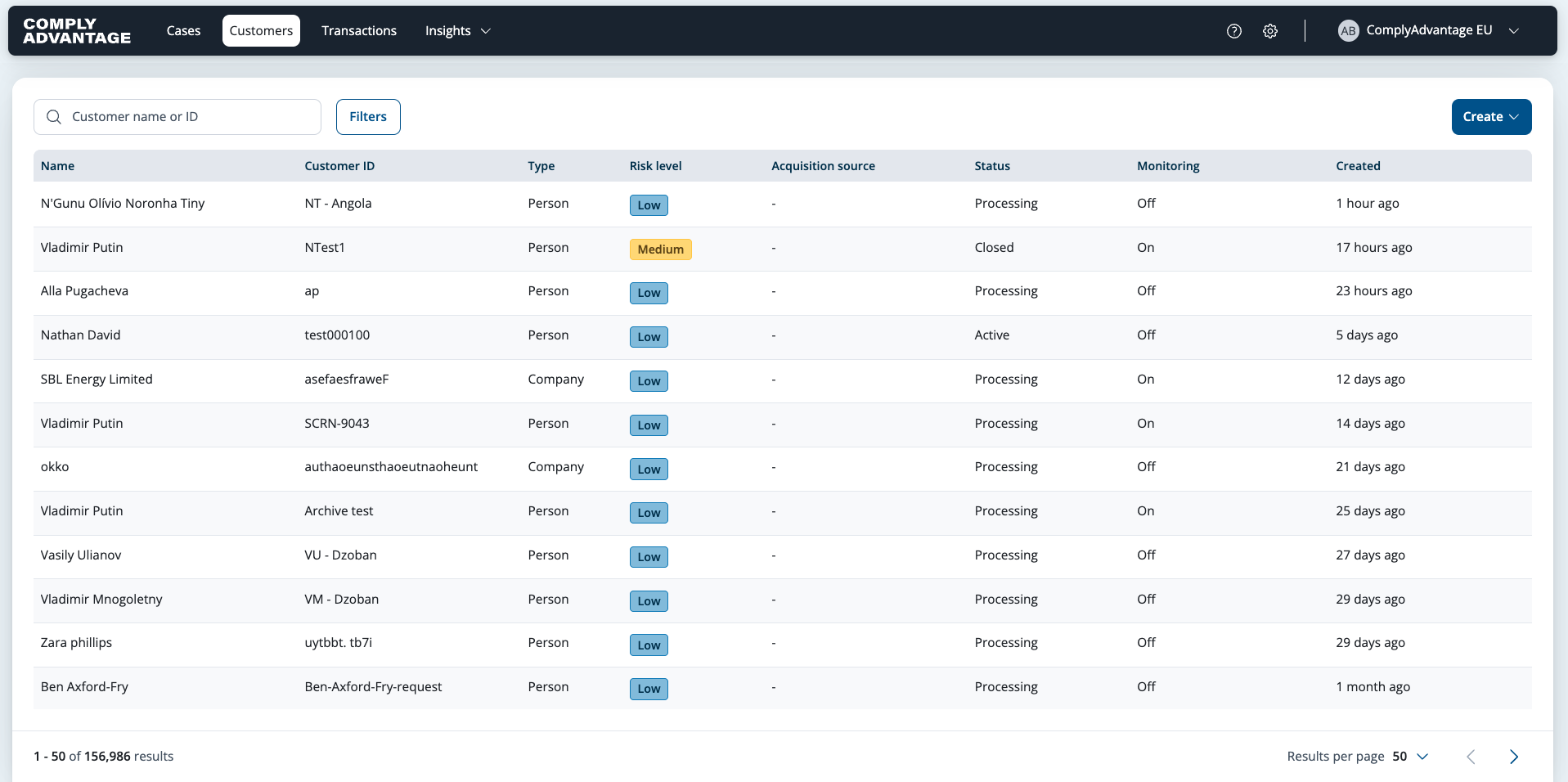
The Customers list page displays all uploaded customers in the account, both company and person types.
Managing customer records
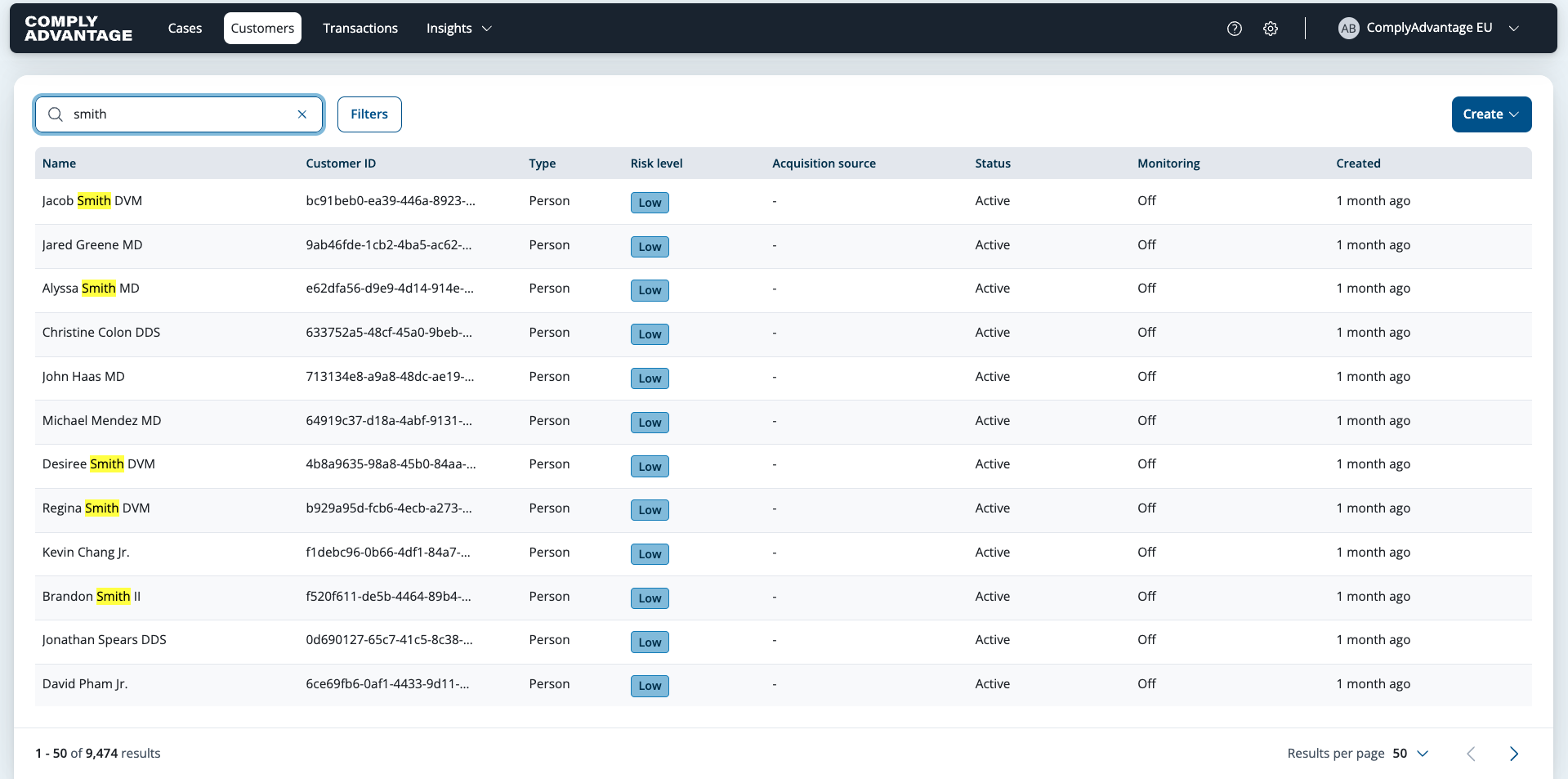
You can use the search box at the top of the Customers list page to find a specific customer by their name or ID.
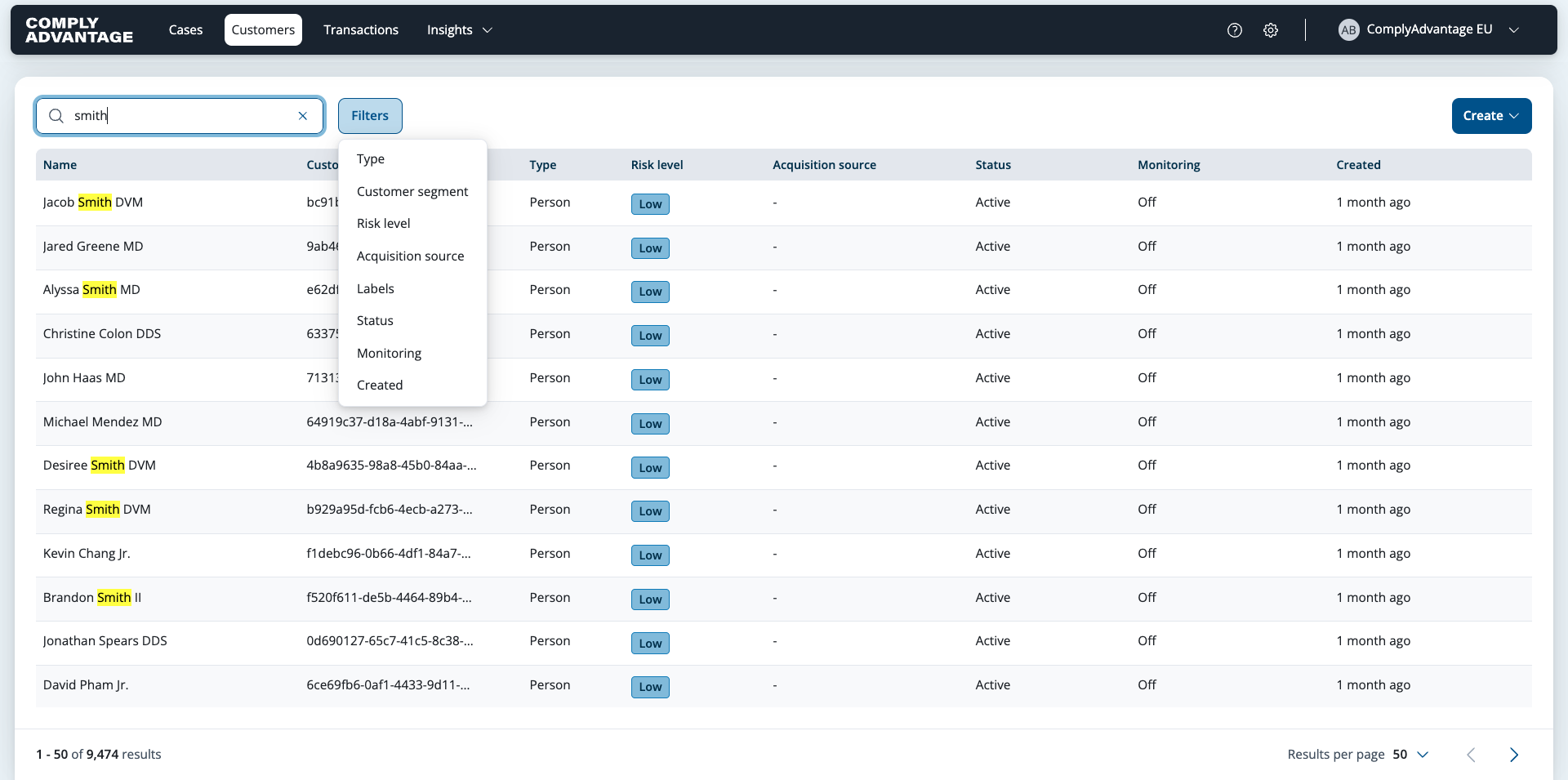
Filter options at the top of the page enable you to tailor the customer view as required.
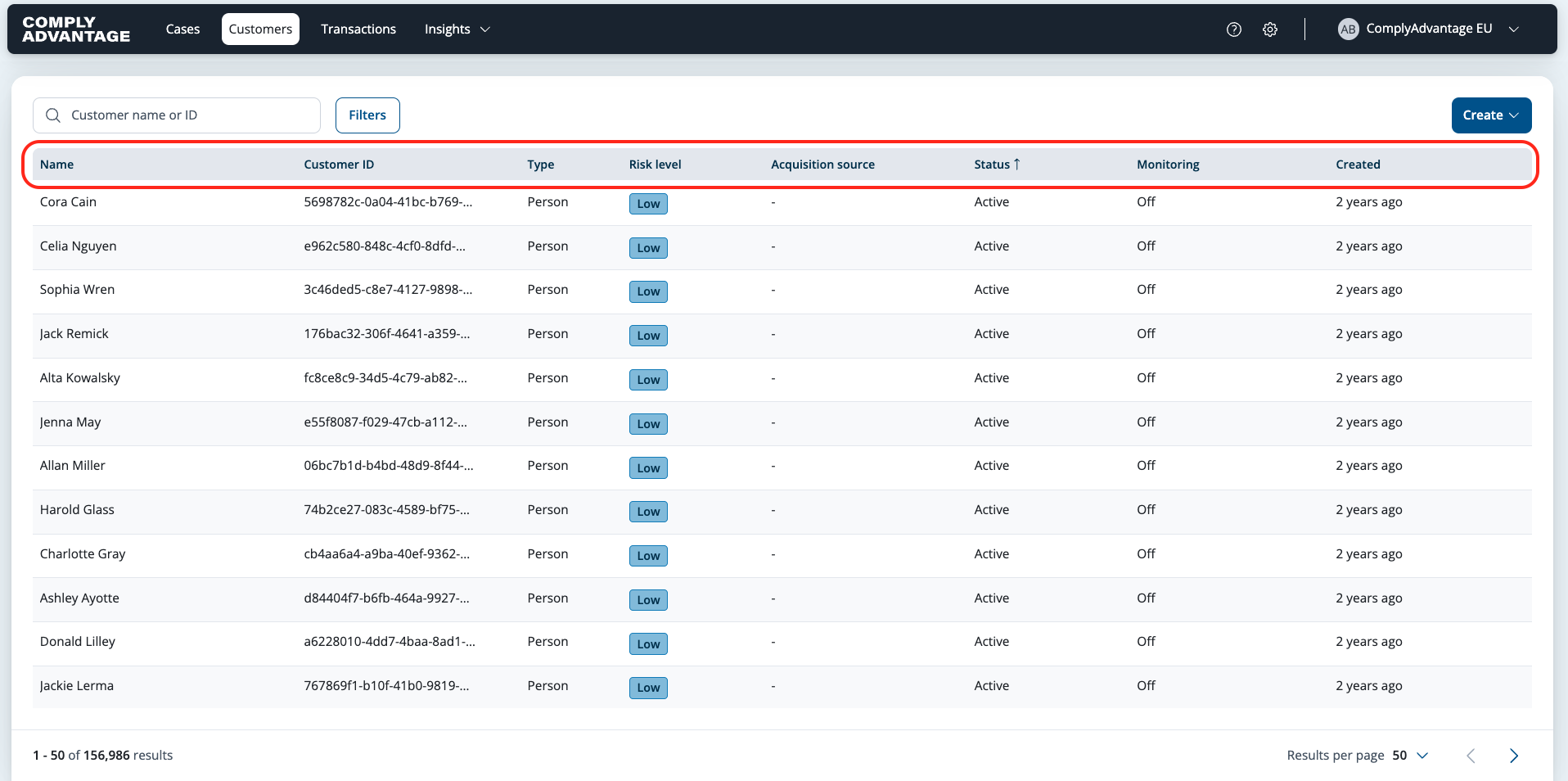
You can sort customers by clicking the column headers.
For more details, see:
Reviewing customer details
When you have found the customer that you want to review, click their row to view their details.
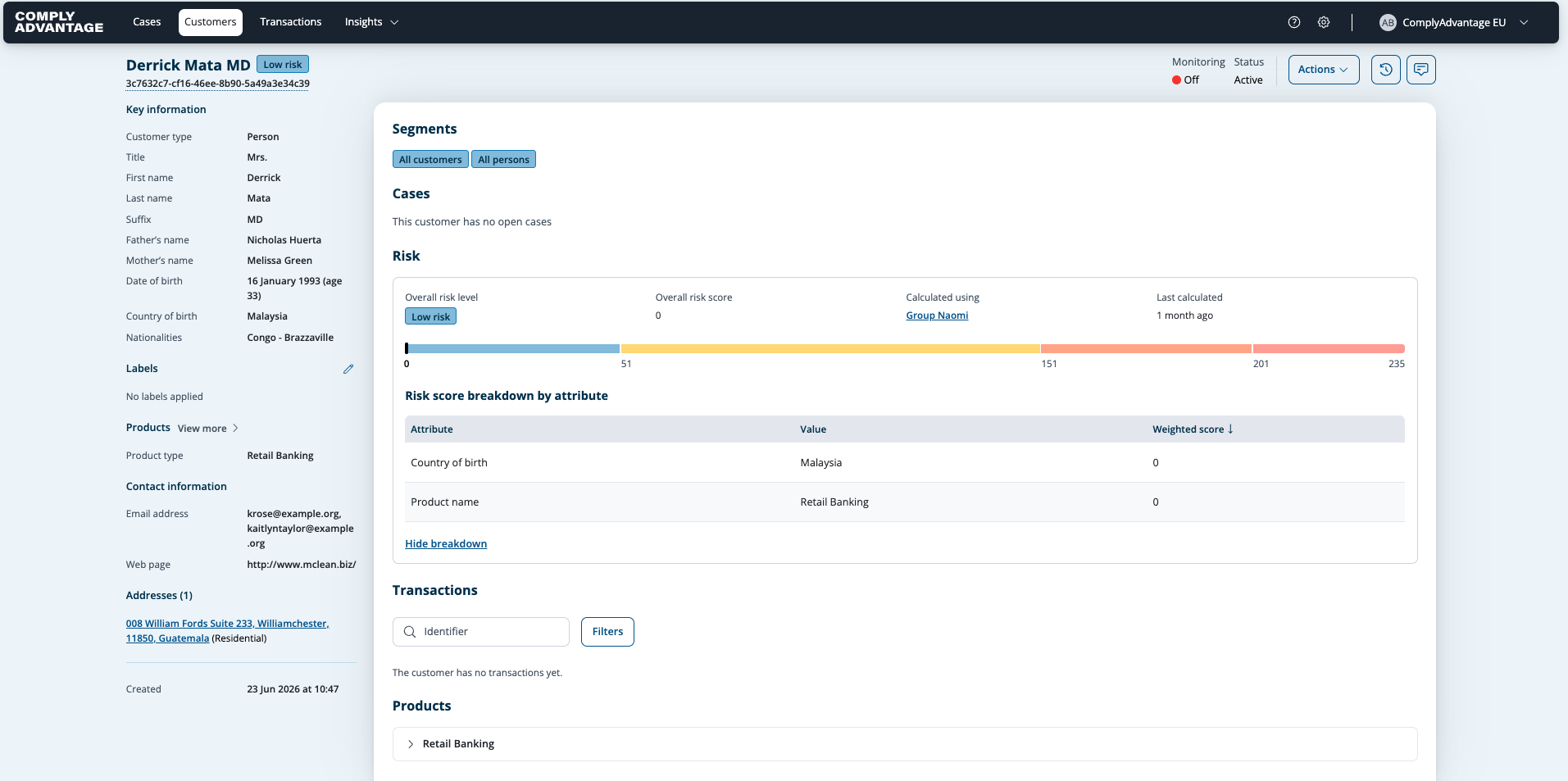
If there are any closed cases for the customer, you can see them by selecting View closed cases at the top of the main pane of customer details.